
The automation category broke open between 2024 and 2026. What used to be a two-horse race for connecting SaaS apps became a genuine market: operations-priced challengers undercut task-based billing by multiples, self-hosted platforms went mainstream as data-residency requirements spread, enterprise iPaaS matured into governed company infrastructure, and an entirely new generation of AI-native tools started automating work that rules-based platforms structurally cannot touch — reading, judging, and deciding, not just moving fields between apps.
That means “what's the best automation tool?” now has a follow-up question: best for whom? A three-person marketing team, an engineer wiring APIs, an IT department governing hundreds of workflows, and a sales team scraping the web all need structurally different platforms. This guide ranks the 10 workflow automation tools and Zapier alternatives we'd actually shortlist in 2026, organized by the job each is best at — and it's honest about the pricing meters, because the same workflow can cost 10x more on one platform than another.
We evaluated each platform on four criteria: integration depth (not the marketing number — whether real stacks get deep triggers and actions), honest unit economics (task vs. operation vs. execution vs. credit metering, priced against realistic volume), complexity ceiling (branching, loops, code steps, and error handling you'll need within a year), and AI capability (both AI-assisted building and AI steps inside workflows — the axis where the category is moving fastest).
Quick Comparison: The Best Automation Tools at a Glance
| Tool | Best For | Starting Price (Annual) | Pricing Meter | Self-Host |
|---|---|---|---|---|
| Zapier | Best Overall / Non-Technical Teams | $19.99/mo | Tasks | No |
| Make | Value / Visual Complexity | $9/mo | Operations | No |
| n8n | Developers / Self-Hosting | $0 self-hosted / ~$20/mo cloud | Executions | Yes |
| Power Automate | Microsoft 365 Organizations | Included w/ M365; $15/user Premium | Per user / per bot | No |
| Workato | Enterprise iPaaS | Custom (~$10k+/yr) | Recipes / quote | No |
| Pipedream | Developers / API Work | ~$24/mo | Credits | No |
| Relay.app | Human-in-the-Loop Workflows | $19/mo | Steps + AI credits | No |
| Activepieces | Open-Source No-Code | $0 self-hosted / $25/mo cloud | Active flows (unlimited tasks) | Yes |
| Gumloop | AI Agent Automation | $37/mo | AI credits | No |
| Bardeen | Browser Automation / GTM Teams | ~$10/mo | Credits | No |
How We Evaluated the Best Workflow Automation Tools
Feature checklists converge in this category — every platform claims triggers, actions, and AI. We weighted the dimensions where the platforms still genuinely differ:
Integration Depth, Not Count
Marketing numbers range from 280 to 8,000+ apps, but what matters is whether your stack gets deep triggers and actions. We checked real coverage for common SMB and B2B stacks — and credited generic HTTP/webhook modules that cover the long tail.
Honest Unit Economics
Tasks, operations, executions, active flows, and credits are not interchangeable meters. We modeled identical workflows across vendors — the same automation can cost 10x more on one platform, and AI steps burn credit meters far faster than teams expect.
Complexity Ceiling
Branching, loops, error handling, code steps, and webhooks — the features you don't need on day one and desperately need in month six. We scored how far each platform goes before you hit a wall, and what the wall costs to climb.
AI Capability
Two distinct things: AI that builds workflows for you (now table stakes) and AI steps inside workflows — LLM calls, agents, extraction, and judgment tasks. The second is where n8n, Gumloop, and Relay.app pull ahead of legacy architectures.
Pro Tip
Before comparing features, write down your three highest-volume workflows and estimate their monthly runs and steps. Then price exactly those three on each shortlisted platform's meter. This 30-minute exercise routinely changes the 'obvious' winner — a task-based platform that looks cheap at 10 runs a day looks very different at 1,000.
Pricing at a Glance
Entry pricing spans from Make's $9 per month to Workato's five-figure annual quotes — but the sticker price matters less than the meter behind it. Zapier's $19.99 buys 750 tasks; Make's $9 buys 10,000 operations; Activepieces' $25 buys unlimited executions; and self-hosted n8n makes volume essentially free. Here's how the 10 platforms compare on the cheapest paid tier:
The Best No-Code Automation Platforms, by Category
“Best” depends on who builds the automations and what the workflows require. Before reading individual reviews, place your team on this map — it narrows the realistic shortlist to two or three platforms:
No-code SMB platforms (Zapier, Make, Relay.app) win when business users own the automations and setup speed matters. Developer-grade and self-hosted platforms (n8n, Pipedream, Activepieces) win when engineers own them — code steps remove the ceiling, and self-hosting removes the meter. Enterprise iPaaS (Workato, Power Automate) wins when governance, audit, and systems-of-record integration are requirements, not nice-to-haves. AI-agent and browser tools (Gumloop, Bardeen) win when the work requires judgment or lives inside web pages — jobs the API-based platforms structurally can't do. Many mature teams run one platform from the first two categories plus one from the fourth.
Zapier
Best for: Non-technical teams and SMBs that want the widest app coverage and the fastest path from idea to working automation
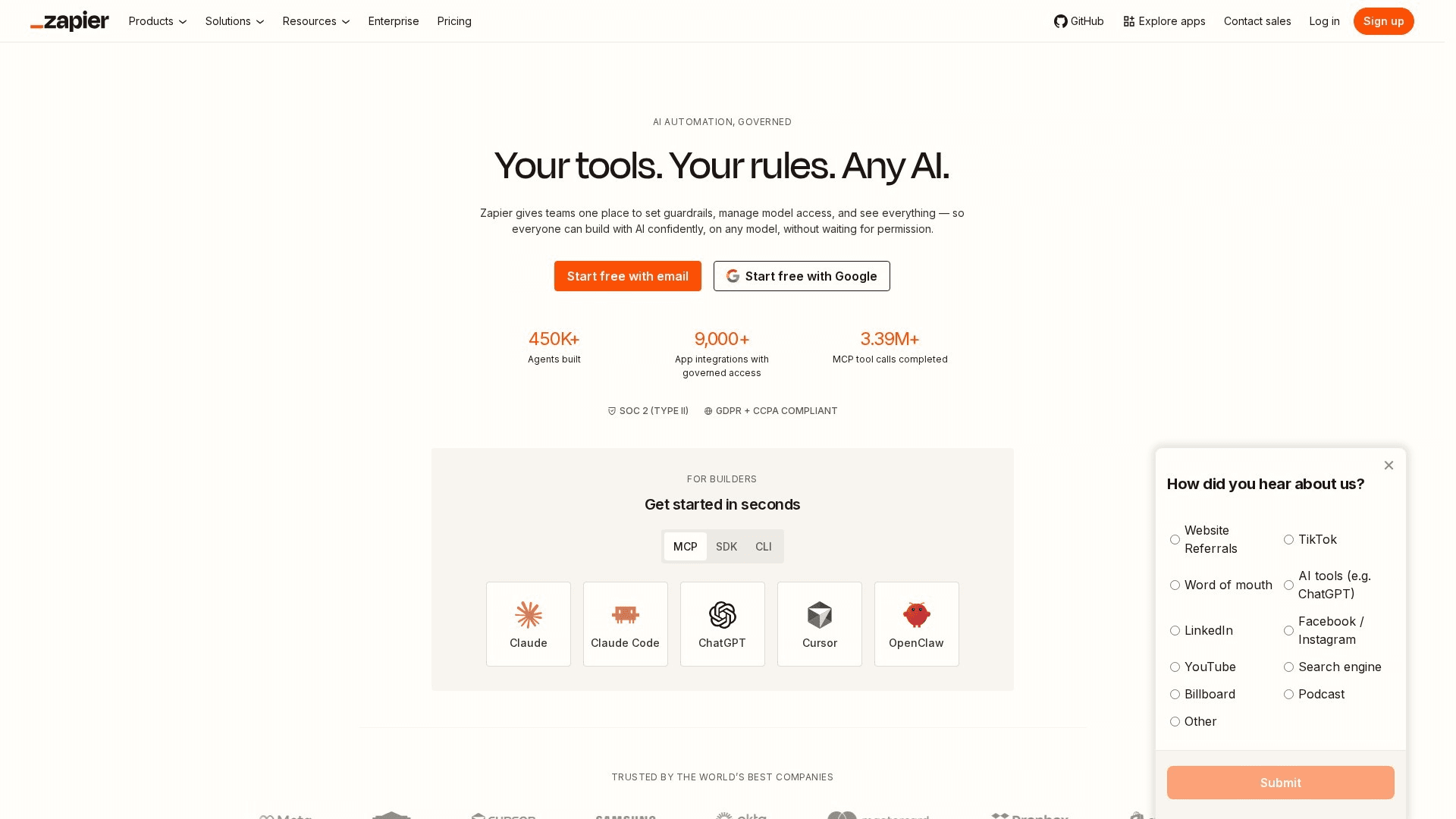
Zapier remains the default answer in 2026 for one stubborn reason: whatever two apps you need to connect, Zapier almost certainly connects them. The integration library passed 8,000 apps, and the platform around it has grown up — multi-step Zaps with branching paths, filters, and formatters; Tables and Interfaces for lightweight internal tools; Canvas for mapping processes; and an AI builder that turns a plain-English prompt into a working draft Zap. Agents extend that into goal-driven automation. The editor is still the most beginner-proof in the category, and the template gallery solves the blank-canvas problem. The trade-off hasn't changed either: per-task pricing gets expensive at volume, and complex data transformation feels clumsier here than on Make or n8n.
Key Features
- 8,000+ App Integrations: The largest integration library in the category — long-tail SaaS apps included
- AI Zap Builder & Agents: Plain-English prompts generate working Zaps; Agents handle goal-driven, multi-step tasks
- Multi-Step Zaps: Branching paths, filters, delays, and formatters without code
- Tables & Interfaces: Lightweight databases and front-ends that turn Zaps into internal tools
- Template Gallery: Thousands of prebuilt workflows that eliminate the blank-canvas problem
Pricing
| Plan | Monthly | Annual (per month) |
|---|---|---|
| Free | $0 (100 tasks/mo) | $0 |
| Professional | $29.99 | $19.99/mo (750 tasks) |
| Team | $103.50 | $69/mo (2,000 tasks) |
| Enterprise | Custom | Custom |
Pros
- Widest app coverage — the long tail matters in practice
- Easiest editor for non-technical builders
- AI builder and Agents genuinely accelerate setup
- Massive template and community ecosystem
Cons
- Most expensive per task of the mainstream platforms
- Complex branching and data transformation feel bolted on
- Task limits force plan upgrades as usage grows
Verdict: Zapier is the best automation tool for most teams in 2026. If setup speed and app coverage matter more than per-task cost, start here — and revisit the bill at scale.
Visit ZapierMake
Best for: Operations-minded builders who want visual, high-volume automation at a fraction of Zapier's per-unit cost
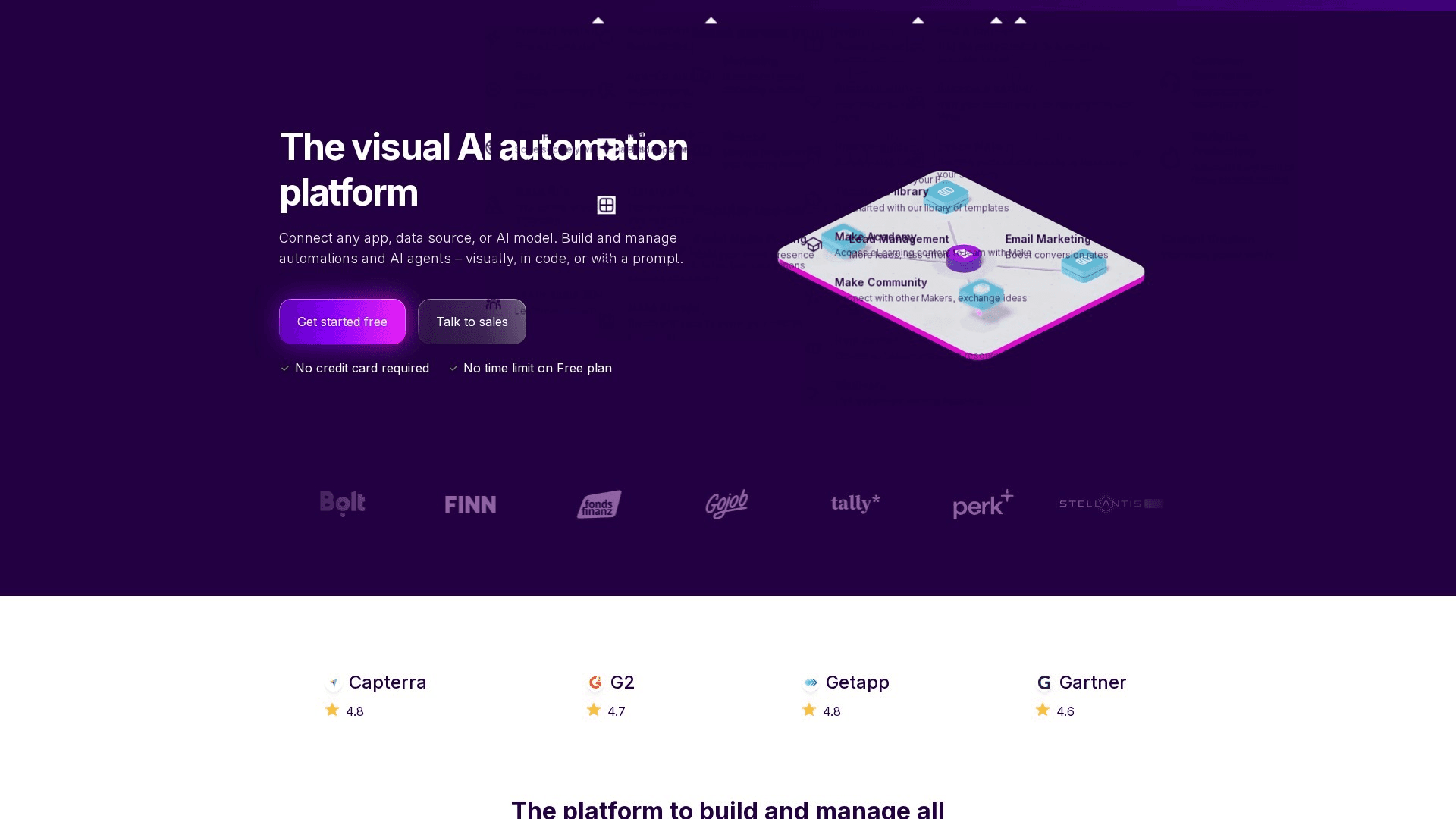
Make (formerly Integromat) is what you graduate to when the Zapier bill starts to sting and your workflows outgrow straight lines. Its scenario canvas is the best visual programming environment in the category: routers, iterators, aggregators, and error handlers are drawn as a living diagram, and watching data flow through modules in real time makes debugging almost pleasant. The economics are the headline — 10,000 operations for $9/month versus Zapier's 750 tasks at $19.99 — which works out 3-5x cheaper at realistic SMB volume. AI features arrived across the platform, including an AI assistant that drafts scenarios. The costs of the power: a steeper learning curve than Zapier, an operations meter that counts every module execution, and an app library (~2,000+) that trails Zapier's long tail.
Key Features
- Visual Scenario Canvas: Routers, iterators, aggregators, and error handling drawn as a live, debuggable diagram
- Operations-Based Pricing: 10,000 operations for $9/mo — dramatically cheaper per unit than task-based rivals
- Advanced Data Tools: Built-in transformation functions, JSON handling, and HTTP modules for arbitrary APIs
- AI Assistant: Drafts scenarios from prompts and explains errors in plain language
- 2,000+ App Integrations: Strong core SaaS coverage plus generic HTTP/webhook modules for everything else
Pricing
| Plan | Monthly | Annual (per month) |
|---|---|---|
| Free | $0 (1,000 ops/mo) | $0 |
| Core | $10.59 | $9/mo (10,000 ops) |
| Pro | $18.82 | $16/mo |
| Teams | $34.12 | $29/mo |
Pros
- Best price-to-volume ratio of the mainstream platforms
- Visual canvas handles complex branching elegantly
- Real-time execution view makes debugging fast
- Generic HTTP modules cover apps without native integrations
Cons
- Learning curve is real — data mapping takes practice
- Operations meter counts every module, so complex scenarios consume faster
- App library's long tail trails Zapier's
Verdict: Make is the value pick and the best visual builder. For teams willing to invest a weekend learning it, it delivers most of Zapier's capability at a fraction of the cost.
Visit Maken8n
Best for: Technical teams that want source-available automation with code steps, self-hosting, and first-class AI-agent tooling
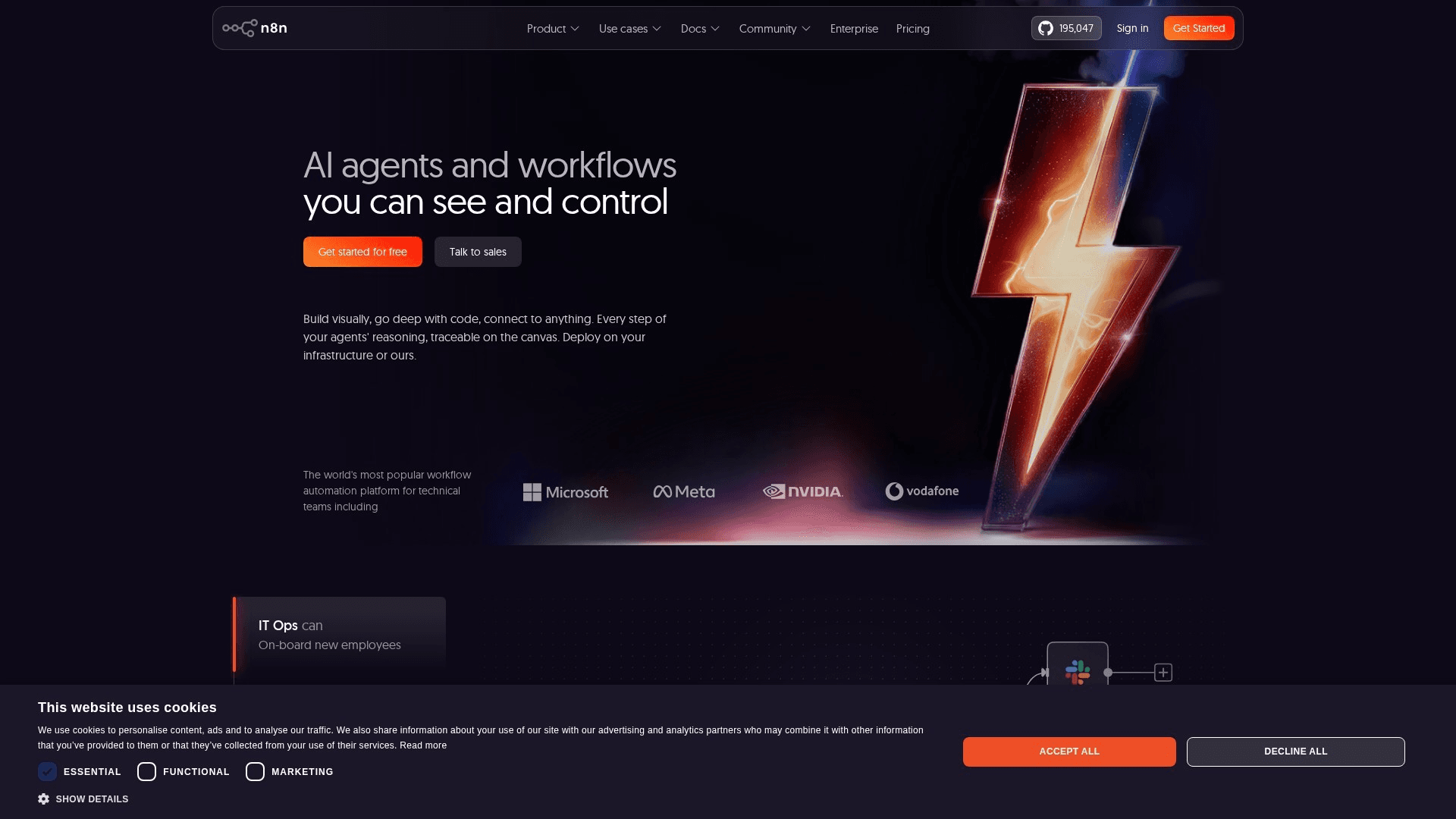
n8n became the darling of technical automation teams by refusing the either/or: it's a visual node-based builder and a code platform, a cloud service and a self-hostable fair-code project. The node editor covers 500+ integrations plus generic HTTP and webhook nodes; JavaScript and Python code steps drop in wherever the visual layer runs out; and self-hosting via Docker turns execution volume into a rounding error — a $10 VPS runs unlimited workflows. Its 2026 momentum comes from AI: n8n's agent nodes, with memory, tool-calling, and LangChain under the hood, are the most capable way to put an LLM to work inside a real workflow with guardrails. The trade-offs: it assumes technical comfort, and self-hosting means owning upgrades, backups, and uptime yourself.
Key Features
- Self-Hosting (Fair-Code): Docker deployment with no execution metering — high volume at flat infrastructure cost
- Code Nodes: JavaScript and Python steps anywhere the visual layer runs out of road
- AI Agent Nodes: LLM agents with memory and tool-calling as first-class workflow steps
- 500+ Integrations + HTTP: Native nodes for core SaaS plus generic HTTP/webhooks for any API
- Execution-Based Cloud Pricing: Cloud plans meter full workflow runs, not per-step operations — generous for complex flows
Pricing
| Plan | Monthly | Annual (per month) |
|---|---|---|
| Community (self-hosted) | $0 + infrastructure | $0 + infrastructure |
| Starter (Cloud) | ~$24 | ~$20/mo (2,500 executions) |
| Pro (Cloud) | ~$60 | ~$50/mo (10,000 executions) |
| Enterprise | Custom | Custom |
Pros
- Self-hosting makes volume essentially free
- Code steps remove the complexity ceiling entirely
- Best AI-agent tooling of any general automation platform
- Executions pricing doesn't punish complex workflows
Cons
- Assumes technical comfort — not for non-coders
- Self-hosting means you own maintenance and uptime
- Smaller native app library than Zapier or Make
Verdict: n8n is the best Zapier alternative for technical teams, full stop. If an engineer owns your automation — or you need self-hosting or real AI agents — it's the pick.
Visit n8nMicrosoft Power Automate
Best for: Organizations standardized on Microsoft 365 that want automation, approvals, and RPA inside the tenant they already govern
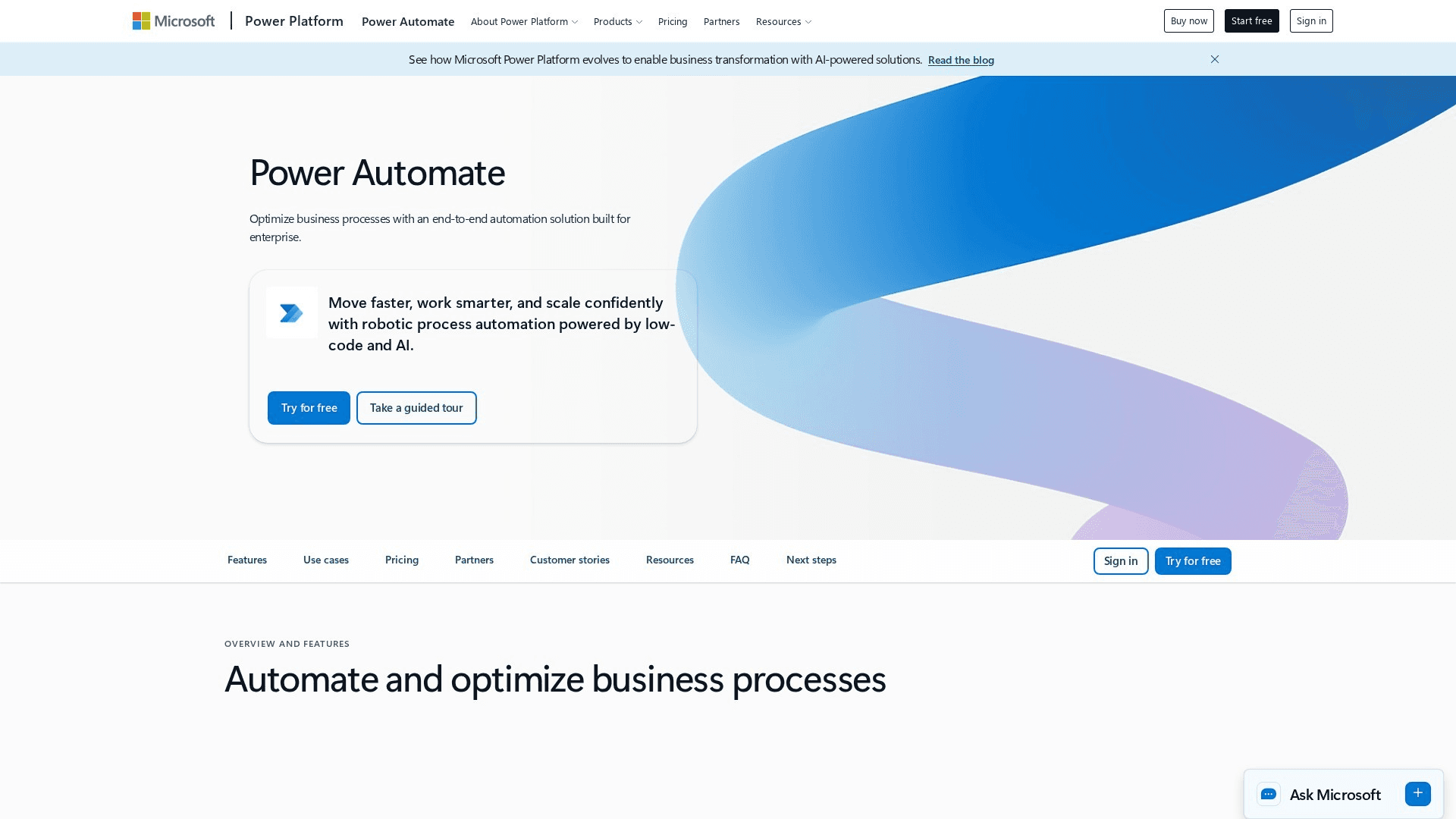
If your company runs on Microsoft 365, Power Automate is less a choice than a default — and a genuinely good one. Standard connectors for the Microsoft stack are included with most M365 licenses, so Teams notifications, SharePoint approvals, Outlook triage, and Excel updates cost nothing extra. The Premium tier adds 1,000+ connectors to external SaaS, and desktop flows bring real RPA — recording and replaying UI interactions for legacy apps that have no API. Copilot now builds flows from natural-language descriptions, which meaningfully lowers the barrier for office workers. The friction is real too: licensing is famously confusing, the editor feels heavier than Zapier's, and outside the Microsoft ecosystem the experience loses most of its advantage.
Key Features
- Deep Microsoft 365 Integration: Teams, SharePoint, Outlook, and Excel automation included with most M365 licenses
- Copilot Flow Building: Natural-language descriptions become working flows inside the editor
- Desktop Flows (RPA): Record-and-replay UI automation for legacy apps without APIs
- 1,000+ Premium Connectors: External SaaS coverage plus on-prem data gateways
- Enterprise Governance: DLP policies, environments, and admin controls under existing tenant governance
Pricing
| Plan | Monthly | Annual (per month) |
|---|---|---|
| With M365 (standard connectors) | Included | Included |
| Premium | $15/user | $15/user/mo |
| Process (unattended RPA) | $150/bot | $150/bot/mo |
| Hosted Process | $215/bot | $215/bot/mo |
Pros
- Effectively free for Microsoft-stack automation under existing licenses
- Only mainstream pick with credible built-in RPA
- Copilot makes flow-building accessible to office workers
- Governance and compliance inherit tenant policies
Cons
- Licensing tiers are genuinely confusing
- Editor feels heavy and slow next to Zapier or Make
- Weak value proposition outside the Microsoft ecosystem
Verdict: Power Automate is the automatic pick for Microsoft 365 organizations. Inside the tenant it's unbeatable on cost and governance; outside it, look elsewhere.
Visit Microsoft Power AutomateWorkato
Best for: Enterprises that need governed, cross-department integration and automation with IT oversight and business-user building
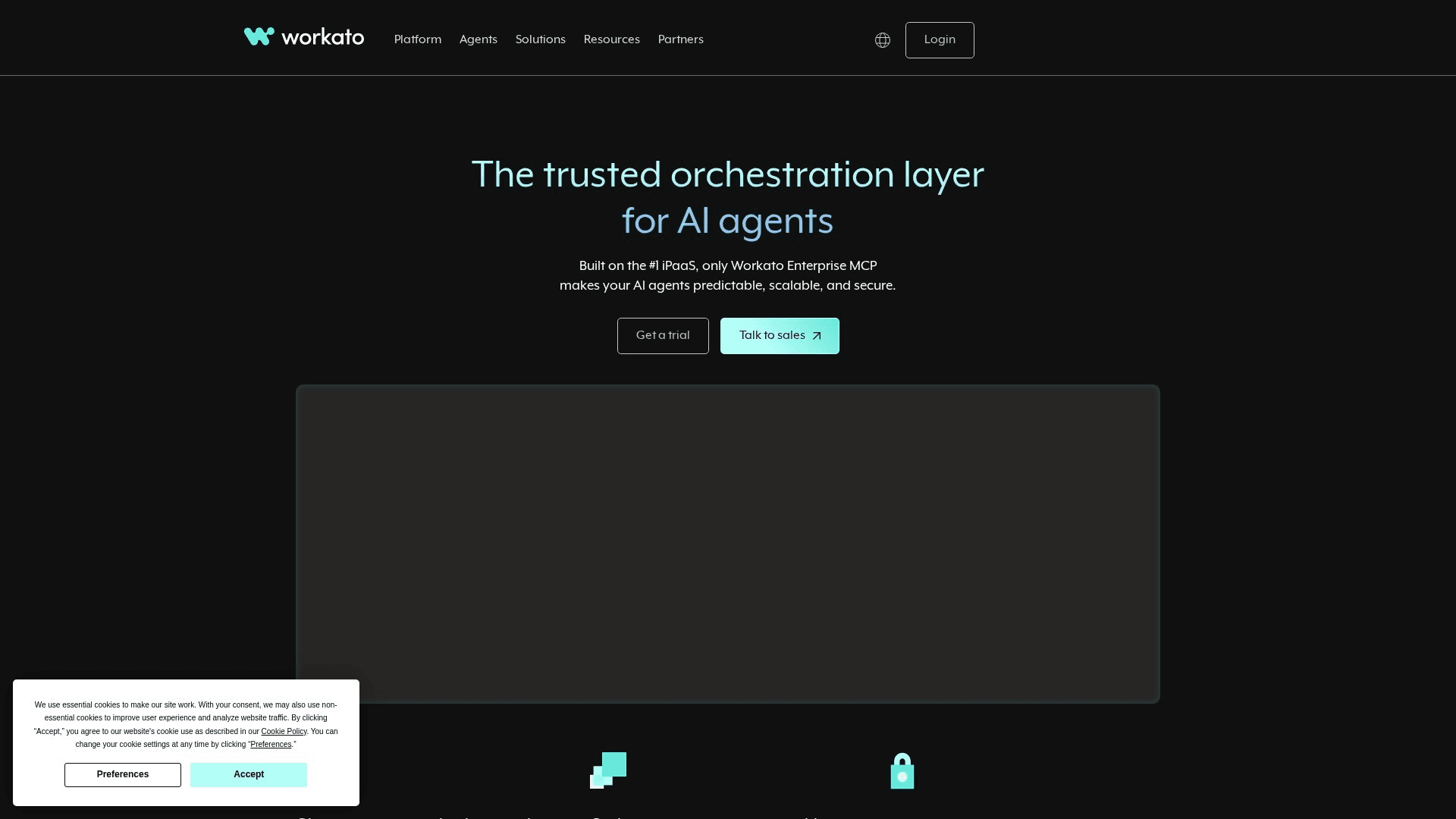
Workato is what automation looks like when it becomes infrastructure. Its recipe model pairs a no-code builder friendly enough for operations teams with the governance IT demands: role-based access, environment separation (dev/test/prod), audit logs, versioning, and lifecycle management across hundreds of recipes and dozens of builders. Connector depth is the other differentiator — Salesforce, NetSuite, Workday, SAP, and on-prem systems get enterprise-grade connectors with real error-handling semantics, not just API wrappers. AI arrived across the platform in copilot form and as agentic capabilities for orchestrating LLM-driven steps under enterprise controls. Pricing is quote-based and starts in five figures annually, which is exactly the point: Workato is bought when automation spans the company, not a department.
Key Features
- Recipe Governance: RBAC, environments, audit logs, and lifecycle management across hundreds of workflows
- Enterprise Connectors: Deep Salesforce, NetSuite, Workday, SAP, and on-prem integration with robust error handling
- Workbot & AI Copilots: Slack/Teams-native automation plus AI-assisted recipe building and agentic steps
- Low-Code for Business Users: Operations teams build; IT governs — the pattern enterprises actually want
- Scale & Reliability: Retry semantics, monitoring, and SLAs built for business-critical integration
Pricing
| Plan | Monthly | Annual (per month) |
|---|---|---|
| Workspace + recipes | Quote-based | Quote-based |
| Typical entry | — | ~$10,000+/year |
| Enterprise | Custom | Custom |
Pros
- Best governance model in the category
- Connector depth for systems of record, not just SaaS apps
- Business users build safely under IT oversight
- Scales to company-wide automation programs
Cons
- Five-figure entry pricing excludes SMBs
- Quote-based pricing makes evaluation slow
- Overkill for departmental automation needs
Verdict: Workato is the enterprise iPaaS pick. When automation becomes company infrastructure with compliance requirements, it's the platform built for that job.
Visit WorkatoPipedream
Best for: Developers who want to wire APIs together in code with the boring parts — auth, infrastructure, scheduling — handled
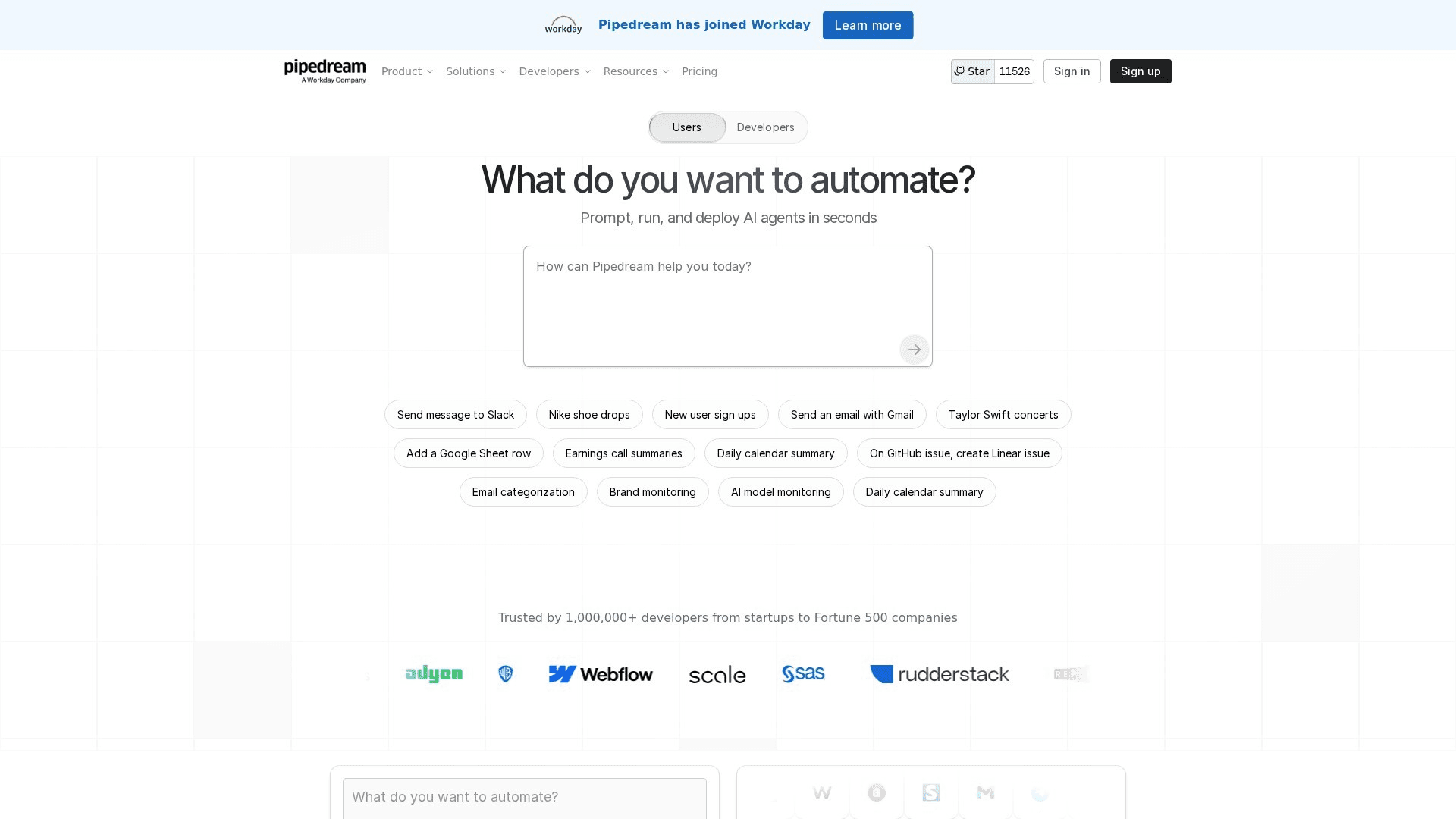
Pipedream occupies a smart middle ground: more code-native than n8n, far less setup than raw serverless functions. Workflows are sequences of steps that can be prebuilt actions or arbitrary Node.js, Python, Go, or Bash code, running on managed infrastructure with instant deploys. The killer feature is managed auth — Pipedream maintains OAuth and API-key connections for 2,500+ apps, so a code step gets an authenticated client without you building token refresh logic ever again. Event sources turn webhooks, schedules, and app events into triggers in seconds. It's also become a favorite substrate for AI work, with easy LLM API access and an MCP server story. The free tier is generous for tinkering; credit-metered paid tiers follow. Non-developers should look elsewhere — the product's soul is code.
Key Features
- Code Steps in Four Languages: Node.js, Python, Go, and Bash steps on managed infrastructure with instant deploys
- Managed Auth for 2,500+ Apps: OAuth and key management handled — authenticated API clients in one line
- Event Sources: Webhooks, schedules, and app events become triggers in seconds
- Prebuilt Actions: Thousands of no-code actions to mix with custom code
- AI-Ready Substrate: Straightforward LLM API integration and MCP support for agent workflows
Pricing
| Plan | Monthly | Annual (per month) |
|---|---|---|
| Free | $0 (daily credit allowance) | $0 |
| Basic | $29 | ~$24/mo |
| Advanced | $49 | ~$41/mo |
| Business | Custom | Custom |
Pros
- Managed auth eliminates the worst part of API integration
- Real code without infrastructure ownership
- Generous free tier for developers
- Excellent for webhook-driven and AI workflows
Cons
- Not a tool for non-developers
- Credit metering requires attention at volume
- Less visual debugging than Make or n8n
Verdict: Pipedream is the developer's automation pick. If your team thinks in code and APIs, it's the fastest path from idea to running integration.
Visit PipedreamRelay.app
Best for: Teams whose workflows need human judgment — approvals, reviews, and handoffs — woven into the automation itself
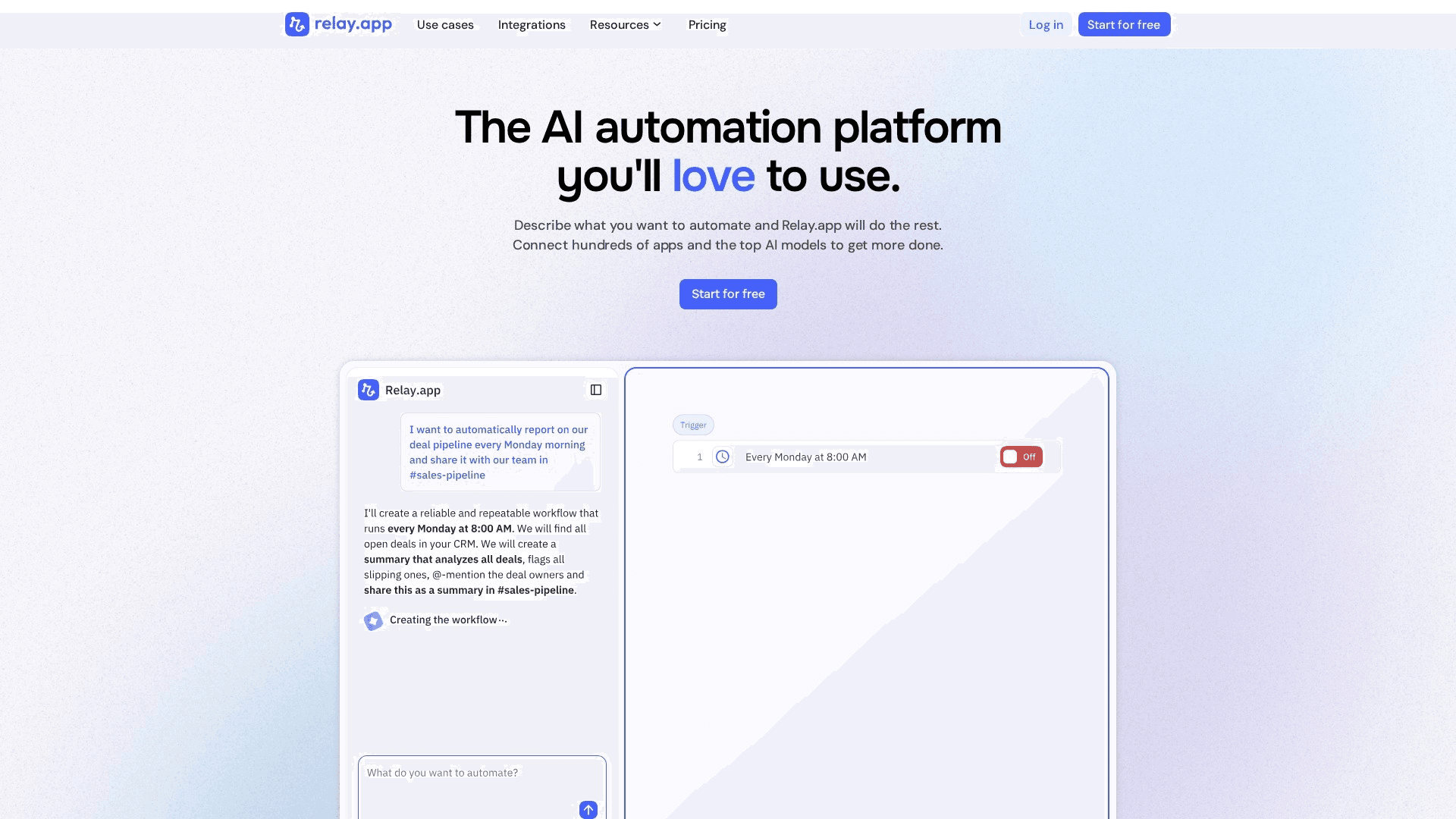
Relay.app was built on an observation the incumbents missed: most business workflows aren't fully automatable, because somewhere in the middle a human needs to approve, edit, or decide. Relay makes those human-in-the-loop steps first-class — approval gates, data-entry tasks, and review checkpoints that pause the workflow, notify the right person, and resume on their input. Around that core sits a genuinely polished no-code builder, arguably the cleanest interface in the category, with AI steps (summarize, extract, draft) that pair naturally with human review: the AI drafts, a person approves, the workflow continues. The integration library (~100+ apps) is the main limitation — deep coverage of mainstream SaaS, but a long tail that Zapier covers and Relay doesn't yet.
Key Features
- Human-in-the-Loop Steps: Approvals, reviews, and manual tasks as native workflow steps that pause and resume
- AI + Approval Pattern: AI drafts content or decisions; humans approve before the workflow continues
- Polished No-Code Builder: The cleanest, most modern editor in the category
- Team Handoffs: Route tasks to the right person with notifications and deadlines
- Multiplayer Workflows: Shared workflows and connections built for team ownership, not solo builders
Pricing
| Plan | Monthly | Annual (per month) |
|---|---|---|
| Free | $0 (200 steps + 500 AI credits/mo) | $0 |
| Professional | ~$27 | $19/mo (750 steps) |
| Team | ~$95 | $69/mo (2,000 steps) |
| Enterprise | Custom | Custom |
Pros
- Best approval and human-checkpoint model in the category
- Cleanest, most approachable interface
- AI steps designed around human review
- Team-first sharing and ownership model
Cons
- Integration library trails the big platforms significantly
- Young platform — fewer templates and community resources
- Step-based metering resembles Zapier's task economics
Verdict: Relay.app is the human-in-the-loop pick. If your workflows stall at 'someone needs to approve this,' Relay solves what Zapier and Make only work around.
Visit Relay.appActivepieces
Best for: Teams that want no-code ease with open-source ownership — or unlimited task volume on flat-rate cloud pricing
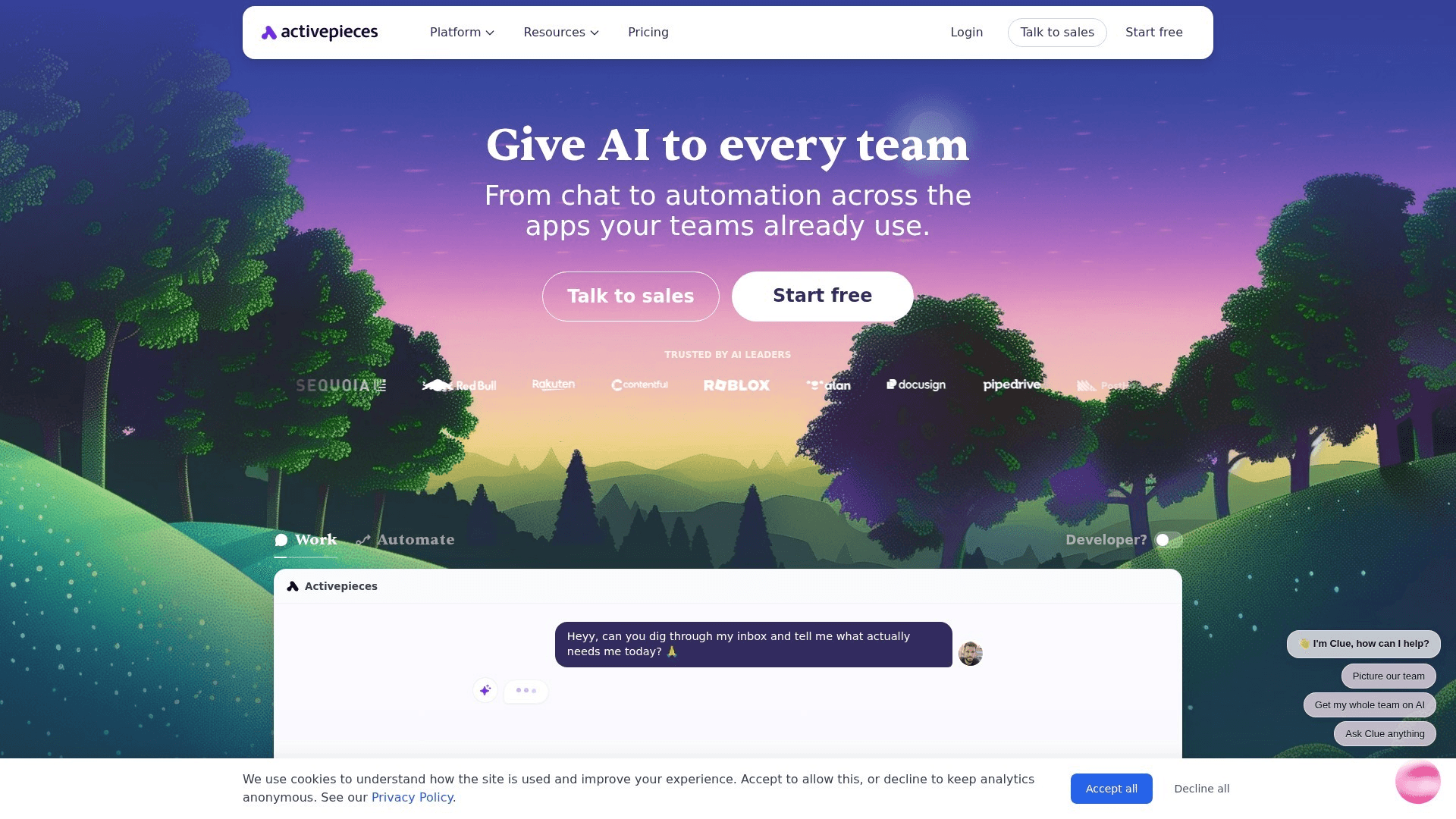
Activepieces answers a question n8n left open: what if open-source automation were actually built for non-developers? The MIT-licensed platform pairs a friendly, Zapier-like flow builder with full self-hosting freedom, and its 280+ integration 'pieces' are themselves open source — the community ships new connectors weekly, and TypeScript developers can write custom pieces easily. The 2026 pricing move made it genuinely disruptive: paid cloud plans meter active flows rather than tasks, with unlimited executions — a flow that runs 10,000 times costs the same as one that runs once. AI agents and tables arrived on the platform too. The honest caveats: the integration library trails the incumbents, and the platform's polish, while improving fast, is younger than its rivals'.
Key Features
- MIT Open Source: Fully open-source core — self-host with no licensing ambiguity
- Unlimited Tasks on Cloud Plans: Paid tiers meter active flows, not executions — volume is free
- No-Code Flow Builder: Zapier-like ease aimed at business users, not just engineers
- Open-Source Pieces: 280+ community-built integrations; custom pieces in TypeScript
- AI Agents & Tables: Agent steps and built-in tables for data-driven automations
Pricing
| Plan | Monthly | Annual (per month) |
|---|---|---|
| Open source (self-hosted) | $0 + infrastructure | $0 + infrastructure |
| Free (Cloud) | $0 (1,000 tasks) | $0 |
| Plus | $25 | $25/mo (unlimited tasks, 10 flows) |
| Business | $150 | $150/mo (50 flows, teams) |
Pros
- Unlimited-execution pricing upends per-task economics
- True MIT open source with easy self-hosting
- Friendliest open-source builder for non-developers
- Community-driven connector development moves fast
Cons
- Integration library smaller than the incumbents'
- Younger platform — occasional rough edges
- Active-flow limits constrain how many automations you run
Verdict: Activepieces is the open-source no-code pick. For high-volume automation on a budget — or ownership-minded teams without deep engineering — it's the sleeper hit of 2026.
Visit ActivepiecesGumloop
Best for: Teams automating fuzzy, judgment-shaped work — enrichment, categorization, extraction, and content operations — with LLMs in the loop
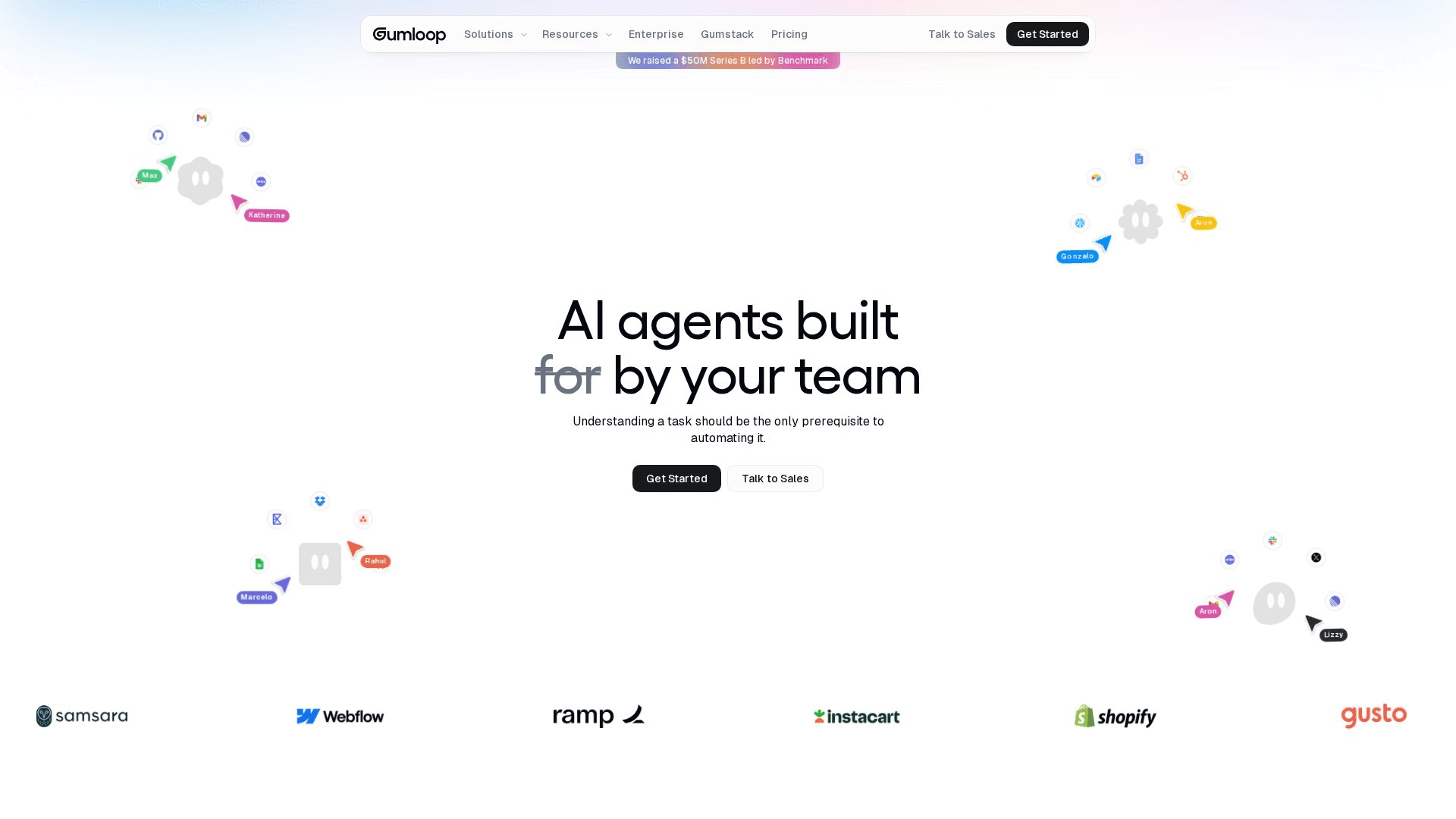
Gumloop starts from a different premise than the classic platforms: the interesting automations of 2026 aren't 'when X happens, do Y' — they're 'read this, understand it, then decide.' Its node-based canvas treats AI as the primary building material: LLM calls, web scraping, document parsing, data extraction, and categorization are first-class nodes, chained into flows that handle work rules-based tools can't touch — triaging inbound leads, summarizing call transcripts, drafting personalized outreach, monitoring competitors. Subflows and an agent builder handle multi-step reasoning, and credit-based pricing meters the AI work. The flip side: for plain deterministic app-to-app syncing, a conventional platform is cheaper and simpler — Gumloop earns its cost where judgment is the job.
Key Features
- AI-Native Canvas: LLM calls, scraping, parsing, and extraction as first-class workflow nodes
- Agent Builder: Multi-step AI reasoning with subflows for complex judgment tasks
- Document & Web Understanding: PDFs, pages, and transcripts become structured data inside flows
- Model Flexibility: Mix frontier LLMs per node based on cost and capability
- Prebuilt AI Templates: Lead triage, enrichment, and content-ops flows ready to adapt
Pricing
| Plan | Monthly | Annual (per month) |
|---|---|---|
| Free | $0 (5,000 credits/mo) | $0 |
| Pro | $37 | $37/mo (20,000+ credits) |
| Enterprise | Custom | Custom |
Pros
- Best purpose-built platform for LLM-driven workflows
- Handles fuzzy tasks rules-based tools can't
- Fast iteration on AI pipelines without code
- Credit model scales with actual AI usage
Cons
- Wrong tool for simple deterministic syncing
- AI credits burn faster than teams expect
- Smaller conventional integration library
Verdict: Gumloop is the AI-agent pick. When the workflow requires reading, judging, and deciding — not just moving data — it's the most capable no-code way to ship it.
Visit GumloopBardeen
Best for: Sales, recruiting, and research teams automating work that happens inside web pages — scraping, enrichment, and form-filling
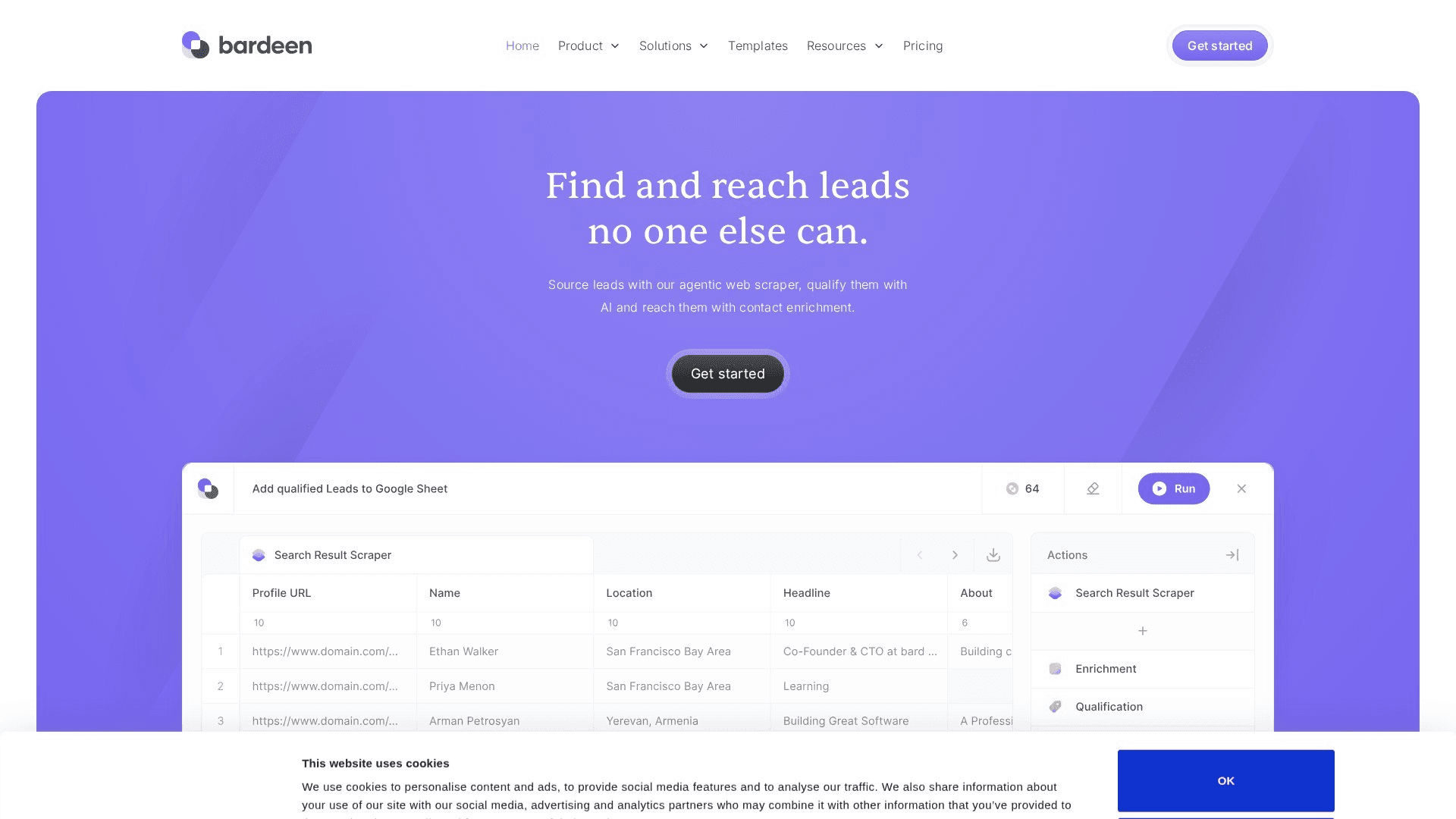
Bardeen automates the layer every API-based platform ignores: the browser itself. Its extension watches the pages you work in — LinkedIn, job boards, directories, CRMs — and runs 'playbooks' that scrape structured data, enrich records, fill forms, and push results to Google Sheets, HubSpot, Notion, or Slack. The AI layer generates playbooks from natural-language descriptions and handles messy extraction that brittle selectors used to break on. Since pivoting toward GTM teams, its prebuilt library leans heavily into prospecting, enrichment, and recruiting motions. Credit-based pricing meters actions, and AI-heavy playbooks consume credits noticeably faster than simple ones. It's a complement rather than a replacement for a general platform — but for web-page-shaped work, nothing on this list touches it.
Key Features
- Browser-Native Playbooks: Scrape, click, and fill inside real web sessions — no API required
- AI Playbook Generation: Describe the task in plain English; Bardeen drafts the automation
- Web Scraping & Enrichment: Structured extraction from LinkedIn, directories, and arbitrary pages
- GTM-Focused Library: Prebuilt prospecting, enrichment, and recruiting playbooks
- App Handoffs: Push scraped and enriched data to Sheets, CRMs, Notion, and Slack
Pricing
| Plan | Monthly | Annual (per month) |
|---|---|---|
| Free | $0 (limited credits) | $0 |
| Professional | ~$10-15 | ~$10/mo (starter credits) |
| Business | ~$15/user | ~$15/user/mo (team features) |
| Enterprise | Custom | Custom |
Pros
- Automates browser work API platforms can't reach
- AI-generated playbooks lower the setup barrier
- Strong prebuilt library for sales and recruiting
- Complements rather than competes with your main platform
Cons
- Credit consumption on AI actions runs hot
- Browser dependency makes some playbooks fragile
- Narrower scope than general automation platforms
Verdict: Bardeen is the browser-automation pick. For teams whose repetitive work lives inside web pages, it captures value the API-based platforms structurally cannot.
Visit BardeenHow to Choose the Best Zapier Alternative for Your Team
The decision framework, by the question that actually decides it:
If non-technical teammates build and maintain the automations
Zapier if app coverage and templates matter most — its editor is the most beginner-proof, and the 8,000-app library means the weird tool your team adopted last quarter is probably supported. Relay.app if your workflows involve approvals and handoffs — its human-in-the-loop steps solve what the others only work around. Both are genuinely no-code; the trade is coverage versus workflow shape.
If the bill is the problem
Make is the first stop — 3-5x cheaper than task-based pricing at typical volume, with a canvas that handles complexity better anyway. Activepieces goes further: unlimited executions on flat-rate cloud plans, or fully free self-hosted. And n8n self-hosted is the endgame — a $10 VPS runs unlimited workflows if someone on the team can own a Docker container.
If engineers own automation
n8n for the platform approach — visual flows plus code nodes plus AI agents, cloud or self-hosted. Pipedream for the code-first approach — managed auth for 2,500+ apps means never writing OAuth token refresh again, which developers who've tried it refuse to give up. Solo consultants and one-person operations increasingly build their entire delivery stack this way — see our guide to running a one-person agency on AI tools.
If governance and compliance are requirements
Workato when automation spans departments and IT must govern hundreds of workflows built by dozens of people — RBAC, environments, and audit logs are the product, not add-ons. Power Automate when you're a Microsoft 365 shop — governance inherits tenant policies and the standard connectors are effectively free. Self-hosted n8n or Activepieces when data residency is the constraint rather than process governance.
If the work requires judgment, not just rules
Lead triage, document summarization, content operations, competitive monitoring — anything shaped like “read this and decide” — points to Gumloop or n8n's agent nodes. Work that happens inside web pages — scraping, enrichment, form-filling — points to Bardeen. For a worked example of chaining AI steps into a production workflow, see our walkthrough on building an AI agent SEO workflow.
Pro Tip
Don't migrate everything at once. When switching platforms, rebuild your three most valuable workflows on the new tool first and run both in parallel for two weeks. Automation failures are silent by default — parallel running is the only way to catch the edge cases the old platform was quietly handling.
Frequently Asked Questions
Final Thoughts
The best automation tool of 2026 is the one whose architecture matches who builds your workflows and what those workflows require. Zapier is our best-overall pick because app coverage and approachability are what most teams actually need — but a cost-conscious operations team should run Make, a technical team should run n8n, an enterprise should evaluate Workato, and a team automating judgment-shaped work should start with Gumloop — and each would be right.
Whatever you pick: price your real workflows against the vendor's actual meter before committing, build your first three automations during the free tier or trial, and set up failure alerting on day one — silent automation failures cost more than any subscription. The platforms above all clear the 2026 bar; the differences are in fit, economics, and ceiling, not competence.
Related Free Tools
Technical SEO Audit
Audit the pages your automated content workflows publish
Meta Tags Generator
Generate title and description tags for every page
SERP Checker
See who ranks for your target keywords today
Keyword Search Volume
Size demand before automating your content pipeline
SEO Content Grader
Grade AI-generated drafts before your workflow publishes them
Google Autocomplete Extractor
Feed real queries into your keyword automation
Related Articles
How to Build an AI Agent SEO Workflow
A worked example of chaining AI steps into production automation
Build a One-Person SEO Agency with AI Tools
The automation-heavy stack for solo operators
Best AI SEO Tools
The tools worth wiring into your automation workflows
Best Dictation Apps for Vibe Coding
Prompt your AI coding agents by voice instead of typing every spec
Browse All Articles
Explore our complete library of SEO and GTM guides
About the Author

Co-Founder & SEO Execution
Co-founder of PikaSEO. 11 years in corporate tech, then bootstrapped entrepreneur. Leads SEO execution and content-led growth for SaaS companies.