
“No-code” stopped being a single category somewhere around 2024. Today it spans four genuinely different architectures: visual site builders where the canvas is the product, full-stack platforms that build entire applications without code, headless CMS platforms whose editing layers finally became usable by non-developers, and hybrid tools that bolt visual editing onto codebases developers already built. Choosing well means knowing which architecture your project actually needs — because the platforms are no longer interchangeable, and the wrong pick costs a replatforming project later.
The other shift is CMS depth. The difference between a brochure builder and a serious platform in 2026 is structured content: collections and references, dynamic templates, per-entry SEO control, and the programmatic pages that let one template generate hundreds of indexed URLs. That capability used to require developers and a headless stack; now it's table stakes on the best visual builders, while the headless platforms compete on how little their editors feel like databases.
This guide ranks the 10 platforms across all four architectures. We evaluated each on visual editing quality (can a non-developer genuinely build and maintain the thing), CMS and structured-content depth (collections, references, programmatic pages, multi-channel delivery), who it's really for (solo maker, marketing team, agency, or enterprise), and honest total cost (including the developer time that headless setups quietly require). If you're comparing general-purpose builders on design and price instead, see our companion guide to the best website builders.
Quick Comparison
| Platform | Best For | Architecture | Entry Price (Annual) |
|---|---|---|---|
| Framer | Best Overall / Visual Development | Visual builder + built-in CMS | $5/mo |
| Wix Studio | Full-Stack Platform / Agencies | Visual builder + built-in CMS | $17/mo |
| Storyblok | Headless CMS for Non-Developers | Headless, visual-first | Free / ~$99/mo |
| Builder.io | Visual Editing on Existing Stacks | Hybrid headless + visual editor | Free / ~$19/user/mo |
| Bubble | No-Code Web Apps | Full-stack app platform | $29/mo |
| Contentful | Enterprise Content Operations | Headless, API-first | Free / $300/mo |
| Sanity | Custom Structured Content | Headless, code-configurable | Free / $15/user/mo |
| WordPress.com | Editorial & Publishing | Open-source CMS, managed | $4/mo |
| Squarespace | All-in-One for Small Teams | Template builder + collections | $16/mo |
| Dorik | Budget Builds / White-Label | Block builder + built-in CMS | ~$5/mo |
How We Evaluated
Because this list spans site builders, app platforms, and headless CMSs, we scored every platform on the four dimensions that transfer across architectures:
Visual Editing Quality
Can a non-developer genuinely build, edit, and maintain the site or content — not just fill in forms? Framer's canvas and Storyblok's live preview set the bar; blind editing forms failed it.
CMS & Structured-Content Depth
Collections, references, dynamic templates, per-entry SEO fields, programmatic pages, and — for headless platforms — how cleanly content delivers to multiple channels.
Fit by Team Shape
A solo maker, a five-person marketing team, an agency, and an enterprise content org need different architectures. We ranked by the job each platform is best at, not a single abstract score.
Honest Total Cost
Subscription plus the quiet line items: seats, usage and API traffic, front-end hosting for headless setups, and the developer time that “no-code” headless architectures still require up front.
Pro Tip
Before comparing platforms, write down your content model: what entry types you have (posts, locations, case studies), how they reference each other, and every channel they need to reach. If the answer is 'one website, three content types', a built-in CMS wins on cost and simplicity. If content feeds a site plus an app plus email, shortlist headless from the start — retrofitting is the expensive path.
Pricing at a Glance
Entry pricing spans two orders of magnitude — from WordPress.com's $4/month to Contentful's $300/month Basic tier — because the platforms sell different things: a site subscription versus content infrastructure. Note that every headless platform here (Storyblok, Builder.io, Contentful, Sanity) has a genuinely usable free tier for small projects:
The No-Code & CMS Landscape
Before reading individual reviews, place your project on this map. The four architectures solve different problems, and most “wrong platform” stories start with a category mismatch rather than a bad product:
Visual site builders (Framer, Squarespace, Dorik) win when the job is one excellent website with structured content — the CMS is built in and nothing needs integrating. Full-stack no-code platforms (Wix Studio, Bubble) win when the project outgrows “website” — commerce, booking, memberships, or a real application with users and data. Headless CMS platforms (Storyblok, Contentful, Sanity) win when content must feed multiple destinations under real workflows. Hybrid and open options (Builder.io, WordPress.com) win at the edges: visual editing on an existing developer stack, or open-source publishing depth without server maintenance.
Framer
Best for: Marketing teams, designers, and startups that want visual development with a real CMS — programmatic pages included — and zero maintenance
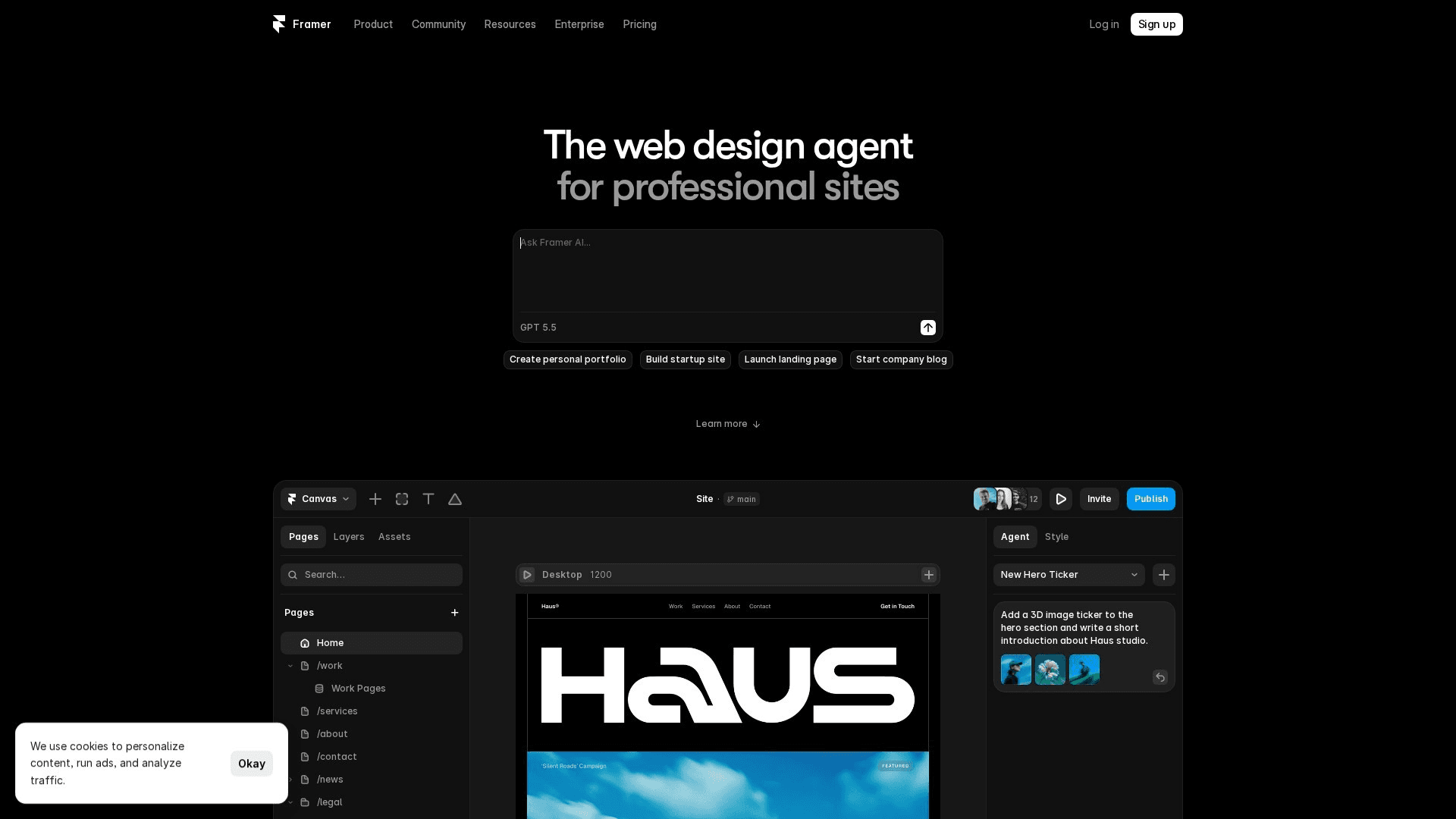
Framer is the clearest expression of what no-code visual development means in 2026: a design canvas that publishes production sites directly, with a CMS that has quietly become one of the platform's biggest strengths. Collections handle blogs, changelogs, case studies, and — critically — programmatic pages: a dynamic template plus structured entries generates hundreds of indexed pages with per-entry titles, meta, and Open Graph images, no plugins involved. Localization, scroll and appear interactions, components with variants, and AI-assisted generation are all native, and published sites are fast with clean semantic markup. The CMS ceiling is the honest limit: complex relational models and multi-channel delivery belong to the headless platforms further down this list. For the common case — one excellent marketing site with structured content — nothing matches Framer's quality per hour, starting at $5/month.
Key Features
- Visual Development Canvas: Freeform layout, components, variants, and breakpoints — real sites, not mockups
- Built-in CMS Collections: Structured entries with references, dynamic templates, and per-entry SEO fields
- Programmatic Pages: Generate hundreds of indexed pages from collection data — locations, integrations, glossaries
- Framer AI: Prompt-to-page generation and in-place rewriting that respects your design system
- Localization & SEO Defaults: Native multi-locale publishing, sitemaps, semantic markup, and fast hosting
Pricing
| Plan | Monthly | Annual (per month) |
|---|---|---|
| Free | $0 (framer.app domain) | $0 |
| Mini | $10 | $5/mo |
| Basic | $20 | $15/mo |
| Pro | $40 | $30/mo |
Pros
- True visual development — canvas output is the shipped site
- CMS supports programmatic SEO with per-entry meta control
- Excellent performance and clean markup out of the box
- Lowest entry price of any serious visual builder
Cons
- CMS relations and workflows trail dedicated headless platforms
- Design-canvas mental model has a learning curve for non-designers
- Not built for e-commerce or web-app logic
Verdict: Framer is the best no-code website builder of 2026. For a marketing site with structured content — blog, changelog, programmatic pages — it delivers agency-grade output and real CMS capability at hobby-tier pricing.
Visit FramerWix Studio
Best for: Agencies and businesses that need one no-code platform to cover content, commerce, booking, memberships, and client workflows
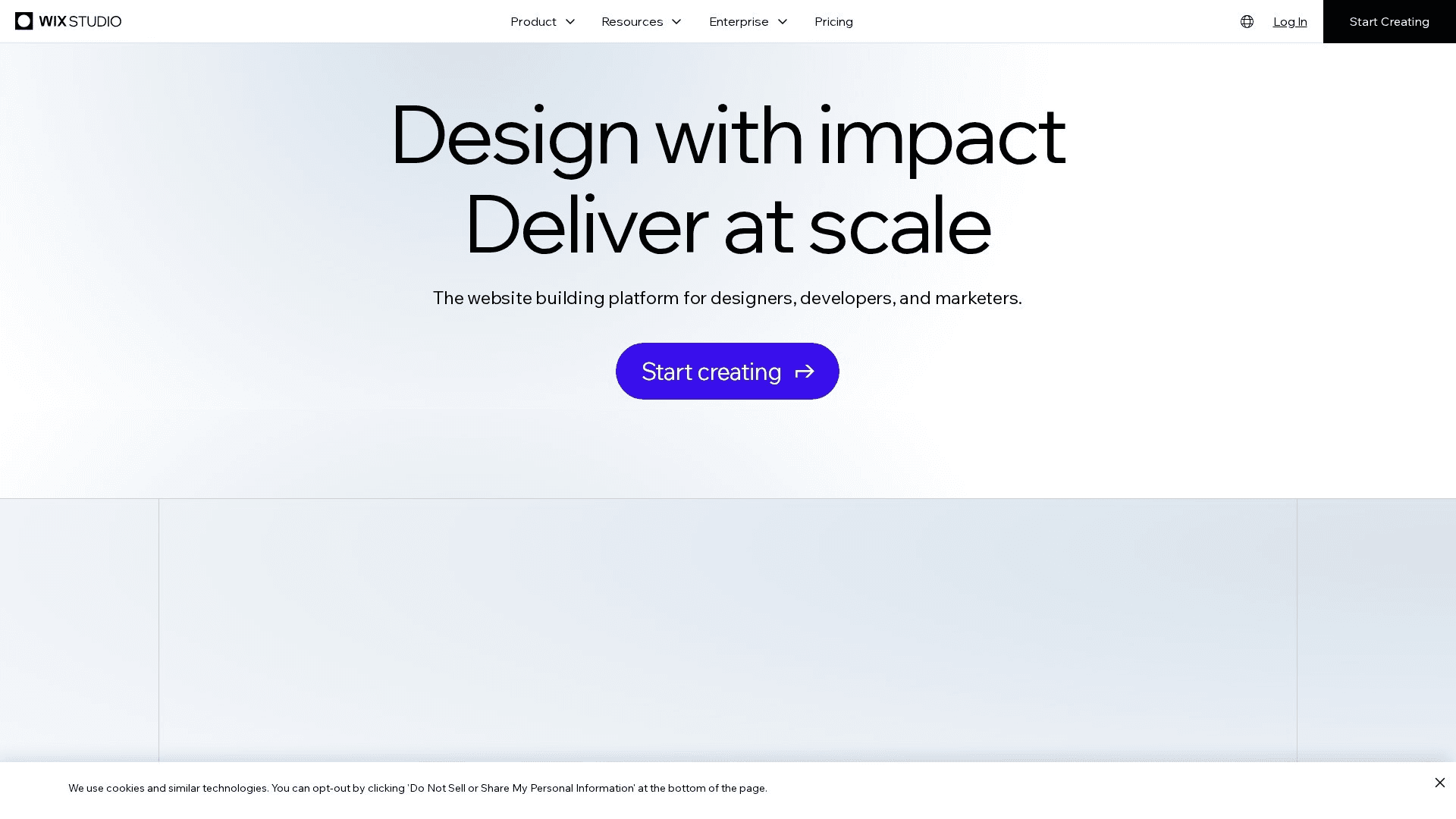
Wix Studio is the no-code platform you choose when the requirement list keeps growing: CMS collections with dynamic pages, e-commerce, appointment booking, memberships, multilingual sites, and custom logic via Velo when a rare edge case demands code. The Studio editor is the professional tier — a proper grid system, responsive AI that adapts layouts across breakpoints, reusable design assets, and workspaces with roles and client-billing handoffs that agencies actually use. The CMS side is stronger than its reputation: collections support references, dynamic page templates, and per-item SEO settings, which covers directories, listings, and programmatic pages without leaving the platform. The trade-off is sprawl — ten products in one interface — and sites can't switch templates later. But when one no-code platform has to answer every stakeholder request, Wix Studio has the deepest bench.
Key Features
- Studio Editor: Grid-based responsive design with AI breakpoint adaptation and custom CSS
- CMS Collections & Dynamic Pages: Referenced datasets driving templated, individually indexed pages
- Full Business Stack: Commerce, booking, events, and memberships native — no integrations to maintain
- Agency Workspaces: Team roles, reusable assets across client sites, and billing handoff
- Velo Escape Hatch: JavaScript APIs and a dev environment when no-code hits its ceiling
Pricing
| Plan | Monthly | Annual (per month) |
|---|---|---|
| Light | $17 | $17/mo |
| Core | $29 | $29/mo |
| Business | $36 | $36/mo |
| Business Elite | $159 | $159/mo |
Pros
- Widest capability range of any no-code platform
- Dynamic CMS pages with per-item SEO settings
- Agency workspaces and client workflows are genuinely mature
- Velo provides a code escape hatch most builders lack
Cons
- Platform breadth creates sprawl and uneven UX corners
- Template lock-in — sites can't switch designs later
- App and plan costs accumulate beyond headline pricing
Verdict: Wix Studio is the full-stack pick. When one no-code platform must cover content, commerce, and client operations together, it covers more ground than anything else in the category.
Visit Wix StudioStoryblok
Best for: Marketing teams that want structured, component-based content with a visual editor — headless power without the blind editing forms
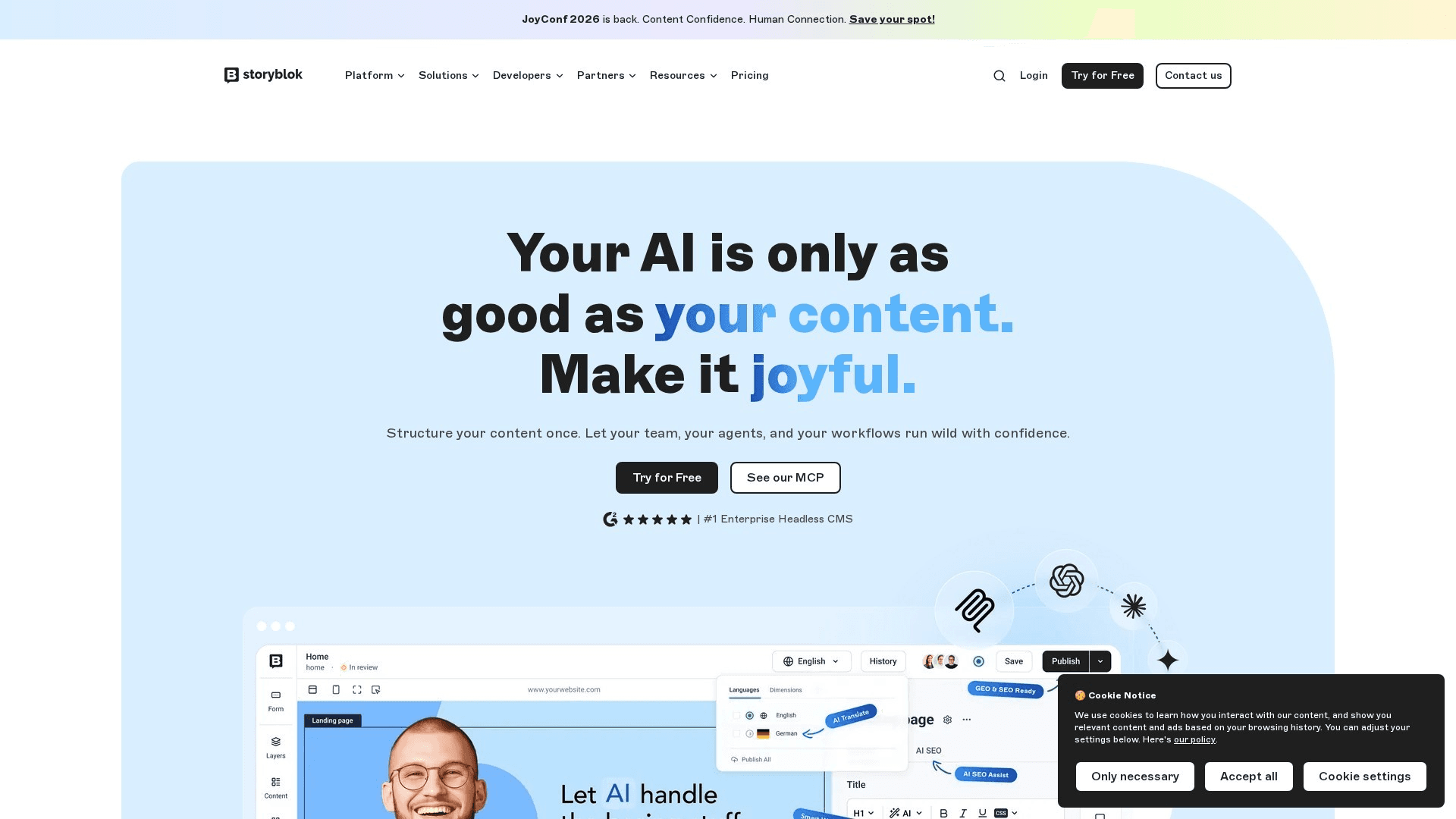
Storyblok solved the headless CMS's oldest problem: editors used to fill in fields blind and hope the page looked right. Its visual editor renders a live preview of the actual site beside every field, so marketers compose pages from developer-defined components — heroes, feature grids, testimonials — by clicking on the page itself. Underneath sits a proper headless architecture: component-based content models (bloks), a delivery API for any front end, localization with folder- or field-level translation, scheduled releases, and workflow approvals. Developers set up the schema and rendering once; content teams then ship landing pages and campaigns without tickets. Pricing scales from a genuinely usable free tier through Growth plans (~$99/month) to enterprise agreements. The setup investment is real — this is a platform, not a site builder — but for teams that publish across a component-based site, it's the best editor-experience-to-structure ratio in the headless market.
Key Features
- Visual Editor on Headless: Live site preview with click-to-edit — editors see exactly what ships
- Component-Based Content (Bloks): Nestable, reusable content components matching your design system
- Delivery API & SDKs: Serve content to any framework — Next.js, Nuxt, Astro, native apps
- Localization & Releases: Field-level translation, scheduled releases, and preview environments
- Workflows & Roles: Approval pipelines, custom roles, and activity logs for content teams
Pricing
| Plan | Monthly | Annual (per month) |
|---|---|---|
| Community (Free) | $0 (1 seat) | $0 |
| Growth | ~$108 | ~$99/mo |
| Growth Plus | ~$349 | ~$319/mo |
| Enterprise | Custom | Custom |
Pros
- Best visual editing experience of any headless CMS
- Component model maps cleanly to modern design systems
- Strong localization and workflow tooling for teams
- Free tier is genuinely usable for small projects
Cons
- Requires developer setup and a rendering front end
- Costs rise with seats and traffic at team scale
- Overkill for a single simple marketing site
Verdict: Storyblok is the headless pick for content teams. It delivers structured, multi-channel content with an editor marketers actually enjoy — the combination the rest of the headless market is still chasing.
Visit StoryblokBuilder.io
Best for: Product and marketing teams whose site already runs on React, Next.js, or another framework — and who want no-code editing without replatforming
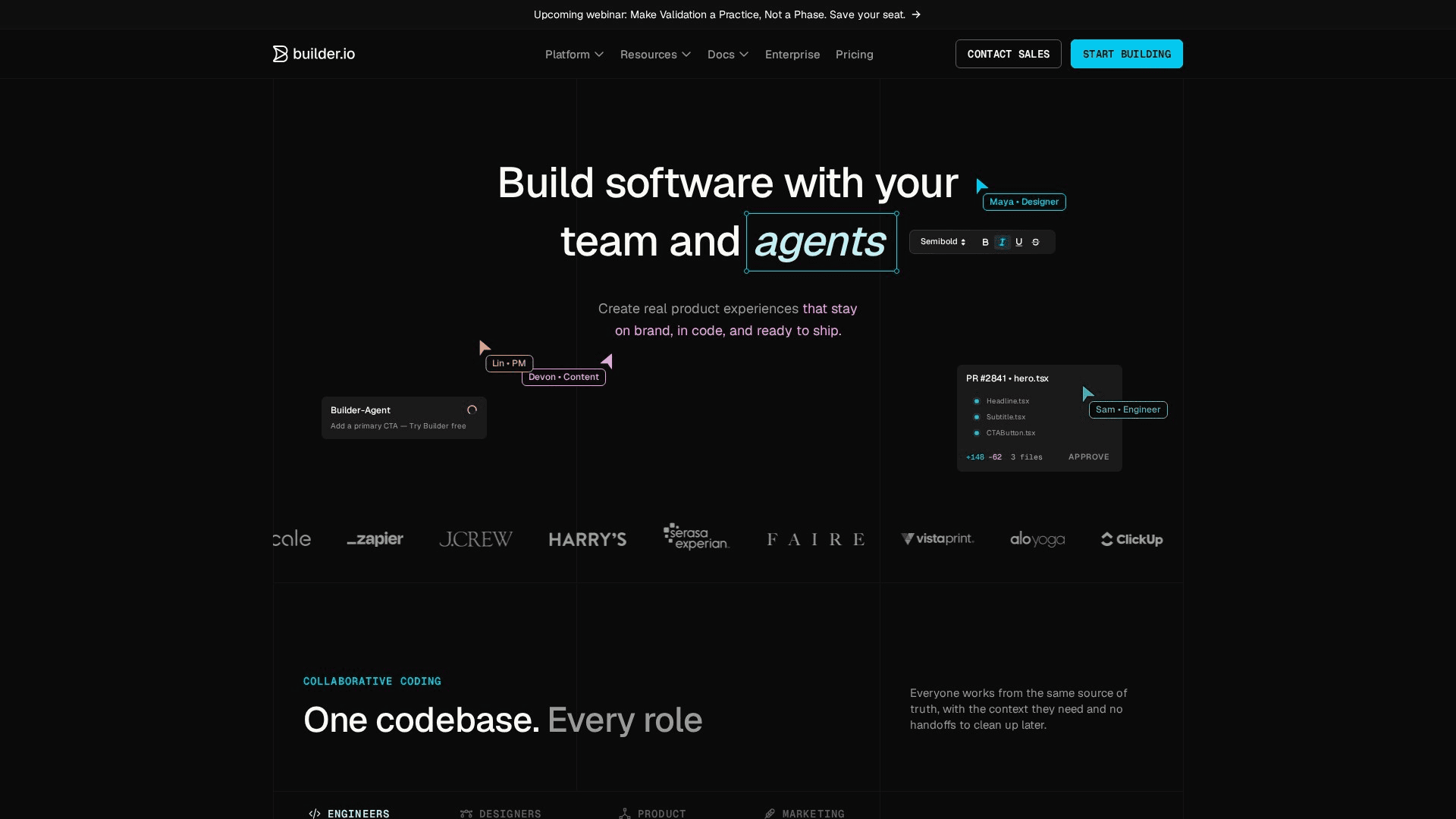
Builder.io answers a question none of the site builders can: what if the site already exists, built by developers on a modern framework, and marketing just wants to stop filing tickets? Its visual editor plugs into your production codebase — you register your real React, Vue, or Angular components, and non-developers then compose pages by dragging those components on a canvas, editing content inline, and publishing through the API. The result is no-code editing with your design system enforced by construction. The platform has leaned hard into AI: Visual Copilot converts Figma designs into working code using your components, and generation tools scaffold sections on demand. A/B testing and targeting are built in. It's the wrong tool for a from-scratch simple site — setup assumes a developer — but for teams with an existing stack, it's the cleanest path to marketer autonomy.
Key Features
- Visual Editor on Your Components: Drag-and-drop composition using your registered production components
- Visual Copilot AI: Figma-to-code conversion that outputs your framework and your components
- Headless Delivery: API-served content into React, Next.js, Vue, Angular, and more
- A/B Testing & Targeting: Experiments and audience-targeted content without a separate tool
- Structured Data Models: CMS data models alongside visual pages for structured content needs
Pricing
| Plan | Monthly | Annual (per month) |
|---|---|---|
| Free | $0 (limited usage) | $0 |
| Pro | ~$24/user | ~$19/user/mo |
| Growth | Custom | Custom |
| Enterprise | Custom | Custom |
Pros
- No-code editing on top of your real production components
- Eliminates the marketing-to-engineering ticket queue
- Figma-to-code AI is genuinely productive for teams
- Built-in A/B testing and personalization
Cons
- Requires an existing developer-built front end
- Per-seat and usage pricing climbs at scale
- Not the tool for a standalone simple site
Verdict: Builder.io is the pick for teams with an existing codebase. It brings visual, no-code page building to production stacks — the highest-leverage option when replatforming isn't on the table.
Visit Builder.ioBubble
Best for: Founders and teams building actual web applications — user accounts, databases, logic — without writing code
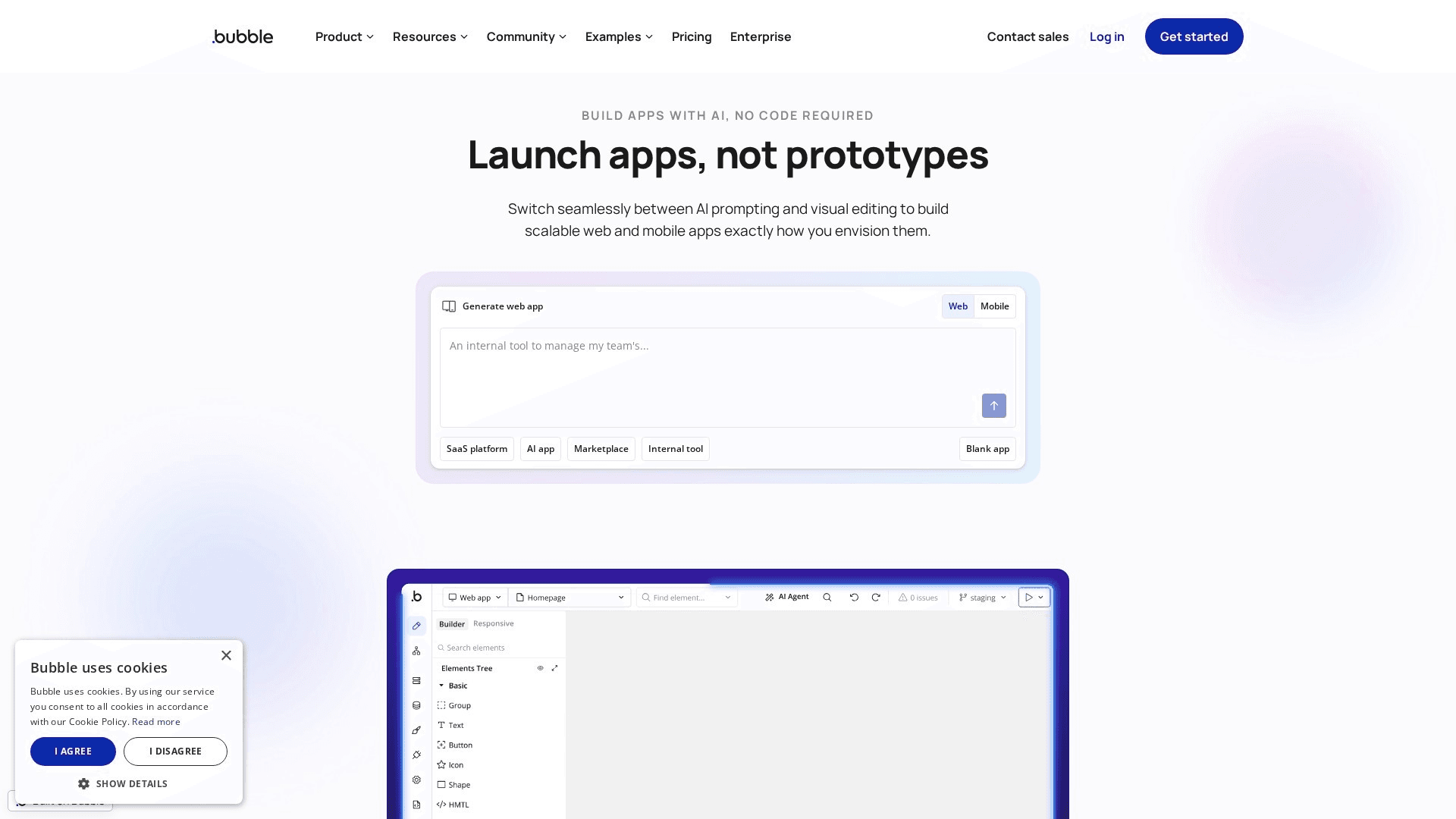
Bubble is where no-code stops meaning websites and starts meaning software. It pairs a visual page editor with the things site builders fundamentally lack: a real database with per-user data, server-side workflows, conditional logic, user authentication, and API connections to any external service. Production SaaS products, marketplaces, and internal tools run on it — this is application infrastructure with a visual interface, not a page decorator. The 2026 platform is more mature than its reputation: native mobile app building has shipped, the plugin ecosystem covers most integrations, and workload-based pricing, while it demands attention, is predictable once you understand it. The learning curve is real — Bubble is closer to learning to program visually than to arranging a template — and marketing pages built in Bubble look like app screens. The standard pattern: marketing site on Framer, application on Bubble.
Key Features
- Visual Logic & Workflows: Server-side workflows, conditions, and scheduled jobs built visually
- Built-in Database: Relational data types with privacy rules and per-user access control
- User Authentication: Sign-up, login, roles, and permissions native to the platform
- API Connector & Plugins: Connect any REST API; thousands of plugins for payments, AI, and more
- Native Mobile Apps: Build and ship iOS and Android apps from the same visual environment
Pricing
| Plan | Monthly | Annual (per month) |
|---|---|---|
| Free | $0 (bubble domain) | $0 |
| Starter | $32 | $29/mo |
| Growth | $134 | $119/mo |
| Team | $399 | $349/mo |
Pros
- Real application capability — database, auth, logic — without code
- Production SaaS businesses run on it at scale
- API connector and plugin ecosystem cover most integrations
- Native mobile apps from the same project
Cons
- Steepest learning curve in this list
- Workload-based pricing needs monitoring as usage grows
- Page SEO and marketing-site polish trail dedicated builders
Verdict: Bubble is the no-code application pick. If your project needs accounts, data, and logic, no site builder substitutes — pair it with a dedicated builder for the marketing front door.
Visit BubbleContentful
Best for: Enterprises standardizing structured content across many sites, apps, and teams with governance requirements
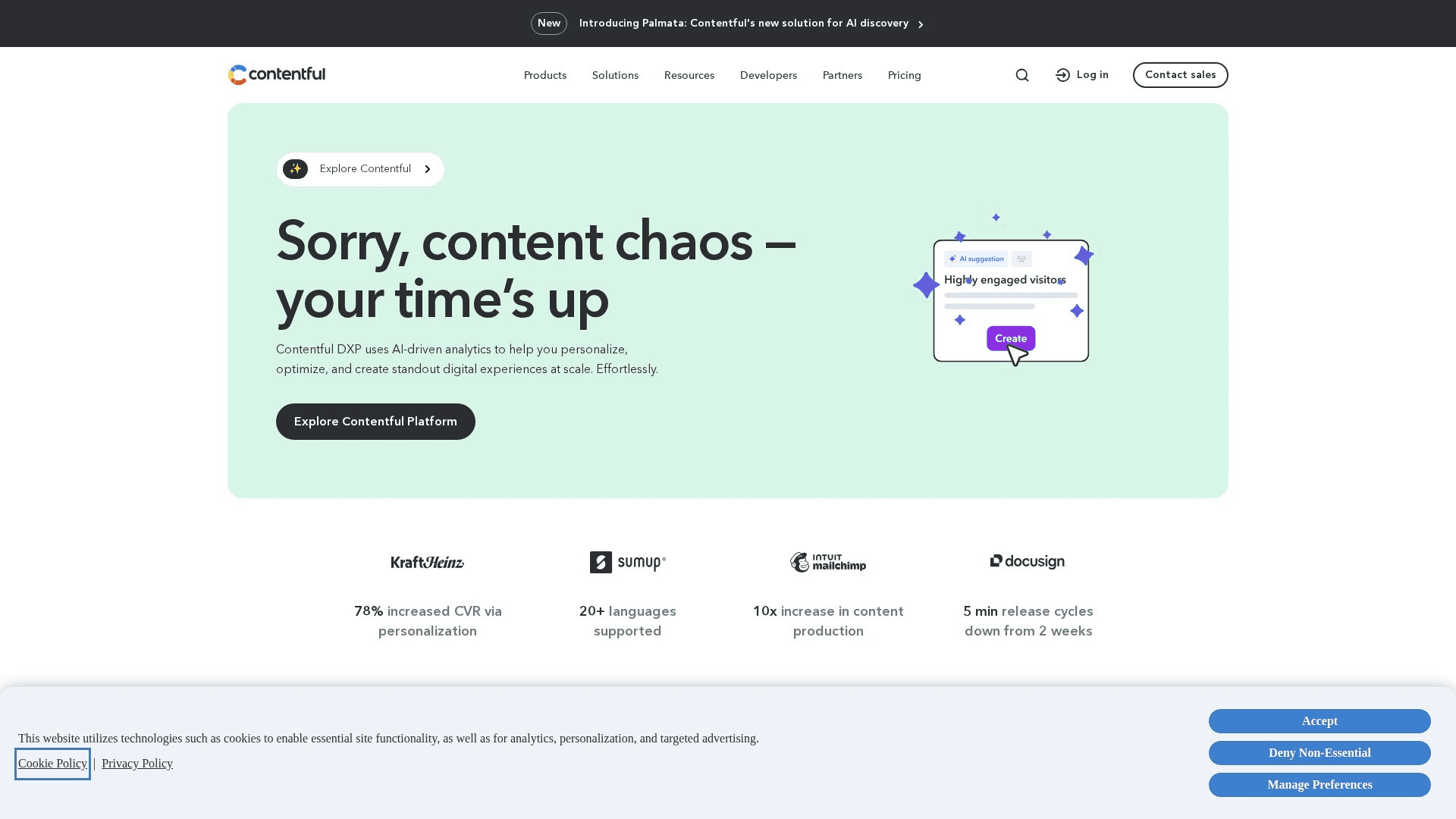
Contentful is the reference platform for enterprise headless content — the system large organizations choose when content must flow to a dozen destinations under real governance. Its content-model discipline is the core asset: types, fields, references, and validations defined precisely, then delivered through fast APIs to websites, mobile apps, in-store screens, and whatever channel comes next. The platform matured its editor experience considerably — live preview, Studio for visual assembly, and AI-assisted workflows have narrowed the gap with visual-first rivals — though it remains a system developers implement and content teams operate, in that order. Roles, locales, environments, scheduled releases, and audit trails satisfy compliance-minded organizations, and the ecosystem of integrations and partners is the deepest in headless. The costs are equally enterprise: $300/month for the Basic tier and custom pricing beyond. For one marketing site it's overengineering; for content operations at organizational scale, it's the safe, proven choice.
Key Features
- Disciplined Content Modeling: Types, references, and validations that keep large content estates coherent
- Multi-Channel Delivery APIs: GraphQL and REST delivery to web, mobile, and emerging channels
- Governance & Environments: Roles, audit trails, sandbox environments, and scheduled releases
- Localization at Scale: Locale management built for global content operations
- Ecosystem & Integrations: The deepest partner, app, and integration ecosystem in headless CMS
Pricing
| Plan | Monthly | Annual (per month) |
|---|---|---|
| Free | $0 (small teams) | $0 |
| Basic | $300 | $300/mo |
| Premium | Custom | Custom |
Pros
- Proven at genuine enterprise scale and complexity
- Strongest governance, environments, and audit features
- Deep ecosystem of integrations and implementation partners
- Content modeling discipline pays off across channels
Cons
- Expensive — pricing jumps steeply past the free tier
- Developer-first: setup and changes need engineering
- Editor experience, while improved, trails visual-first rivals
Verdict: Contentful is the enterprise pick. When content is organizational infrastructure — many channels, many teams, real compliance — it remains the platform large organizations can standardize on with confidence.
Visit ContentfulSanity
Best for: Teams that treat content as data — custom editorial interfaces, real-time collaboration, and query-anything flexibility
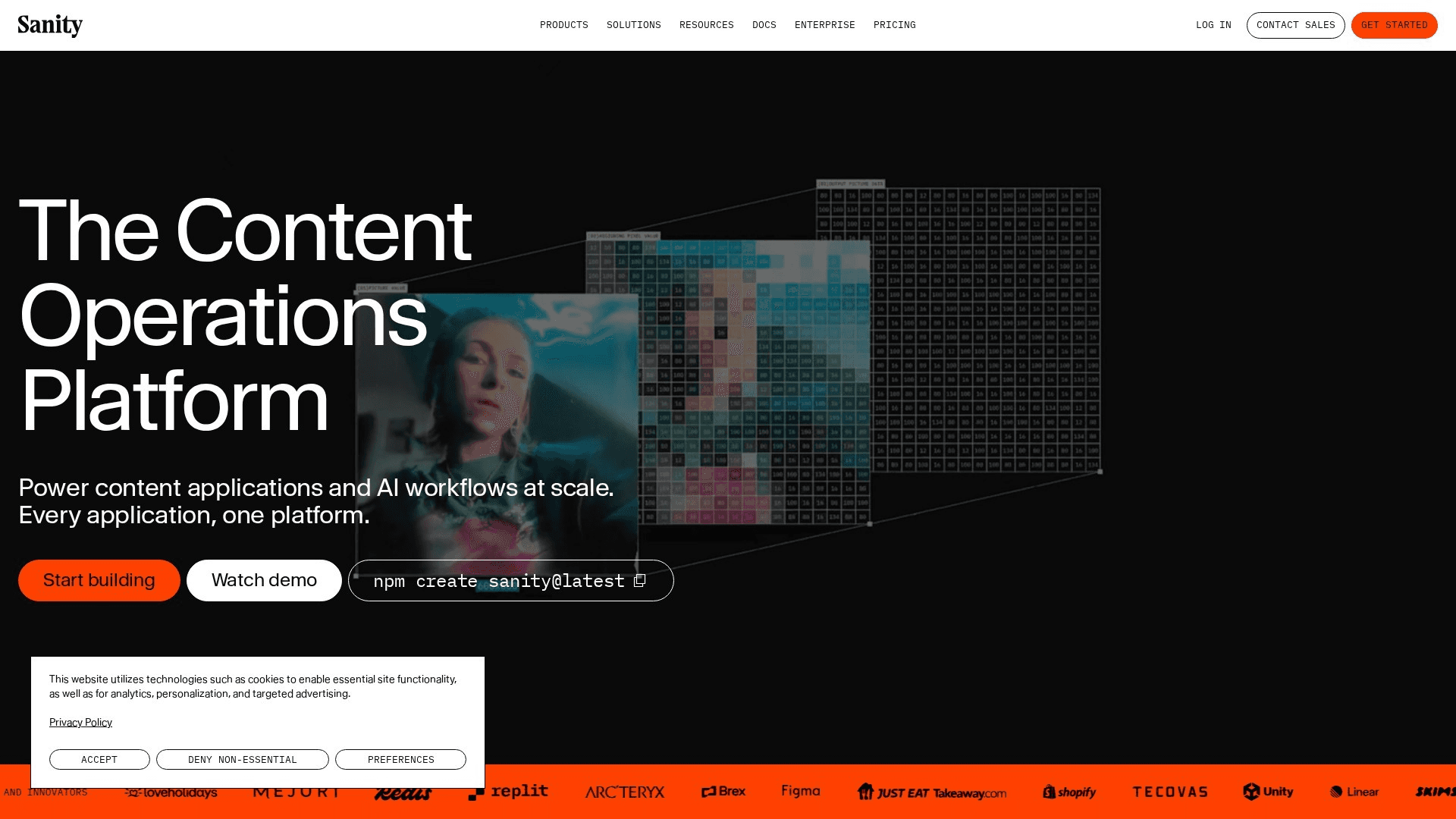
Sanity approaches content from the opposite direction of every site builder on this list: content is structured data first, and everything else — including the editing interface — is programmable. Sanity Studio is an open-source, fully customizable editor you configure in code, which means the editorial experience can be shaped exactly to your team's workflow rather than approximated by a vendor's defaults. GROQ, its query language, lets front ends request precisely the content shape they need, and the Content Lake handles real-time collaboration natively — multiple editors in one document, Google-Docs style. Visual editing and live preview have matured substantially, and the free tier is the most generous in headless CMS. The honest positioning: Sanity rewards teams with developer investment and punishes those without it. If your content model is genuinely custom — publications, product catalogs, multi-brand systems — that programmability is exactly what you're buying.
Key Features
- Customizable Sanity Studio: Open-source editing environment configured in code to match your workflow
- GROQ Query Language: Query exactly the content shape each front end needs
- Real-Time Collaboration: Multiple editors in the same document with live presence
- Content Lake: Structured content as queryable data with full revision history
- Visual Editing & Live Preview: Click-to-edit overlays and previews on modern front ends
Pricing
| Plan | Monthly | Annual (per month) |
|---|---|---|
| Free | $0 (generous limits) | $0 |
| Growth | $15/user | $15/user/mo |
| Enterprise | Custom | Custom |
Pros
- Most flexible content modeling in the category
- Editing interface is fully customizable to the team
- Real-time collaboration is best-in-class
- Most generous free tier in headless CMS
Cons
- Requires meaningful developer investment to shine
- GROQ and Studio configuration are their own learning curves
- Costs scale with usage and API traffic at volume
Verdict: Sanity is the structured-content pick. For teams with developer resources and genuinely custom content models, its programmability outclasses every fixed-schema rival.
Visit SanityWordPress.com
Best for: Publishers and content-led businesses that want the web's most complete CMS without operating servers
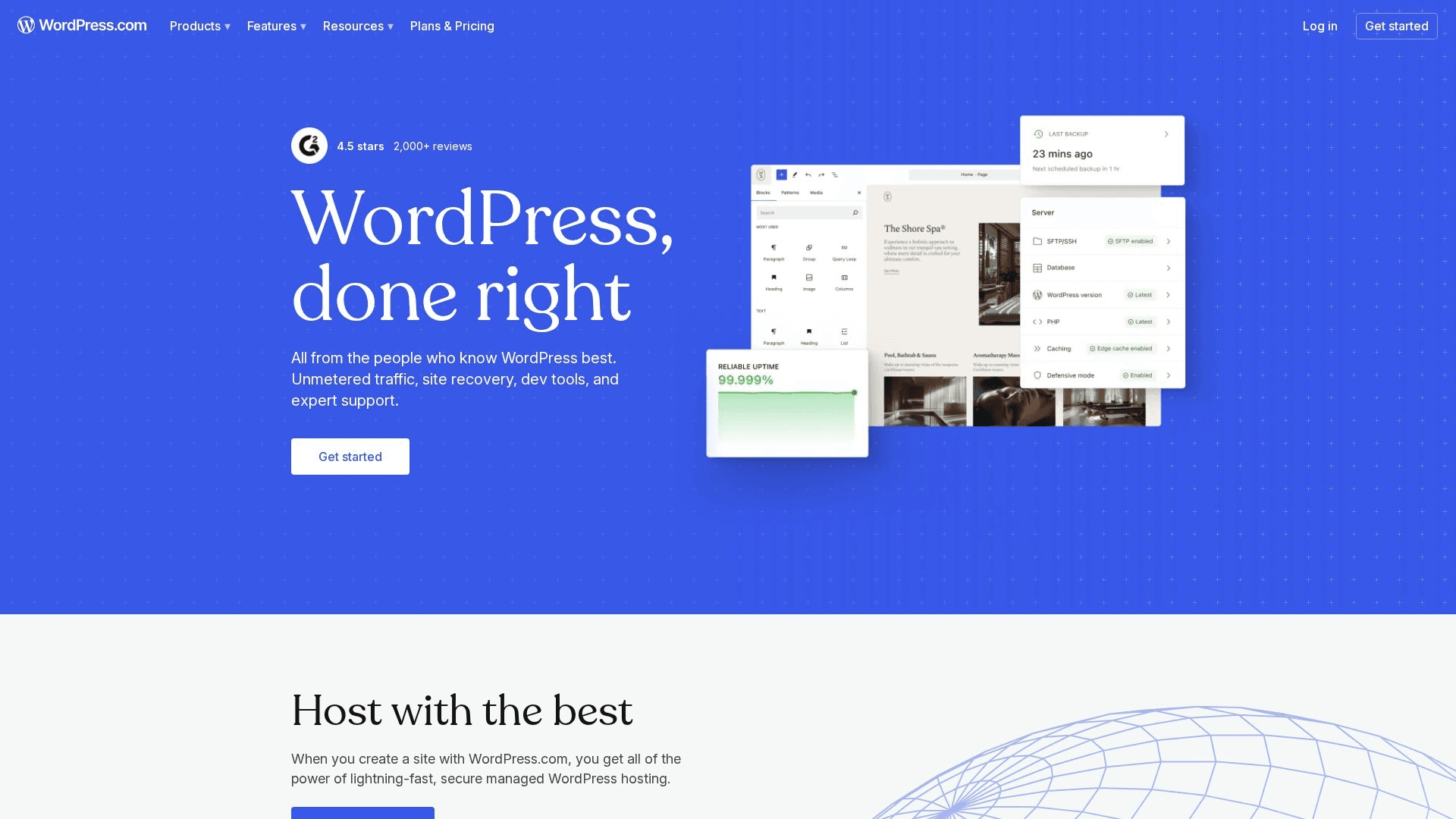
WordPress remains the most complete content management system ever built, and WordPress.com is the way to run it without patching servers or debugging plugin conflicts at 2 a.m. For editorial operations, nothing else on this list matches it: the block editor handles long-form beautifully, revisions and scheduling and multi-author workflows are native, and the taxonomy system — categories, tags, custom structures — scales to tens of thousands of posts. The Business tier unlocks the plugin ecosystem, which effectively makes WordPress a platform for anything: membership, courses, forums, serious SEO tooling. Portability is the structural advantage no proprietary builder can offer — standard WordPress underneath means you can export and self-host anytime. The trade-offs are familiar: design freedom below the Business tier is theme-bound, and the visual-building experience trails the canvas tools ranked above. As a CMS, though, it's still the standard.
Key Features
- Block Editor & Editorial Workflow: Revisions, scheduling, and multi-author publishing built for content teams
- Real Taxonomy System: Categories, tags, and custom structures that scale to publication size
- Plugin Ecosystem (Business+): Tens of thousands of plugins on managed, maintenance-free hosting
- Jetpack AI: AI drafting, layout assembly, and content feedback in the editor
- Full Portability: Standard WordPress underneath — export and self-host anytime
Pricing
| Plan | Monthly | Annual (per month) |
|---|---|---|
| Free | $0 | $0 |
| Personal | $9 | $4/mo |
| Premium | $18 | $8/mo |
| Business | $40 | $25/mo |
Pros
- Deepest editorial and publishing capability in this list
- Plugin ecosystem covers virtually any requirement
- Zero lock-in — full export and self-hosting path
- Managed hosting removes the maintenance burden
Cons
- Visual design freedom trails canvas builders below Business tier
- Plugin quality and compatibility curation is on you
- WordPress complexity surfaces as sites grow
Verdict: WordPress.com is the editorial CMS pick. For blogs, publications, and content-led businesses, its publishing depth and portability still beat every proprietary system here.
Visit WordPress.comSquarespace
Best for: Small businesses and creatives that want a polished site, working CMS collections, and business tools in one guardrailed package
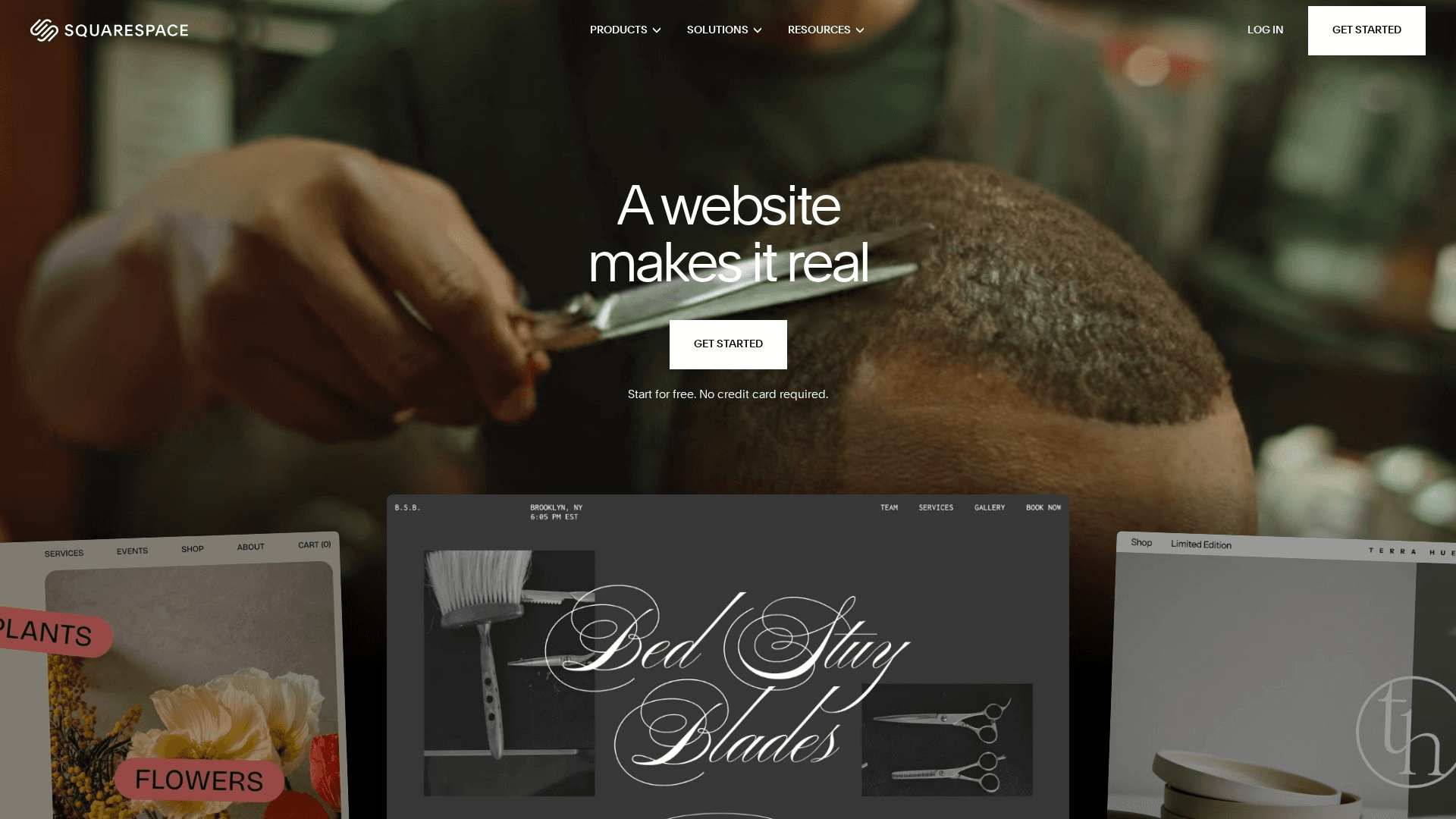
Squarespace earns its place on a no-code list by being the platform where nothing requires technical judgment: templates are professionally designed and hard to break, the Fluid Engine editor allows real customization within guardrails, and Blueprint AI assembles a tailored starting point from a short interview. Its CMS side is more capable than casual users realize — collections power blogs, events, portfolios, and products, and each collection item carries its own SEO settings, clean URLs, and structured data. The surrounding business stack (scheduling via Acuity, invoicing, email campaigns, commerce for digital and physical goods) means a service business can run its entire operation from one subscription. The ceiling is the trade: no headless delivery, limited content-model customization, and less layout freedom than the canvas tools above. For a small team that wants beautiful and done, it remains the most reliable path.
Key Features
- Guardrailed Templates: Professionally designed templates that survive non-designer customization
- Collections CMS: Blogs, events, portfolios, and products with per-item SEO and clean URLs
- Blueprint AI: Guided setup that assembles a tailored site from a short interview
- Business Stack Included: Scheduling, invoicing, email campaigns, and commerce in one subscription
- Structured Data Defaults: Automatic schema markup for products, events, and articles
Pricing
| Plan | Monthly | Annual (per month) |
|---|---|---|
| Basic | $25 | $16/mo |
| Core | $36 | $23/mo |
| Plus | $56 | $39/mo |
| Advanced | $139 | $99/mo |
Pros
- Most polished results per hour of non-designer effort
- Collections handle real structured content with per-item SEO
- Complete business toolkit in one subscription
- Very hard to produce a bad-looking site
Cons
- No headless delivery or custom content models
- Less layout freedom than canvas-based builders
- Commerce transaction fees on lower tiers
Verdict: Squarespace is the all-in-one pick for small teams. When the goal is a beautiful site with working structured content and business tools — without a learning curve — it delivers most reliably.
Visit SquarespaceDorik
Best for: Freelancers, indie makers, and lean agencies that want a clean no-code builder with CMS and white-label options at the lowest real cost
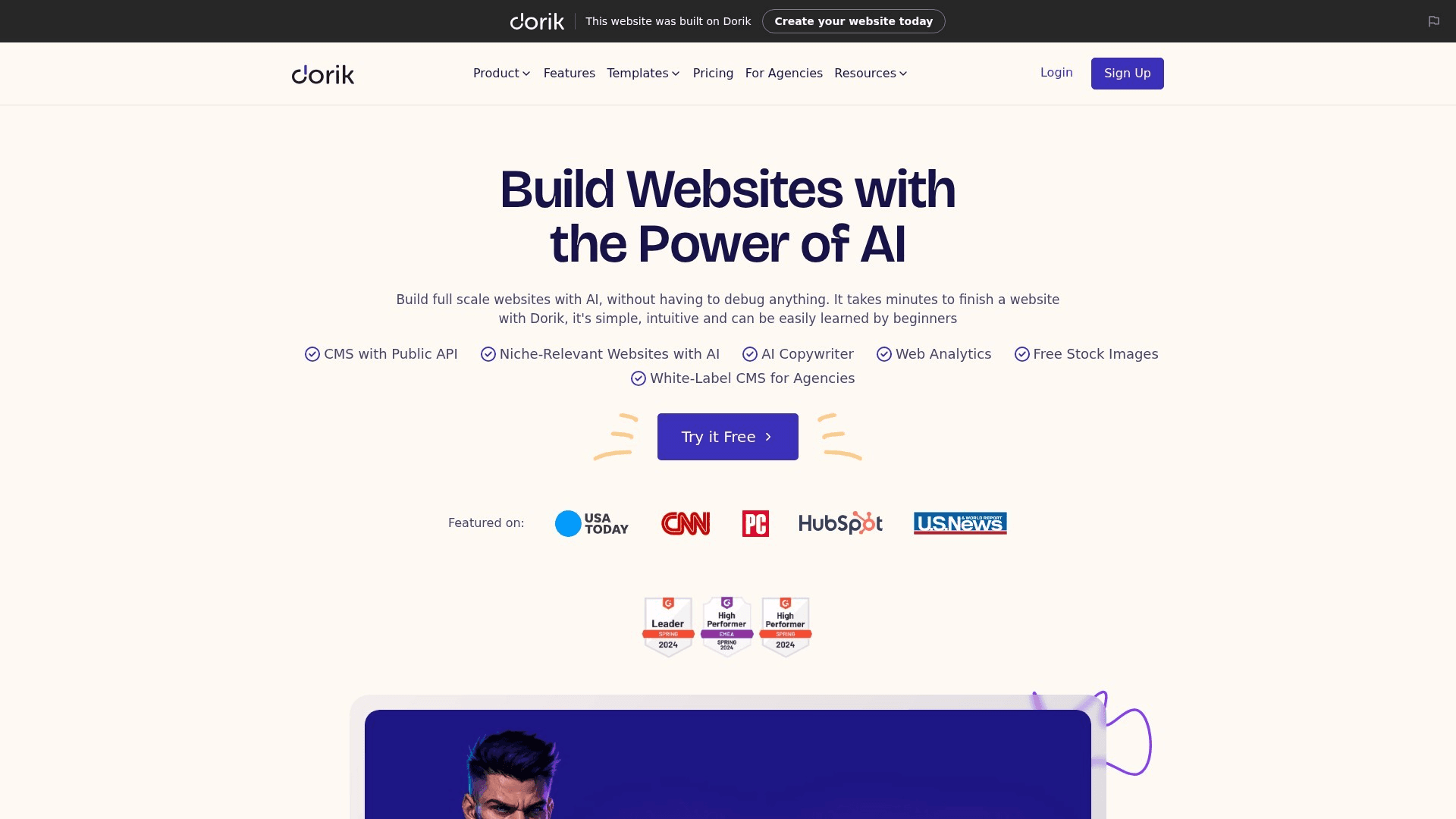
Dorik is the budget surprise of the no-code category: a genuinely clean visual builder with a built-in CMS, membership functionality, white-label options, and AI site generation, at prices that undercut the mainstream platforms several times over. The editor is component-based and easy to learn — closer to assembling well-designed blocks than free-canvas design — and the CMS handles blogs and structured collections with the SEO basics (custom meta, clean URLs, sitemaps) covered. Where it punches above its price is agency economics: white-labeling and client site management appear at tiers that cost less than a single mainstream builder subscription. The ceilings are honest ones: interactions and animation depth trail Framer, the template and integration ecosystems are smaller, and complex commerce belongs elsewhere. For simple client sites, personal projects, and lean agency portfolios where budget is the binding constraint, Dorik covers a remarkable amount for the money.
Key Features
- Component-Based Editor: Clean block assembly with enough flexibility for custom-feeling sites
- Built-in CMS: Blogs and collections with custom meta, clean URLs, and sitemaps
- White-Label & Client Sites: Agency-friendly branding and client management at budget pricing
- AI Site Generation: Prompt-based site and copy generation to skip the blank page
- Memberships & Gated Content: Paid memberships and gated pages without third-party tools
Pricing
| Plan | Monthly | Annual (per month) |
|---|---|---|
| Free | $0 (dorik subdomain) | $0 |
| Personal | $18 | ~$5/mo |
| Business | $36 | ~$10/mo |
| Agency | Custom | From ~$25/mo |
Pros
- Exceptional capability per dollar — CMS and white-label included
- Easy learning curve with clean default aesthetics
- Membership and gated content at budget pricing
- Agency white-label tiers undercut every mainstream rival
Cons
- Interaction and animation depth trail premium builders
- Smaller template and integration ecosystem
- Not suited to complex commerce or large content operations
Verdict: Dorik is the budget pick. For freelancers and lean agencies that need real no-code capability — CMS, memberships, white-label — at the lowest honest cost, it's the standout value.
Visit DorikHow to Choose for Your Situation
The decision framework, by the question that actually decides it:
If the job is one great marketing site
Framer for visual development with a CMS that handles blogs, changelogs, and programmatic pages natively; Squarespace when you'd rather select a strong template than design; Dorik when budget is the binding constraint. All three keep site and content in one product — the right amount of architecture for this job.
If content feeds more than one channel
Go headless. Storyblok if marketers will edit daily — its visual editor is the best in the class; Contentful if you're an enterprise standardizing governance across teams; Sanity if your content model is genuinely custom and you have developer investment to spend. Budget for the front-end build — that's the real cost of headless, not the subscription.
If the site already exists on a dev stack
Builder.io is built for exactly this: register your production components and give marketing drag-and-drop autonomy without replatforming. The alternative — migrating a working React site to a site builder to escape the ticket queue — usually costs more than it saves. Change the editing layer, not the stack.
If you're building an application, not a site
Bubble, and don't try to make a site builder do it — user accounts, per-user data, and workflows are architectural, not features you can bolt on. For anything bigger than a simple tool, run the standard split: Bubble for the app, Framer or Wix Studio for the marketing front door, joined by a subdomain.
If publishing is the whole business
WordPress.com still wins editorial: taxonomy at scale, multi-author workflows, and the plugin ecosystem on Business tier — with full export portability as insurance. If the publication also feeds an app or newsletter system heavily, weigh Sanity or Storyblok with a modern front end instead; the migration math favors deciding this before you have ten thousand posts.
Pro Tip
Whatever platform you choose, structure content from day one: real collections with real fields, not text dumped into page bodies. Structured entries are what export cleanly, what power programmatic SEO, and what AI search engines parse and cite most reliably — unstructured page soup is the thing you can never migrate.
Frequently Asked Questions
Final Thoughts
The best no-code platform of 2026 is the one whose architecture matches where your content lives and who edits it. Framer tops this list because the most common job — one excellent marketing site with structured content — is exactly what it's built for. But a team whose content feeds three channels should run Storyblok, an enterprise should run Contentful, a founder building software should run Bubble, and a team with a working React site should add Builder.io — and each would be making the right call.
Two habits protect the decision: write your content model down before comparing platforms, and put structure into the CMS from the first entry. Architecture mismatches cause replatforming projects; structured content is what survives them. Every platform above clears the 2026 quality bar — the differences are in fit.
Related Free Tools
Technical SEO Audit
Audit your platform's markup and crawlability after launch
Meta Tags Generator
Generate titles and descriptions for CMS collection pages
SERP Checker
See who ranks for your target keywords today
Keyword Search Volume
Size demand before building programmatic pages
SEO Content Grader
Grade your CMS content before publishing
Google Autocomplete Extractor
Find the queries your collection pages should answer
Related Articles
Best Website Builders
The general-purpose builder comparison — design, commerce, and budget picks
Best AI SEO Tools
Optimize whatever you build for search and AI answers
Best AI Search Visibility Tools
Track your new site across ChatGPT, Perplexity, and AI Overviews
Best AI SEO Tools for Small Businesses
The SEO stack to pair with your new site
Best Dictation Apps for Vibe Coding
Building with an AI agent instead of a builder? Talk to it 3x faster than you type
Best Automation Tools
Wire your new site into the rest of your stack without engineering time
About the Author

Co-Founder & SEO Execution
Co-founder of PikaSEO. 11 years in corporate tech, then bootstrapped entrepreneur. Leads SEO execution and content-led growth for SaaS companies.