
"Free SEO tools" is a category full of bait: trials dressed up as free plans, three-lookups-a-day teasers, and feature lists where everything useful sits behind a paywall. Meanwhile the genuinely free tools — some of them from Google itself — quietly cover more of a real SEO workflow than most people paying $139/month ever use.
This list ranks the 12 free tools that earn a permanent place in a 2026 workflow, judged on three things: how much you get before paying (exact limits, stated plainly), data quality (real numbers versus estimates), and whether the free tier is usable long-term or just a demo. Where a tool is freemium or trial-based, we say so — and what the upgrade costs.
One honest note up front: PikaSEO — this site — is ranked #1, and two YouTube tools near the bottom of the list are from our extended family. We've disclosed that in each entry and kept the free-tier facts specific enough for you to judge for yourself. Every other tool here is ranked on exactly the same criteria.
Quick Comparison
| Tool | Best For | Free Tier | Paid Upgrade |
|---|---|---|---|
| PikaSEO | All-in-one free toolkit | 60+ tools, most with no account | Optional credits |
| Google Search Console | Your real Google data | Everything, forever | — |
| CrawlRaven | Technical SEO audits | 100-page audit, no account | From $9/mo |
| Ahrefs Free Tools & AWT | Backlink analysis | Full data for your own sites | From $29/mo |
| Screaming Frog | Desktop crawling | 500 URLs per crawl | £199/yr |
| Google Keyword Planner | Keyword volumes & intent | Unlimited (volume ranges) | — |
| Bing Webmaster Tools | Keywords + free site scan | Everything, forever | — |
| Ubersuggest | Freemium all-in-one | 3 searches/day | From $12/mo |
| AnswerThePublic | Question research | A few searches/day | From $11/mo |
| PageSpeed Insights | Core Web Vitals | Unlimited, no account | — |
| UtubeKit | YouTube SEO | Unlimited, forever | — |
| OutlierKit | YouTube topic research | 10 trial credits | From $29/mo |
What "Free" Actually Means
Before the rankings, it's worth naming the four species of "free" in SEO software — because building a workflow on the wrong kind is how you end up locked out of your own process mid-project:
Truly Free
No caps that matter, no expiry. Google Search Console, Keyword Planner, Bing Webmaster Tools, PageSpeed Insights, UtubeKit, and PikaSEO's browser tools. Build your core workflow here.
Freemium (Capped)
A permanent free tier with hard limits: Screaming Frog's 500 URLs, Ubersuggest's 3 searches/day, AnswerThePublic's daily cap. Great supplements — know the ceiling before you rely on them.
Free for Your Own Site
Ahrefs Webmaster Tools gives you professional-grade backlink and audit data — but only for sites you can verify. Competitor analysis is the paid product.
Free Trial / Credits
Full access that runs out: CrawlRaven's 14-day trial (plus a permanent free 100-page audit), OutlierKit's 10 starter credits. Use them for a burst of work, then decide.
Pro Tip
Anchor your recurring workflow (weekly checks, monthly reporting) exclusively on truly-free tools, and spend freemium caps and trial credits on one-off projects like a site audit or a quarter's keyword research. That way nothing you depend on can disappear behind a paywall.
Upgrade Costs at a Glance
Half this list never asks for money. For the rest, here's the first paid tier — notice that every single one costs less than a month of a traditional all-in-one suite:
PikaSEO
Best for: Anyone who wants a complete free SEO toolkit — keyword research, technical checks, schema, and content tools — in the browser with no install
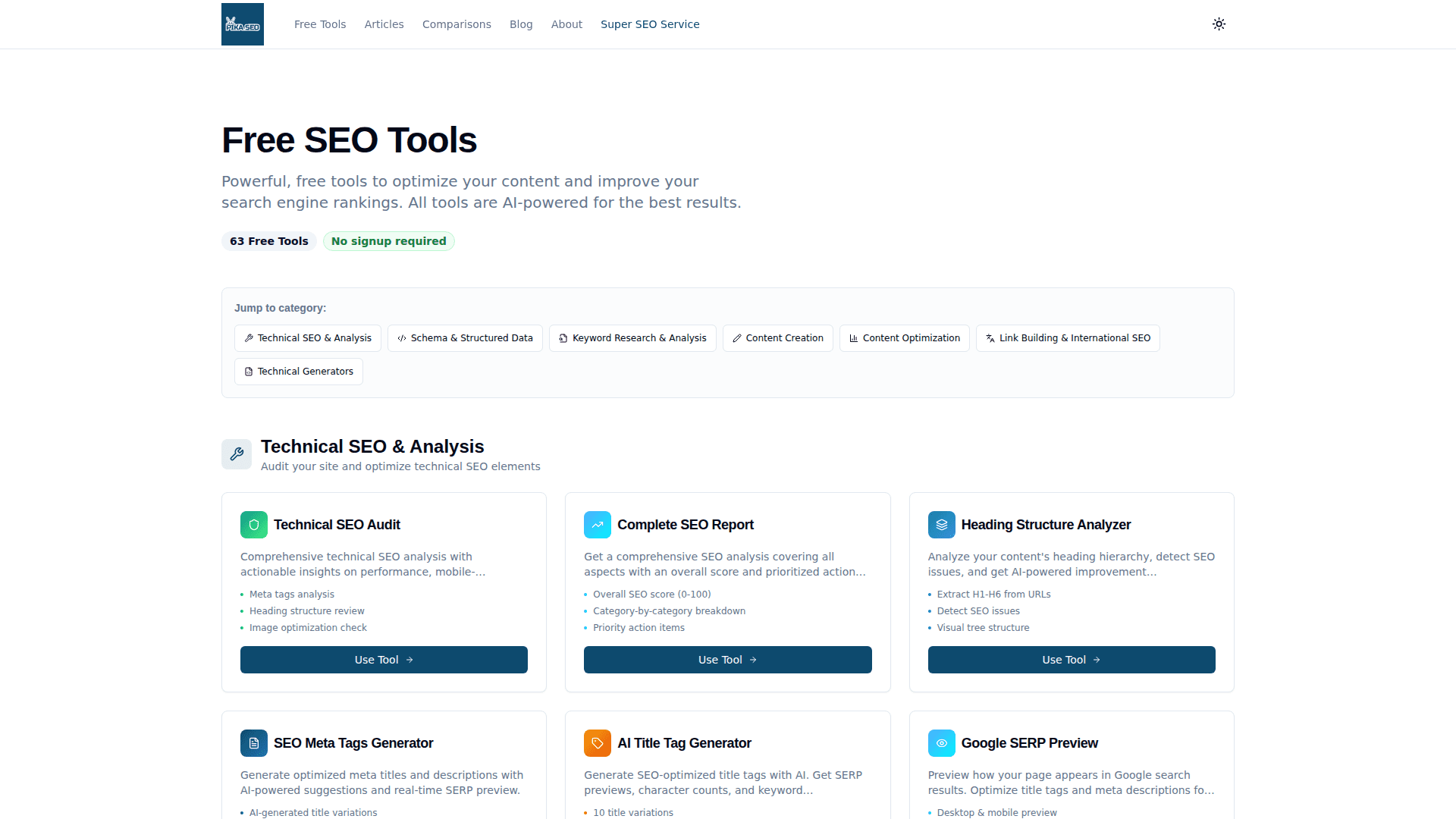
Full disclosure: PikaSEO is our own platform — so judge the free tier on its specifics. There are 60+ tools you can run in the browser right now, most without an account: keyword research backed by real search data (search volume, keyword difficulty, related keywords, Google autocomplete), a SERP checker, a technical SEO audit, eight structured-data generators covering FAQ, Article, Product, and LocalBusiness schema, and AI-powered content tools for briefs, outlines, meta tags, and titles. Where most 'free' SEO software gates the useful parts behind a trial, the browser tools here are simply free — the paid side only enters if you want the signed-in dashboard with heavy bulk data use.
Key Features
- Keyword Research Suite: Search volume, keyword difficulty, related keywords, and autocomplete extraction powered by real search data
- SERP Checker: See the top 10 results, SERP features, and domain metrics for any keyword and location
- Technical SEO Audit: Scan any page for on-page, meta, heading, and technical issues in seconds
- Schema Generators: Eight generators for FAQ, Article, Product, LocalBusiness, Event, Breadcrumb and more — paste-ready JSON-LD
- AI Content Tools: Content briefs, outlines, meta tags, titles, and rewrites for on-page optimization
Free Tier & Pricing
| Plan | Price | What's Included |
|---|---|---|
| Free tools | $0 | 60+ browser tools, most with no account required |
| Free account | $0 | Dashboard workspace with monthly free credits for data tools |
| Paid credits | Pay as you go | Bulk keyword data, SERP checks, and heavy API-backed usage |
Pros
- Widest genuinely-free tool coverage in one place
- Keyword tools use real search data, not estimates
- No install, no trial countdown, no daily lockouts on browser tools
- Schema and AEO tools most free suites don't have
Cons
- It's our own product — weigh this ranking accordingly
- No proprietary backlink index (use Ahrefs Webmaster Tools alongside)
- Browser tools check page-by-page rather than crawling whole sites
Verdict: Start here for everything except full-site crawling and backlink analysis. The keyword suite, schema generators, and content tools replace three or four paid subscriptions for most small sites — and you can verify that claim in about five minutes, free.
Browse 60+ Free ToolsGoogle Search Console
Best for: Every site owner — it's the only source of your actual Google search performance data, and it's completely free
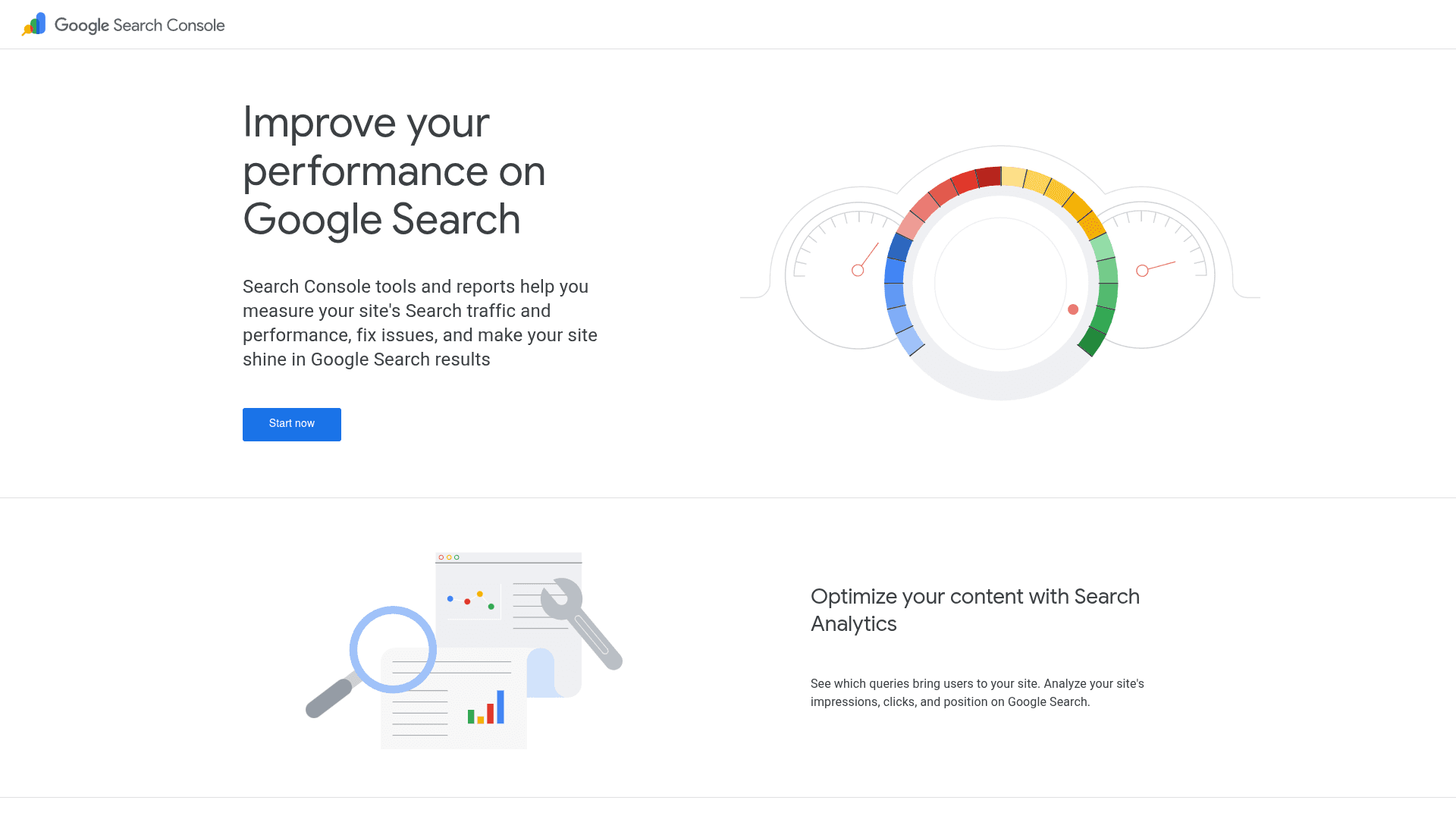
Google Search Console isn't optional, and ranking it #2 is almost unfair to everything else on this list — it's the only tool here that tells you what Google actually did with your site rather than estimating it. You get 16 months of query-level data (impressions, clicks, CTR, average position), index coverage and crawl diagnostics, sitemap submission, Core Web Vitals reports from real users, and manual action alerts. In 2026 it matters even more: Google has been rolling out AI Mode performance reporting, giving you visibility into how your content surfaces in AI-generated answers — data you cannot get anywhere else at any price.
Key Features
- Performance Reports: 16 months of real query data: impressions, clicks, CTR, and position by page, query, device, and country
- AI Mode Visibility: Newer reporting on how your pages surface in Google's AI experiences — unavailable in any third-party tool
- Index Coverage: See exactly which pages are indexed, excluded, or erroring, with URL-level inspection
- Core Web Vitals: Field data from real Chrome users on LCP, INP, and CLS across your site
- Sitemaps & Alerts: Submit sitemaps, monitor crawl stats, and get emailed about manual actions and security issues
Free Tier & Pricing
| Plan | Price | What's Included |
|---|---|---|
| Free | $0 | Everything — all features, forever, for verified site owners |
Pros
- The only source of true Google performance data
- AI Mode visibility reporting is genuinely unique
- Query data that keyword tools can only estimate
- Direct line to Google for sitemaps and indexing issues
Cons
- Only covers your own verified sites — zero competitor data
- Query data is sampled and filters long-tail terms
- Diagnoses problems but doesn't tell you how to fix them
Verdict: Set it up before anything else on this list. Every other tool estimates; Search Console reports. If you do only one thing after reading this article, verify your site and connect a sitemap.
Visit Google Search ConsoleCrawlRaven
Best for: Site owners and agencies that want a prioritized, AI-powered technical audit without buying enterprise crawling software
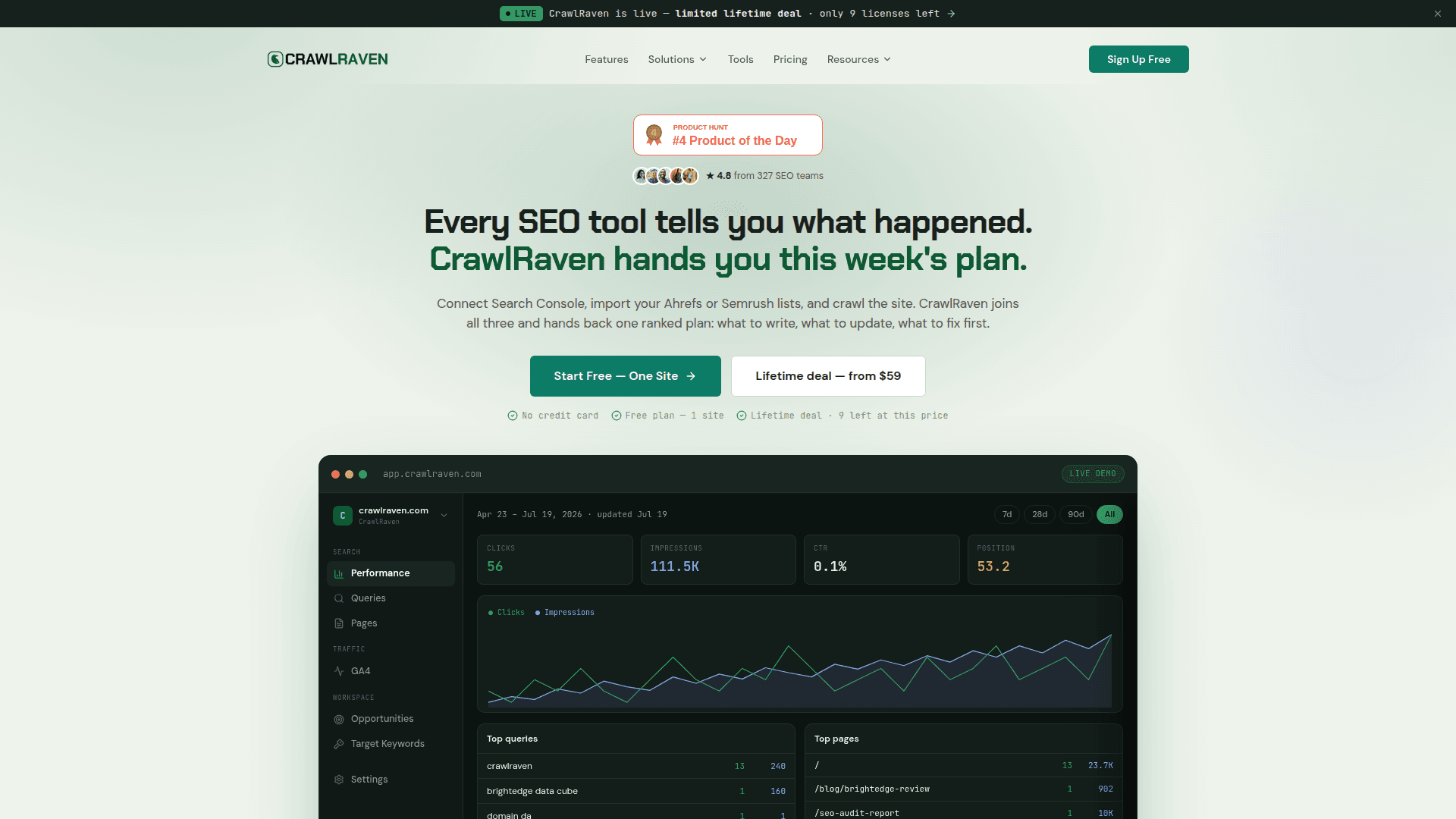
CrawlRaven is the most complete free entry point into technical SEO auditing. The free audit crawls up to 100 pages with no account required and scores your site against a 200-point checklist — broken links, redirect chains, Core Web Vitals, structured data validation, internal linking, and more — then ranks every issue by ranking impact with a 0-100 health score, so you fix what matters instead of wading through raw crawl exports. It's also unusually AI-native: API and MCP integrations let it plug into Claude, ChatGPT, or Cursor for automated audit workflows. Paid plans start at just $9/month, with a 14-day full trial (no credit card) if you want to test bigger crawls first.
Key Features
- 200-Point Audit: Comprehensive checks across technical SEO, on-page, links, speed, and structured data
- Impact Scoring: Issues ranked by ranking potential with a 0-100 site health score — prioritization built in
- Core Web Vitals: LCP, INP, and CLS monitoring with page speed waterfalls and resource breakdowns
- Structured Data Validation: Validates JSON-LD, microdata, and RDFa so rich results don't silently break
- API & MCP Access: Plug audits into Claude, ChatGPT, Cursor, or your own scripts for agent-driven workflows
Free Tier & Pricing
| Plan | Price | What's Included |
|---|---|---|
| Free audit | $0 | Instant audit up to 100 pages, no account required |
| Starter | $9/mo | 100 credits, 100 URLs per audit, PDF reports |
| Pro | $29/mo | 500 credits, 500 URLs per crawl, white-label PDFs, API access |
| Max | $99/mo | 2,000 credits, 2,000 URLs per crawl, 10 team members |
Pros
- Free 100-page audit with zero signup friction
- Prioritized, plain-English fixes instead of raw crawl data
- White-label reports make it agency-friendly
- MCP/API integration is rare at any price, let alone $9/mo
Cons
- Free tier caps at 100 pages — big sites need a paid plan
- Newer platform with a smaller community than Screaming Frog
- Cloud-based: no offline desktop crawling
Verdict: Run the free audit on your site today — it takes minutes and no account. If the prioritized issue list saves you a single afternoon of spreadsheet triage versus a raw crawler export, it's already earned its spot at #3.
Visit CrawlRavenAhrefs Free Tools & Webmaster Tools
Best for: Site owners who want real backlink data and a professional-grade site audit for their own sites at zero cost
Ahrefs runs one of the largest live backlink indexes in the industry, and Ahrefs Webmaster Tools (AWT) gives you a meaningful slice of it free: verify a site you own and you get its backlink profile, referring domains, organic keywords, and a scheduled Site Audit with health scoring. Alongside AWT, Ahrefs publishes a family of free standalone tools — a backlink checker (top 100 links for any domain), keyword generator, keyword difficulty checker, and SERP checker — that answer quick competitive questions without a subscription. It's the professional-grade corner of a free stack; the full suite starts at $29/month (Starter) if you eventually need competitor-scale data.
Key Features
- Backlink Profile (AWT): Live backlinks, referring domains, anchors, and best-by-links for your verified sites
- Site Audit (AWT): Scheduled crawls with 140+ technical checks and a health score, free for your own sites
- Organic Keywords (AWT): See which keywords your site ranks for, with positions and traffic estimates
- Free Backlink Checker: Top 100 backlinks and top anchors for any domain — no account needed
- Free Keyword Tools: Keyword generator, difficulty checker, and SERP checker for quick lookups
Free Tier & Pricing
| Plan | Price | What's Included |
|---|---|---|
| Webmaster Tools | $0 | Backlinks, organic keywords, and Site Audit for verified sites |
| Free tools | $0 | Backlink checker, keyword generator, difficulty checker, SERP checker |
| Starter | $29/mo | Limited full-suite access for light competitive research |
| Lite | $129/mo | Full Site Explorer, Keywords Explorer, and rank tracking |
Pros
- Real data from one of the industry's largest link indexes
- AWT's Site Audit rivals paid crawlers for owned sites
- Free standalone tools need no account for quick checks
- Natural upgrade path when you need competitor data
Cons
- Deep competitor analysis requires a paid plan
- Free backlink checker caps at 100 links per domain
- AWT only works for sites you can verify
Verdict: Verify every site you own in AWT the same day you set up Search Console — free backlink monitoring plus a scheduled technical audit is an unbeatable combination at $0. Upgrade only when competitor research becomes a weekly need.
Visit Ahrefs Free Tools & Webmaster ToolsScreaming Frog SEO Spider
Best for: SEOs who want the industry-standard desktop crawler — free for sites up to 500 URLs with no time limit
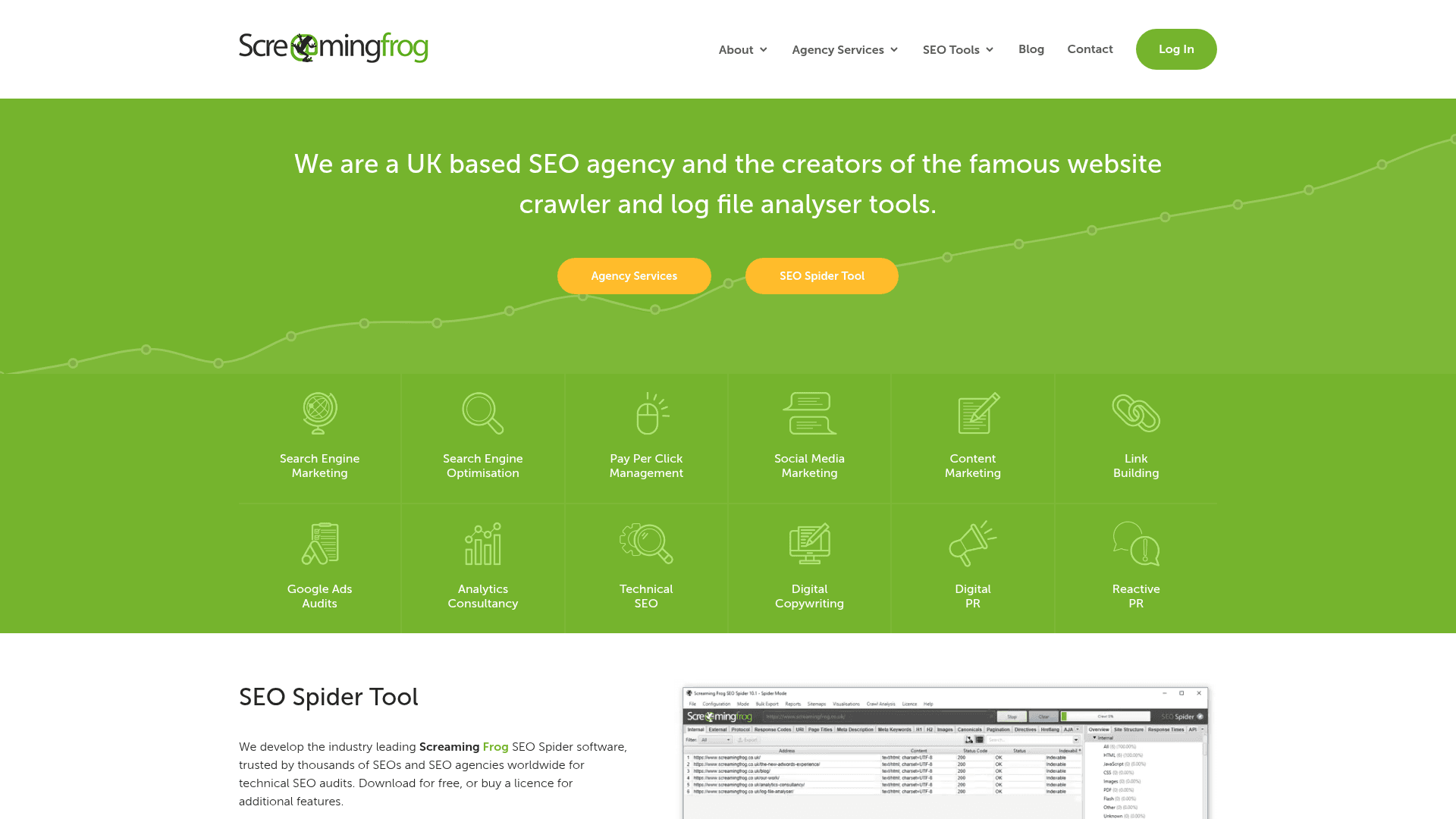
Screaming Frog's SEO Spider has been the desktop crawler of record for over a decade, and its free version is a permanent licence, not a trial: crawl up to 500 URLs per crawl, forever, at no cost. It surfaces broken links, redirect chains and loops, duplicate and missing titles and meta descriptions, oversized pages, hreflang issues, and generates XML sitemaps. The interface is a data table, not a dashboard — that's both its power (nothing hidden, everything exportable) and its learning curve. The paid licence (£199/year, about $279) removes the URL cap and unlocks JavaScript rendering, custom extraction, scheduling, and GSC/GA integration.
Key Features
- Full Site Crawling: Up to 500 URLs free per crawl — broken links, redirects, and response codes at a glance
- On-Page Analysis: Duplicate/missing titles, meta descriptions, headings, and thin content flagged automatically
- XML Sitemap Generator: Generate clean sitemaps from your crawl, respecting noindex and canonicals
- Hreflang & Canonicals: Audit international targeting and canonical chains that silently waste crawl budget
- Full Data Export: Every crawl table exports to CSV/Excel for your own analysis and reporting
Free Tier & Pricing
| Plan | Price | What's Included |
|---|---|---|
| Free | $0 | 500 URLs per crawl, core auditing, sitemap generation — no time limit |
| Paid licence | £199/yr (~$279) | Unlimited URLs, JavaScript rendering, custom extraction, scheduling, GSC/GA integration |
Pros
- Industry-standard crawler trusted by virtually every agency
- Free version is permanent, not a trial
- Complete raw data access with full exports
- Massive community, tutorials, and documentation
Cons
- 500-URL cap rules out medium and large sites
- No JavaScript rendering on the free tier
- Raw-data interface has a real learning curve — you do the prioritization
Verdict: If your site is under 500 URLs, the free Spider plus CrawlRaven's prioritized audit covers technical SEO completely. Over 500 URLs, the £199/year licence remains one of the best-value purchases in all of SEO software.
Visit Screaming Frog SEO SpiderGoogle Keyword Planner
Best for: Keyword research straight from the source — commercial intent, regional volumes, and forecasts from Google's own data
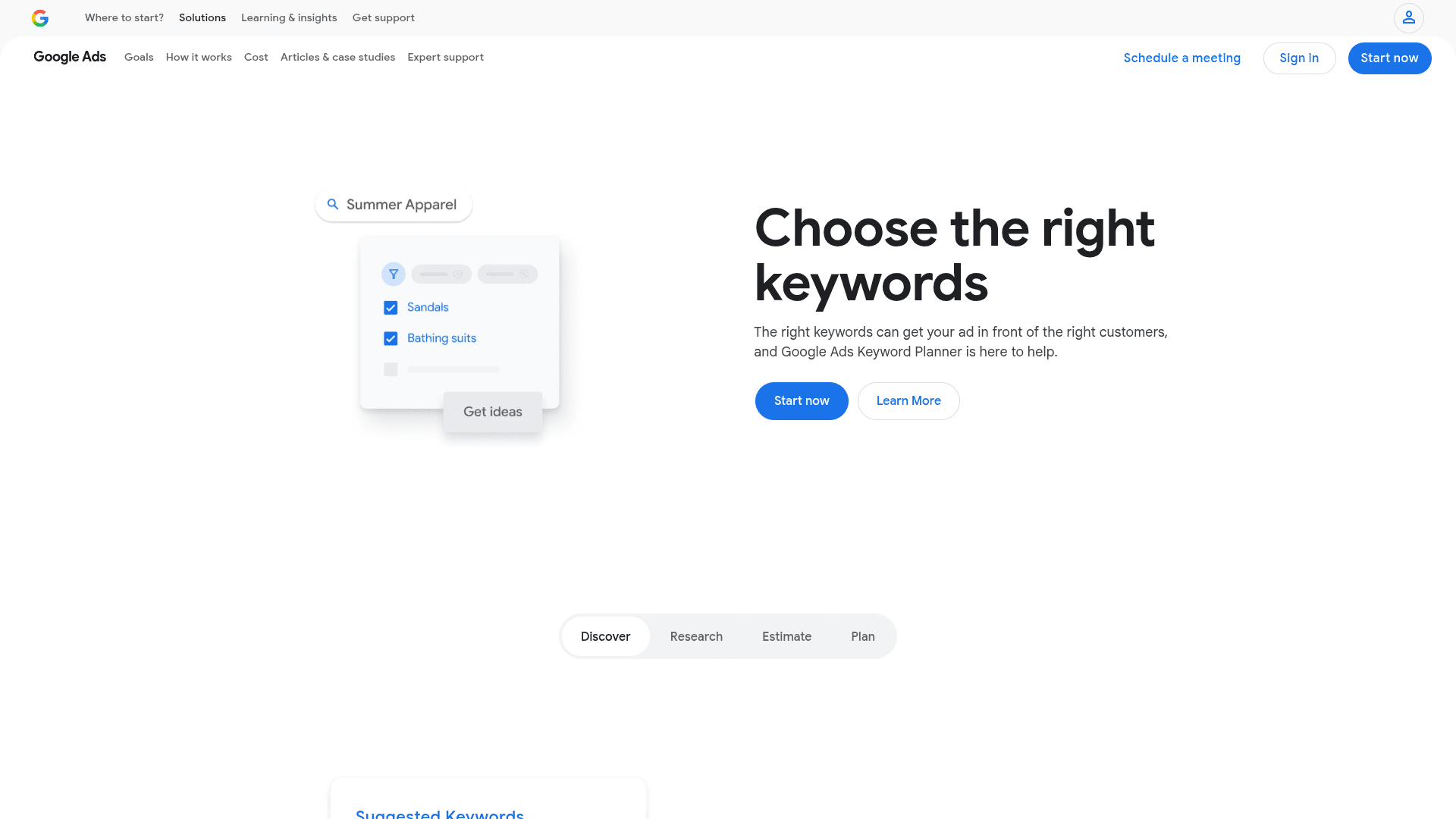
Keyword Planner is Google's own keyword research tool, free with a Google Ads account (you don't need to spend anything — skip the campaign setup during signup). It generates keyword ideas from seed terms or a URL, shows monthly search volume, competition, and bid estimates, and breaks data down by region and language with a reliability third-party tools can only approximate. The catch: volumes display as ranges (100-1K, 1K-10K) unless you're running active ads, and it groups close variants together. Pair it with Google Trends — also free, no account — to layer seasonality and rising-topic data on top of the raw volumes.
Key Features
- Keyword Ideas: Generate hundreds of related keywords from seed terms or any URL, including competitors'
- Volume & Forecasts: Monthly search volume ranges plus click and cost forecasts from Google's own data
- Regional Breakdown: Volumes by country, region, and city — essential for local and international SEO
- Commercial Signals: Bid ranges and competition reveal which keywords carry real buyer intent
- Google Trends Pairing: Layer free seasonality and rising-query data on top of Planner volumes
Free Tier & Pricing
| Plan | Price | What's Included |
|---|---|---|
| Free | $0 | Full access with a Google Ads account — no ad spend required (volumes shown as ranges) |
Pros
- Data straight from Google, not a third-party estimate
- Best-in-class regional and language breakdowns
- Bid data doubles as a commercial-intent signal
- Completely free with no lookup limits
Cons
- Volume ranges (not exact numbers) without active ad spend
- Groups close variants, hiding long-tail nuance
- Built for advertisers — no difficulty score for organic SEO
Verdict: Use Keyword Planner to validate volumes and commercial intent, and a tool like PikaSEO's keyword suite or Ubersuggest for exact numbers and difficulty. Together they cover keyword research end to end for free.
Visit Google Keyword PlannerBing Webmaster Tools
Best for: Free keyword research, a built-in site scanner, and visibility in the search engine feeding several AI assistants
Bing Webmaster Tools is the most underrated free item on this list. Setup takes one click if you already use Search Console — it imports your verified sites directly — and it bundles tools Google doesn't offer for free: a genuine keyword research tool with Bing volume data and no daily caps, a Site Scan that crawls your site and flags technical issues (a free cloud crawler, effectively), and a backlink report that lets you compare link profiles against other domains. With Bing's index feeding ChatGPT search experiences and Copilot, indexing well on Bing now buys AI answer visibility too — via IndexNow, it's instant.
Key Features
- Keyword Research: Free keyword tool with volume, trends, and question filtering — no daily search caps
- Site Scan: A real cloud-based crawler that audits your site for technical and on-page issues, free
- Backlink Comparison: See your backlink profile and compare it against any other domain's
- GSC Import: Verify in one click by importing your sites straight from Google Search Console
- IndexNow: Push new and updated URLs for instant indexing across Bing and partner engines
Free Tier & Pricing
| Plan | Price | What's Included |
|---|---|---|
| Free | $0 | All features — keyword research, Site Scan, backlinks, performance data |
Pros
- Free keyword research with no daily limits
- Site Scan is a genuinely free cloud crawler
- Backlink comparison covers competitor domains
- Bing's index increasingly feeds AI assistants
Cons
- Bing volume data runs lower than Google's
- Performance data only covers Bing traffic
- Interface is clunkier than Search Console's
Verdict: Ten minutes of setup — one click of it imported from GSC — buys you a free keyword tool, a free site crawler, and presence in an index that AI assistants read. There's no reason not to have this configured.
Visit Bing Webmaster ToolsUbersuggest
Best for: Beginners who want a taste of an all-in-one SEO suite — keywords, audits, and backlinks — before paying for one
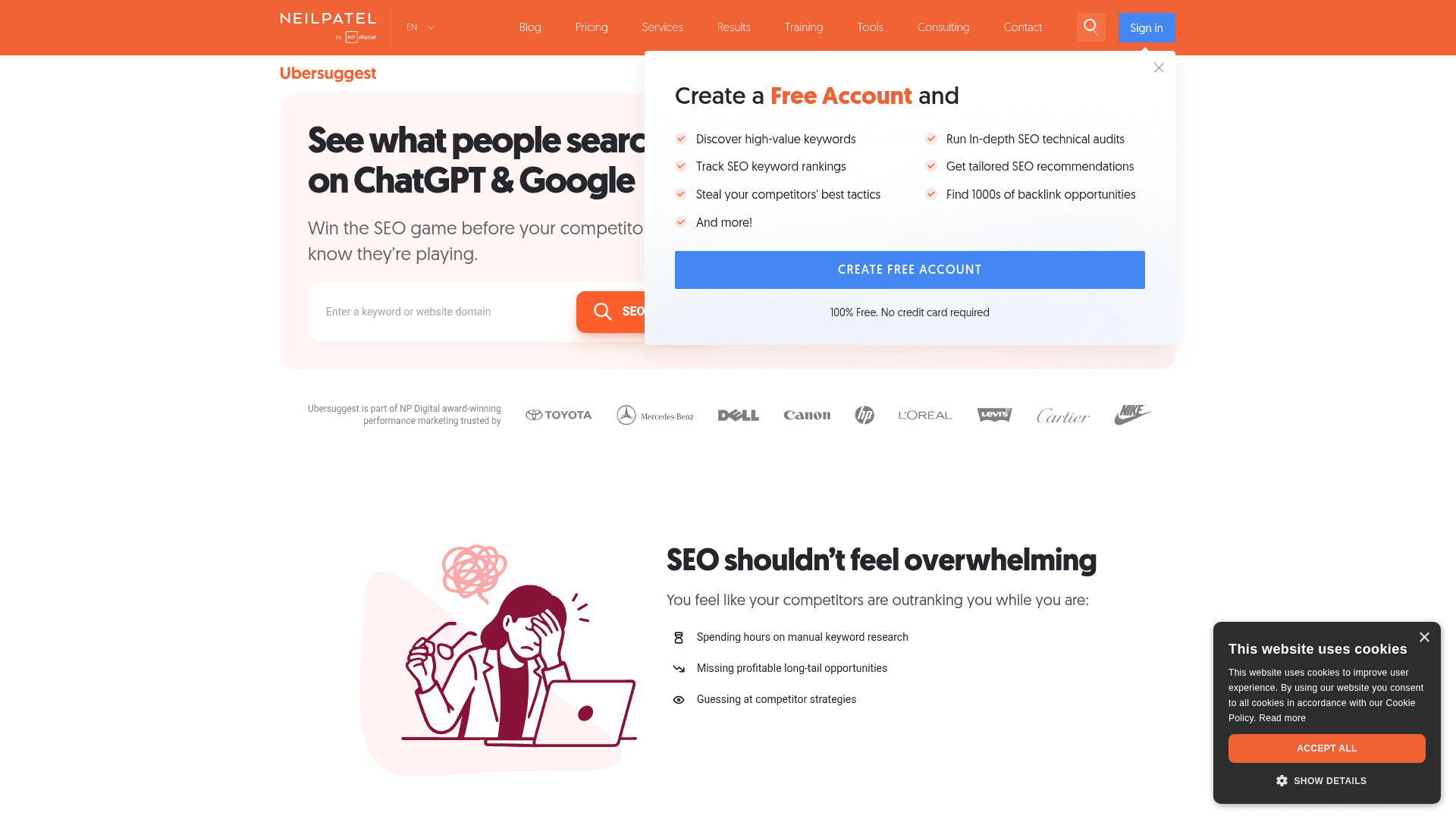
Ubersuggest, Neil Patel's freemium suite, compresses the paid-SEO-tool experience into three free searches per day: keyword volume with an actual difficulty score, content ideas showing what already performs for a topic, a mini site audit, and sample backlink data. Three daily lookups won't run a professional workflow, but as a free supplement it's genuinely useful for spot-checking difficulty and stealing content angles. Its real distinction is pricing if you do upgrade: plans start at $12/month — a tenth of the big suites — and lifetime licences start at $120, one of the only serious keep-forever deals in SEO software.
Key Features
- Keyword Analysis: Volume, SEO difficulty, paid difficulty, and CPC for any keyword — 3 free searches/day
- Keyword Ideas: Suggestions, questions, prepositions, and comparisons from a seed term
- Content Ideas: See the top-performing pages and headlines already winning a topic
- Site Audit: Lightweight technical audit with an SEO score and top fixes
- Backlink Data: Sample backlink profiles and new/lost link tracking
Free Tier & Pricing
| Plan | Price | What's Included |
|---|---|---|
| Free | $0 | 3 searches/day across keyword, domain, and audit tools |
| Individual | $12/mo | 150 searches/day, 1 site, full audits and tracking |
| Lifetime | from $120 once | Individual-tier access forever, no subscription |
Pros
- Real difficulty scores on the free tier
- Content ideas surface proven angles fast
- Cheapest serious paid upgrade in the category
- Lifetime deal eliminates subscription creep
Cons
- 3 searches/day evaporates mid-research
- Data depth trails Ahrefs and Semrush
- Persistent upsell prompts throughout the UI
Verdict: Treat the free tier as a daily spot-check tool, not a research platform. If you outgrow it, the $120 lifetime licence is the rare SEO purchase you make once and stop thinking about.
Visit UbersuggestAnswerThePublic
Best for: Mapping every question people ask about a topic — fuel for FAQ sections, content clusters, and answer engine optimization
AnswerThePublic takes a seed keyword and visualizes the autocomplete universe around it: every question (who/what/why/how), preposition (for/with/without), comparison (vs/or), and alphabetical variant people actually type. That question data has quietly become more valuable in 2026 — FAQ content maps directly to how people prompt ChatGPT, Perplexity, and Google's AI Mode, making this as much an AEO tool as an SEO one. The free tier allows a few searches per day, enough to plan a content cluster; paid plans (from $11/month, now under Neil Patel's NP Digital alongside Ubersuggest) add unlimited searches, alerts, and CSV exports.
Key Features
- Question Mapping: Every who/what/when/where/why/how query around your seed keyword, visualized
- Prepositions & Comparisons: 'For', 'with', 'versus' variants that reveal intent and commercial angles
- Search Listening Alerts: Track how questions around a topic shift over time (paid)
- Visual & List Views: The famous wheel visualization, plus practical exportable lists
- AEO Fuel: Question data maps directly to FAQ schema and AI answer-engine prompts
Free Tier & Pricing
| Plan | Price | What's Included |
|---|---|---|
| Free | $0 | A few searches per day with full visualizations |
| Individual | $11/mo | Unlimited searches, 1 user, exports and alerts |
| Pro | $99/mo | Multiple users, more listening alerts, team features |
Pros
- Fastest way to map an entire topic's questions
- Doubles as an AEO research tool for AI answers
- Visualizations make client presentations easy
- Cheap upgrade if you need unlimited searches
Cons
- Daily free-search cap is tight
- No volume or difficulty data — pair with a keyword tool
- Data reflects autocomplete, not measured demand
Verdict: Run your core topics through it once and you'll have FAQ sections and content clusters planned for a quarter. Pair its questions with PikaSEO's search volume checker to know which ones are worth a full article.
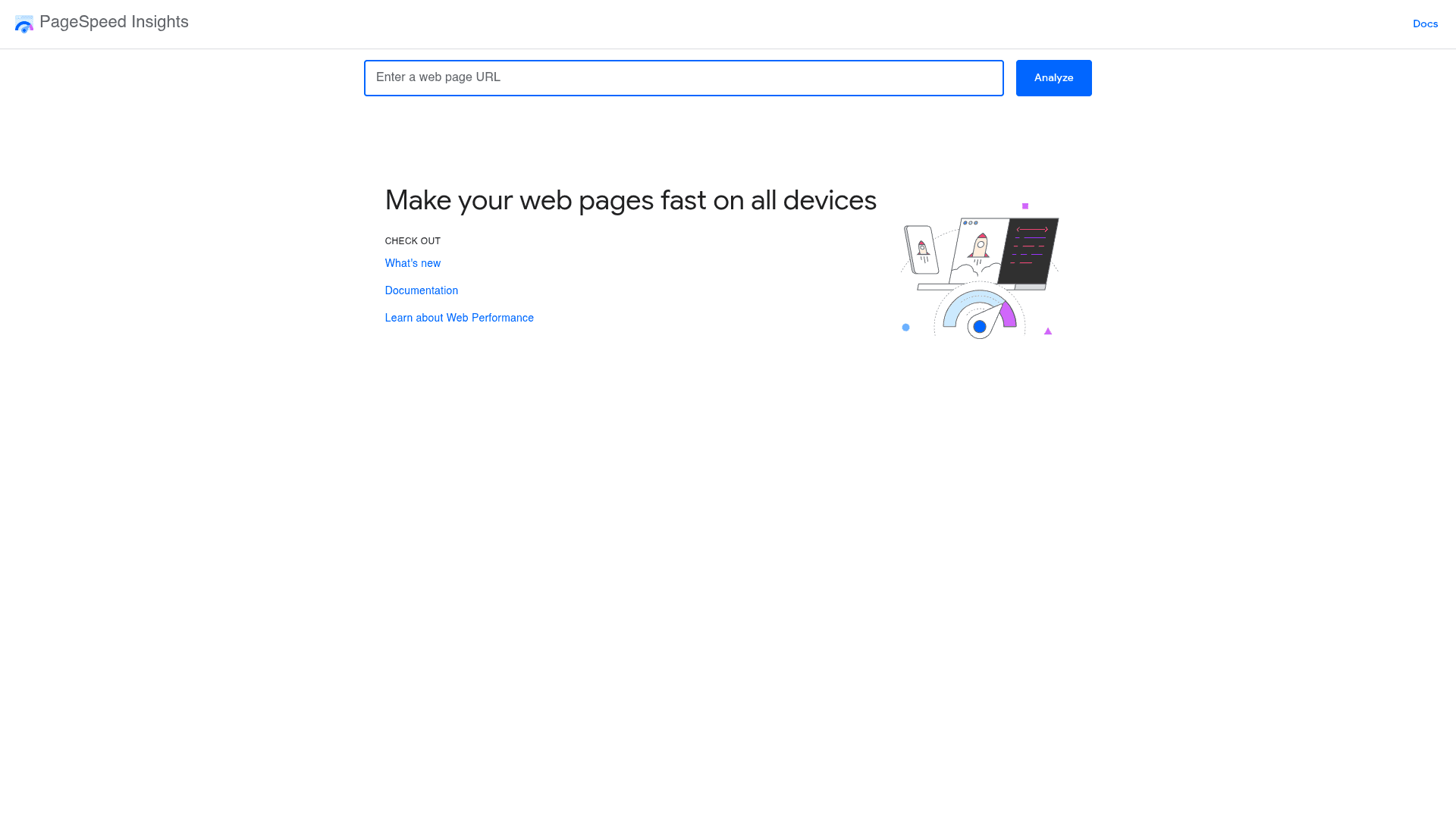
Visit AnswerThePublicGoogle PageSpeed Insights
Best for: Checking Core Web Vitals — a confirmed ranking signal — with both real-user field data and lab diagnostics, free
PageSpeed Insights answers a question directly tied to rankings: does your page pass Core Web Vitals? Paste any URL — yours or a competitor's, no account needed — and you get two layers of data: field data from real Chrome users over the past 28 days (LCP, INP, and CLS, the actual pass/fail Google uses) and a Lighthouse lab run with specific diagnostics: render-blocking resources, oversized images, layout shift culprits, unused JavaScript. Since INP replaced FID as the responsiveness metric, plenty of previously 'green' sites quietly started failing — worth a check. It's the free, canonical answer to 'is my site fast enough for Google?'
Key Features
- Core Web Vitals Assessment: Real-user LCP, INP, and CLS with Google's actual pass/fail verdict
- Field + Lab Data: 28-day real-user data alongside a reproducible Lighthouse diagnostic run
- Actionable Diagnostics: Named culprits: render-blocking resources, image sizing, layout shift sources
- Mobile & Desktop: Separate scoring for each — mobile is what matters for rankings
- Free API: Automate checks across many pages with the free PSI API
Free Tier & Pricing
| Plan | Price | What's Included |
|---|---|---|
| Free | $0 | Unlimited manual checks and free API access — no account |
Pros
- Tests the exact metrics Google ranks on
- Works on any URL, including competitors
- Diagnostics name specific fixes, not vague advice
- Free API enables site-wide monitoring
Cons
- One URL at a time in the UI
- Small-traffic pages lack field data
- Lab scores vary run-to-run — trust field data first
Verdict: Check your key templates (home, article, product) monthly and after any redesign. Field data passing all three vitals is the goal; the lab diagnostics are your to-do list for getting there.
Visit Google PageSpeed InsightsUtubeKit
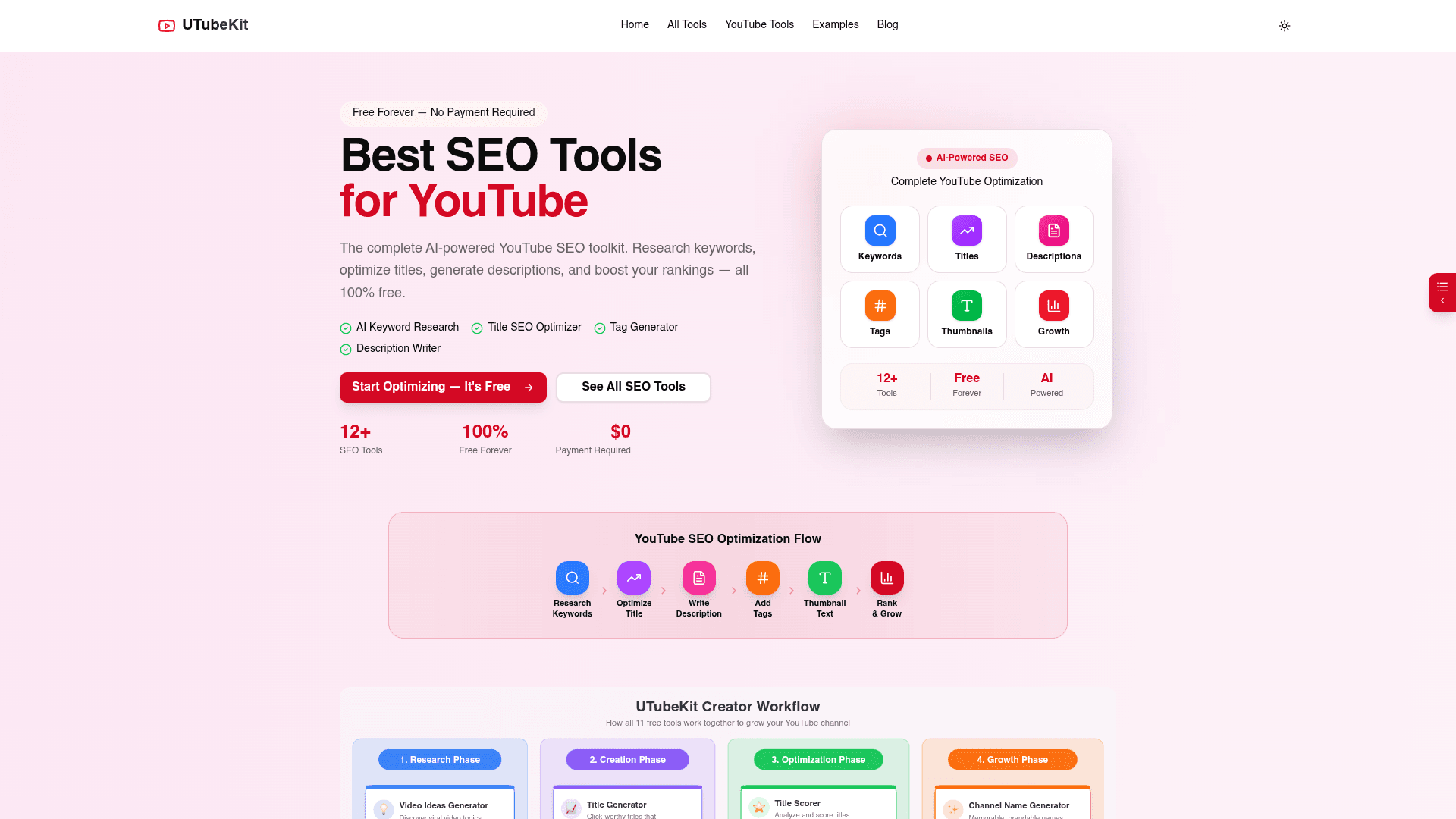
Best for: YouTube creators who want the full video SEO workflow — keywords, titles, descriptions, tags, thumbnails — completely free
If YouTube is part of your search strategy — and with video results woven through Google, AI Overviews, and YouTube's own 2-billion-user search engine, it probably should be — UtubeKit covers the entire video SEO workflow for exactly $0. That's not freemium marketing: keyword research, title generation with A/B scoring, SEO-focused description writing, tag and hashtag generation, thumbnail tools, script writing, and a monetization checker are all unlimited, free forever, with no credit card. The platform is built around an 8-step video SEO framework, which makes it especially good for creators who know optimization matters but don't know where to start.
Key Features
- YouTube Keyword Research: Find what viewers search on YouTube — unlimited lookups, no daily caps
- Title Generator & Scorer: Generate keyword-optimized titles and A/B score variants before publishing
- Description Writer: SEO-focused descriptions built for the 250+ word depth YouTube rewards
- Tag & Hashtag Generator: Strategic tag sets (8-15) plus hashtags matched to your topic
- Script & Thumbnail Tools: Video script writer, thumbnail text optimizer, and thumbnail creator
Free Tier & Pricing
| Plan | Price | What's Included |
|---|---|---|
| Free | $0 | Every tool, unlimited use, forever — no credit card, no caps |
Pros
- Genuinely 100% free with no usage limits
- Covers the complete video SEO workflow in one place
- 8-step framework guides beginners through optimization
- No ads or trial countdowns
Cons
- YouTube-only — not for general web SEO
- No channel analytics (pair with YouTube Studio)
- Newer tool with a smaller community than VidIQ or TubeBuddy
Verdict: For video SEO, this is the easiest recommendation on the list: the workflow tools competitors charge $10-$50/month for, free with no caps. Pair it with YouTube Studio's analytics and you have a complete video SEO stack at zero cost.
Visit UtubeKitOutlierKit
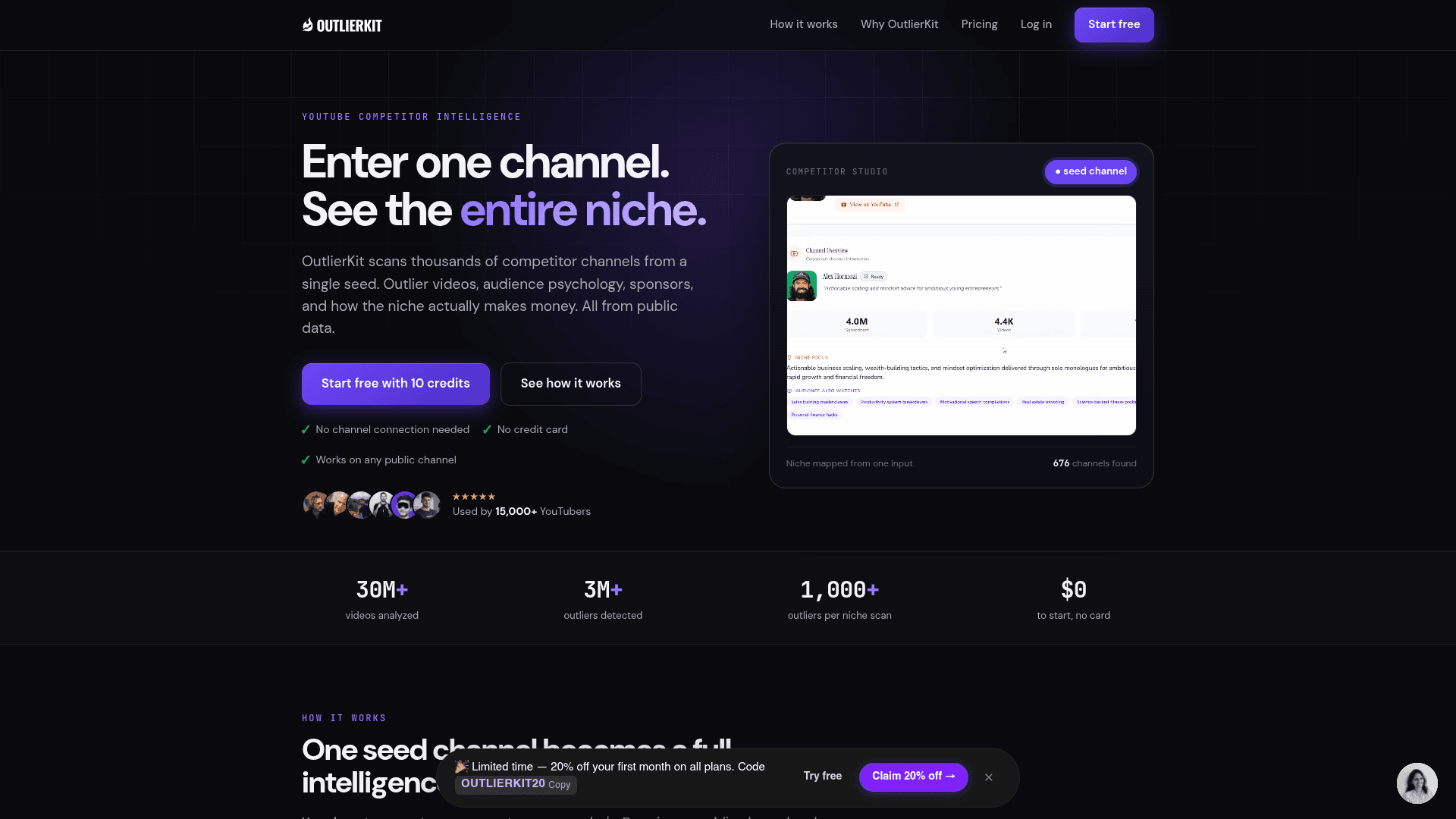
Best for: Creators deciding what to make next — outlier detection surfaces video topics with proven, repeatable demand
Where UtubeKit optimizes videos you've decided to make, OutlierKit — built by PikaSEO co-founder Aditi Chaturvedi — answers the harder question: what should you make? Its core signal is outlier detection: videos that earn 5x, 10x, 20x a channel's average views, which is the cleanest evidence of topic demand exceeding channel size. Feed it a seed channel and it maps the surrounding niche (the engine has analyzed 30M+ videos and flagged 3M+ outliers), then layers on YouTube keyword volume and difficulty, script and hook analysis, and channel pattern research. You get 10 free credits to test it — enough for several keyword lookups and outlier scans — with paid plans from $29/month.
Key Features
- Outlier Detection: Surface videos massively outperforming their channel's average — proven topic demand
- Competitor Studio: Map a whole niche from one seed channel, grouped by growth and momentum (Pro)
- YouTube Keyword Research: Search volume and ranking difficulty scores for YouTube queries
- Script & Hook Analysis: Score the engagement elements of winning videos before you write yours
- Channel Analysis: Audience patterns, upload cadence, and what's working across any channel
Free Tier & Pricing
| Plan | Price | What's Included |
|---|---|---|
| Free trial | $0 | 10 credits, no credit card — keyword lookups cost 1 credit each |
| Hobby | $29/mo | 100 credits/month, core research tools |
| Pro | $49/mo | 500 credits, Competitor Studio, audience data, API access |
| Max | $199/mo | 2,000 credits, 50+ channel connections, on-demand updates |
Pros
- Outlier signal beats guessing what to film next
- Massive research index (30M+ videos analyzed)
- Keyword difficulty scoring built for YouTube specifically
- API access for automated research workflows
Cons
- Free tier is a 10-credit trial, not a permanent plan
- Credit model takes a moment to learn
- Overkill for creators who already have a content backlog
Verdict: Use the 10 free credits on your niche's top three channels and see what the outliers tell you — one validated video idea pays for a Hobby plan many times over. For data-driven creators, it's the research layer UtubeKit doesn't try to be.
Visit OutlierKitThe Complete $0 Stack
These tools aren't competitors — they're a stack. Here's how the twelve slot into the four jobs every SEO workflow has to cover:
Keywords & content runs on PikaSEO's keyword suite validated against Keyword Planner, with AnswerThePublic mapping questions and Ubersuggest as a daily spot-check. Technical SEO pairs CrawlRaven's prioritized audit with Screaming Frog's raw crawl data and PageSpeed Insights for Core Web Vitals. Data & tracking is Search Console plus Bing Webmaster Tools plus Ahrefs AWT — three free dashboards that together show rankings, indexing, and backlinks. YouTube adds UtubeKit for optimization and OutlierKit for deciding what to make.
How to Build Your Free SEO Stack
The order matters — measurement first, so every later change has a baseline. Here's the one-hour setup:
Step 1: Set up your measurement layer
Verify your site in Google Search Console, import it into Bing Webmaster Tools in one click, and verify it in Ahrefs Webmaster Tools. Real performance, indexing, and backlink data — before you change anything.
Step 2: Research keywords
Use PikaSEO's keyword tools for volume and difficulty, Google Keyword Planner for regional and commercial-intent data, and AnswerThePublic to map the questions people actually ask.
Step 3: Audit your technical health
Run CrawlRaven's free 100-page audit for a prioritized issue list, crawl up to 500 URLs with Screaming Frog for the raw detail, and check Core Web Vitals in PageSpeed Insights.
Step 4: Optimize content and structured data
Use free content brief, outline, and meta tag generators to optimize each page, and add FAQ, Article, and Product markup with free schema generators — rich results are one of the few free CTR levers left.
Step 5: Measure, iterate, and expand to video
Review Search Console queries and AI Mode visibility monthly. If YouTube is part of your strategy, optimize uploads with UtubeKit and pick topics with OutlierKit's outlier data.
Pro Tip
Upgrade for a specific blocked job, not for a tool. If competitor backlink research is what's stopping you, that's Ahrefs. If it's crawling 5,000 URLs, that's Screaming Frog's licence or CrawlRaven Pro. A named bottleneck is the only good reason to end the $0 era.
Frequently Asked Questions
Final Thoughts
The real story of free SEO tools in 2026 is that the free tier got good. Between Google's own tools (Search Console, Keyword Planner, PageSpeed Insights), the generous corners of commercial suites (Ahrefs Webmaster Tools, Screaming Frog's 500 URLs), and genuinely free platforms like PikaSEO and UtubeKit, the complete workflow — research, audit, optimize, measure — costs nothing but time.
Start with the measurement layer today: Search Console, Bing Webmaster Tools, and Ahrefs AWT. Then run CrawlRaven's free audit to find what's broken, and plan your next quarter's content with PikaSEO's keyword suite. Pay for software only when a named bottleneck — not a feature list — demands it.
Popular Free Tools on PikaSEO
Keyword Search Volume
Check real monthly volumes for up to 10 keywords at once
Keyword Difficulty Checker
Score how hard a keyword is to rank for, 0-100
SERP Checker
See the top 10 results and SERP features for any keyword
Technical SEO Audit
Scan any page for technical and on-page issues
Related Keywords Generator
Expand one seed keyword into a full topic cluster
Google Autocomplete Extractor
Pull every autocomplete suggestion for a seed term
Related Articles
Best AI SEO Tools
The AI-powered side of the modern SEO stack
Best AI SEO Tools for Beginners
Where to start when you're new to SEO tooling
Ahrefs vs SEMrush
If you do go paid, here's the head-to-head
SEMrush vs Ubersuggest
Premium suite vs budget favorite, compared
Top SEO Tools
The complete market overview, free and paid
Browse All Articles
Explore our complete library of guides and reviews
About the Author

Co-Founder & SEO Execution
Co-founder of PikaSEO. 11 years in corporate tech, then bootstrapped entrepreneur. Leads SEO execution and content-led growth for SaaS companies.