Here's the uncomfortable math of Search Console and GA4: between them they record everything that matters — every query, impression, click, session, and conversion — and then bury it. The GSC interface exports 1,000 rows of a long tail that runs to tens of thousands. GA4 can answer almost any question, provided you already know how to build the exploration that asks it. So the data sits there, complete and unread, while decisions get made on gut feel.
2026 changed the question from "which dashboard?" to "which AI?". Google embedded Gemini directly into GA4 (Ask Advisor launched in June), added a dedicated AI Assistant traffic channel, and MCP turned Claude and ChatGPT into query engines for your own properties. Meanwhile purpose-built tools stopped visualizing your data and started prioritizing it. We judged every tool on this list on three things: what the AI actually does (summarize, prioritize, or answer questions), what data it sees (GSC, GA4, or both — API-depth or export-depth), and what it honestly costs.
One disclosure up front: our #1 pick, CrawlRaven, is from PikaSEO's extended family. We've kept every claim about it specific — free-tier limits, exact lifetime pricing, and what's still marked "coming soon" — so you can judge it on the facts. Every other tool is ranked on exactly the same criteria.
Quick Comparison
| Tool | Best For | Free Tier | Paid Upgrade |
|---|---|---|---|
| CrawlRaven | Ranked action plan from GSC + GA4 | 1 site, GSC insights | $59 lifetime (3 sites) |
| GA4 + Gemini | Built-in AI on your traffic data | Everything, forever | — |
| SEO Gets | GSC dashboards & content groups | 50k rows, unlimited properties | Core $39/mo |
| Claude + MCP | Conversational cross-source analysis | Limited free tier | Pro $20/mo |
| ChatGPT | Ad-hoc analysis of exports | Limited free tier | Plus $20/mo |
| Semrush Copilot | Suite-wide AI alerts | Limited free account | From $139.95/mo |
| SE Ranking | Rankings + AI visibility correlation | 14-day trial | Core $129/mo |
| SEOTesting | SEO experiments on GSC data | 14-day trial | From $50/mo |
| AgencyAnalytics | AI client reporting | 14-day trial | From $59/mo |
| Looker Studio | Free blended dashboards | Free, forever | Pro $9/user/mo |
What "AI Insights" Actually Means
"AI insights" is doing four different jobs across this list, and knowing which one you need is most of the buying decision:
Built-In AI (Free)
Google's own layer: Gemini Ask Advisor and Generated Insights in GA4, Gemini features in Looker Studio. Native, free, and improving fast — but descriptive more than prescriptive, and blind to the GSC side.
Insight Engines
CrawlRaven, SEO Gets, SEOTesting: purpose-built tools that sync your data daily and output opinions — ranked actions, decay alerts, test verdicts. The most leverage per dollar for hands-on SEOs.
Bring-Your-Own AI
Claude or ChatGPT connected to your data via MCP servers or exports. Answers arbitrary questions no dashboard anticipated — in exchange for setup and the discipline to actually ask.
Suite & Reporting AI
Semrush Copilot, SE Ranking, AgencyAnalytics: AI woven into platforms you may already pay for — triage alerts, cross-channel correlation, and client-ready summaries at platform prices.
Pro Tip
Most teams need one tool from two different quadrants, not three tools from the same one. An insight engine (what should I do?) plus a conversational layer (why is this happening?) covers 90% of real questions — add reporting AI only when someone else needs the story.
Costs at a Glance
The spread here is unusually wide — from permanently free to $140/month — and one tool opting out of subscriptions entirely:
CrawlRaven
Best for: SEOs and agencies who want GSC and GA4 data turned into one ranked to-do list — what to write, what to update, what to fix first — instead of another dashboard to interpret
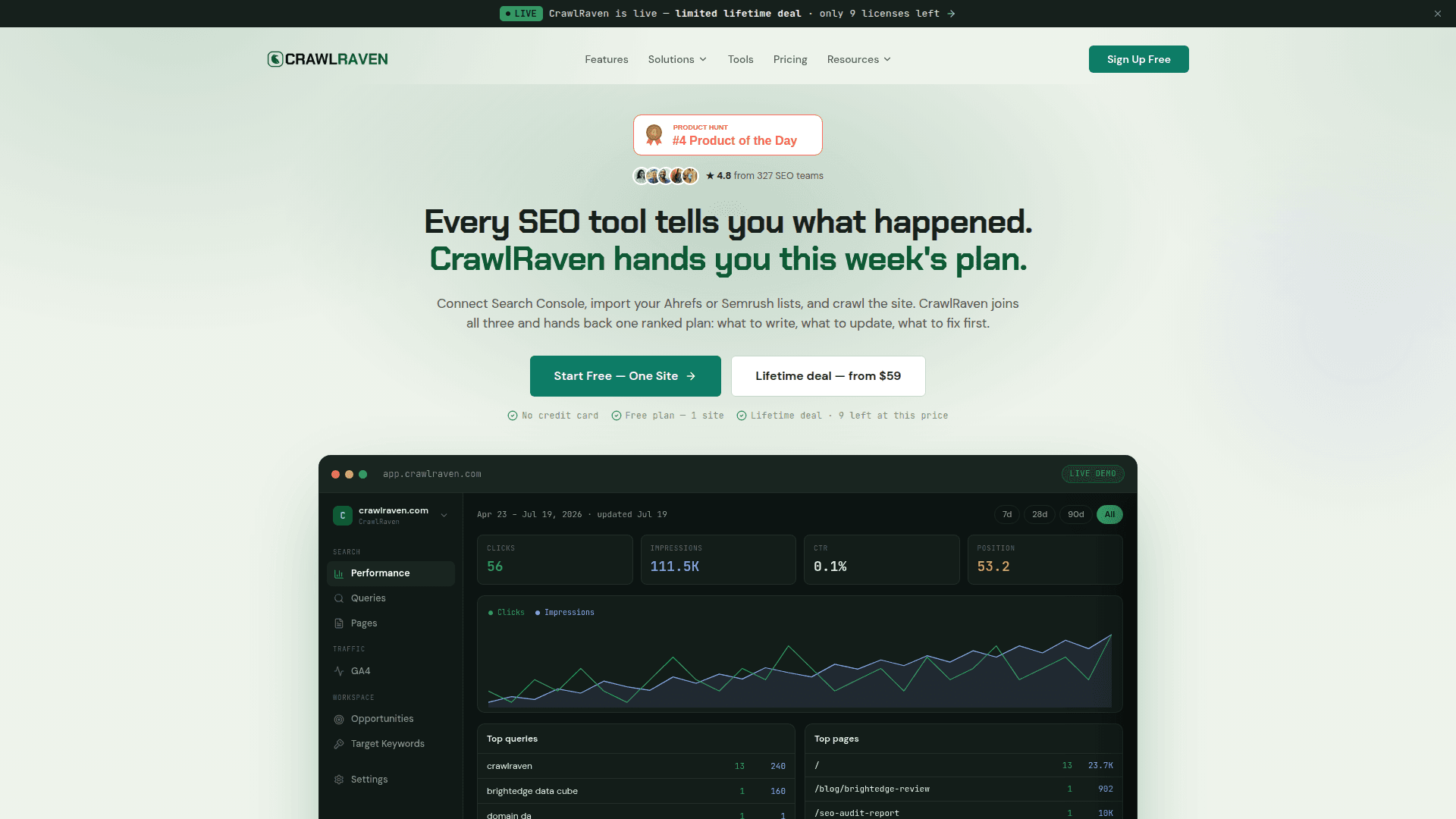
Full disclosure up front: CrawlRaven is from PikaSEO's extended family, so judge this ranking on the specifics. The pitch is different from everything else on this list: instead of showing you charts, it joins three data sources — your Search Console performance data (queries, pages, impressions, clicks, positions via OAuth with daily sync), your GA4 traffic and engagement data, and keyword lists imported from Ahrefs or Semrush — and hands back a single prioritized action plan. That means keyword-to-page mapping with cannibalization flags, content gaps scored against what you already rank for, decay tracking that catches pages losing clicks before the quarter ends, and white-label PDF reports for client work. A 200-point technical crawl and MCP access are rolling out next. The free tier (one site, no credit card) is real, and paid access is a lifetime deal rather than a subscription — $59 one-time for 3 sites, with the price stepping up every 10 licenses sold.
Key Features
- Ranked Action Plan: GSC + GA4 + keyword data merged into one prioritized list: what to write, update, and fix first
- Cannibalization & Decay Detection: Flags pages competing for the same query and catches content losing clicks before it craters
- Content Gap Analysis: Imports Ahrefs/Semrush keyword lists and maps them against pages you already have — and don't
- GSC + GA4 Sync: OAuth connection with daily sync — queries, positions, traffic, and engagement in one place
- White-Label Reports: Client-ready PDF reports on lifetime tiers; MCP access for AI agent workflows coming soon
Pricing
| Plan | Price | What's Included |
|---|---|---|
| Free | $0 forever | 1 site, GSC insights, keyword & page performance tracking — no credit card |
| Lifetime — 3 sites | $59 once | Keyword imports, mapping & clustering, cannibalization, gaps, decay, action items, white-label reports |
| Lifetime — 10 sites | $109 once | Everything above + white-label PDFs and MCP access when it ships |
| Lifetime — 100 sites | $999 once | Agency scale: every feature across up to 100 sites |
Pros
- Outputs ranked actions, not charts you still have to interpret
- $59 lifetime vs the $39-$140/month subscriptions elsewhere on this list
- Cannibalization, decay, and gap analysis are automated, not manual pivots
- Genuinely free tier for one site with daily GSC sync
Cons
- From the PikaSEO family — weigh this ranking accordingly
- Technical crawl and MCP access are still marked 'coming soon'
- Newer platform with a smaller community than the big suites
Verdict: Connect the free tier to your Search Console today — it takes two minutes. If the first action plan surfaces even one cannibalization fix or decaying page you'd missed, it's already outperformed another month of dashboard-staring, and the $59 lifetime deal costs less than a single month of most alternatives here.
Google Analytics 4 + Gemini
Best for: Every site owner — the AI layer Google shipped inside GA4 in 2026 is free, native, and the baseline everything else should beat
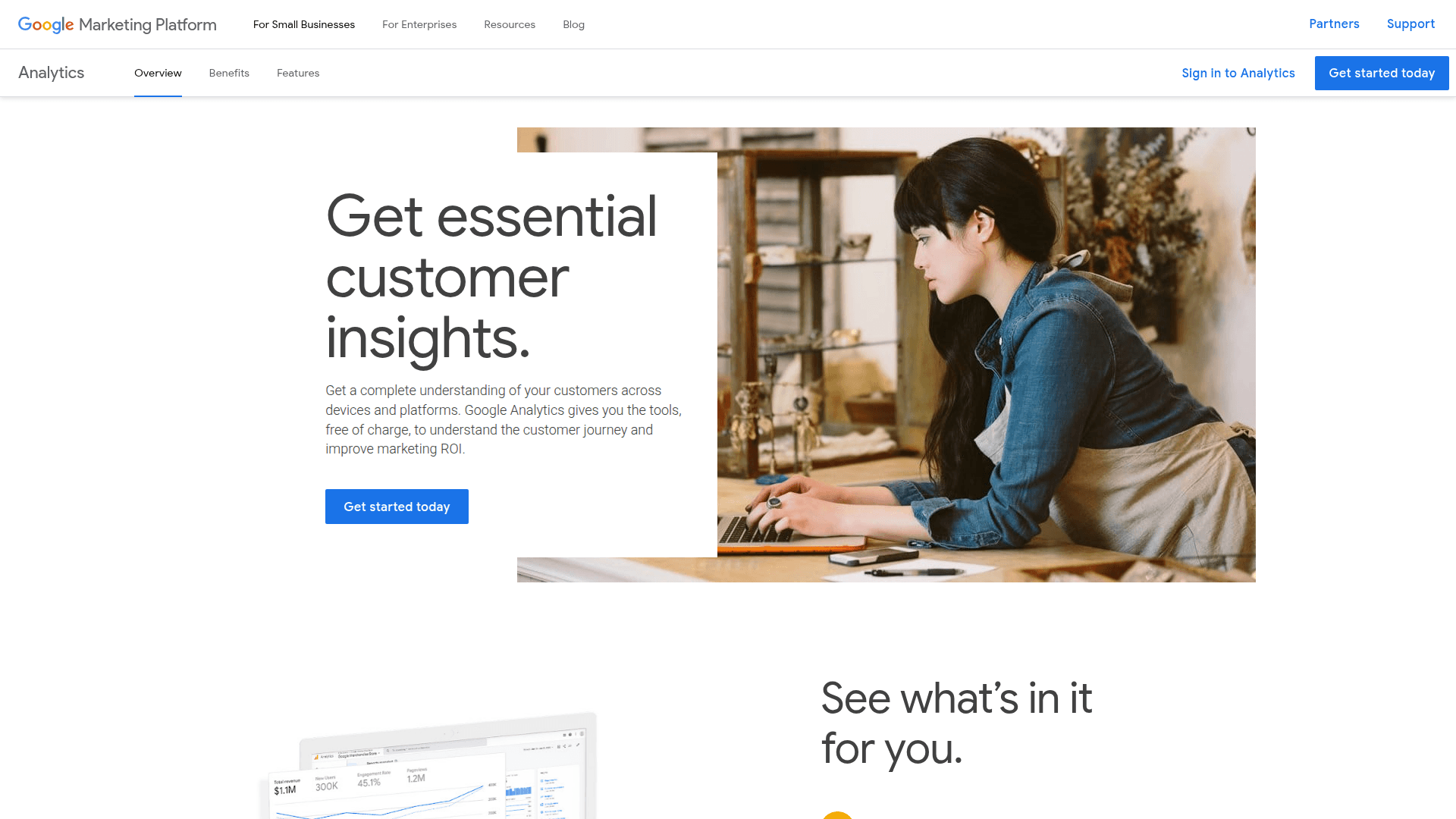
Before paying anyone for AI insights, turn on the ones Google already gave you. In 2026 GA4 became genuinely AI-native: Generated Insights (rolled out early in the year) summarizes the three most significant changes in your property since your last visit, in plain language, right on the Home screen. Ask Advisor — announced June 18, 2026 — embeds Gemini inside GA4, so 'why did revenue drop last week?' gets a direct, contextualized answer instead of a 20-minute exploration build. And since May 2026, the Default Channel Group includes a dedicated AI Assistant channel that automatically isolates visits from ChatGPT, Gemini, Claude, Perplexity, and other assistants — the cleanest way to measure whether AI search visibility is sending you anyone. Add the older ML features (anomaly detection, purchase and churn probability) and GA4 covers a surprising amount of the 'insights' job for $0. What it can't see is the search side — queries, impressions, positions live in GSC — which is why it pairs with everything else on this list rather than replacing it.
Key Features
- Ask Advisor (Gemini): Conversational questions inside GA4 — plain-language answers about your traffic, no report building
- Generated Insights: Auto-summarizes the top 3 significant changes since your last visit, on the Home screen
- AI Assistant Channel: Dedicated channel group isolating ChatGPT, Gemini, Claude, and Perplexity traffic since May 2026
- Anomaly Detection: Statistical alerts when metrics spike or dip outside expected ranges
- Predictive Metrics: Purchase probability and churn probability for eligible properties, usable in audiences
Pricing
| Plan | Price | What's Included |
|---|---|---|
| Free | $0 | All AI features — Ask Advisor, Generated Insights, AI Assistant channel, predictions |
Pros
- Gemini answers are computed on your full property data, not an export
- AI Assistant channel is the cleanest free measure of AI-search referrals
- Zero setup — the features appear in the property you already have
- Anomaly alerts catch problems between your check-ins
Cons
- Sees traffic only — no queries, impressions, or positions without GSC
- Answers describe what happened more than what to do about it
- Ask Advisor is still rolling out and works best on common questions
Verdict: This is the free baseline: turn on Generated Insights, try Ask Advisor, and check the AI Assistant channel this week. Then judge every paid tool on this list by one question — what does it tell me that GA4's own Gemini didn't?
SEO Gets
Best for: SEOs who live in Search Console and want its data made fast, deep, and groupable — with a free tier that embarrasses the native UI
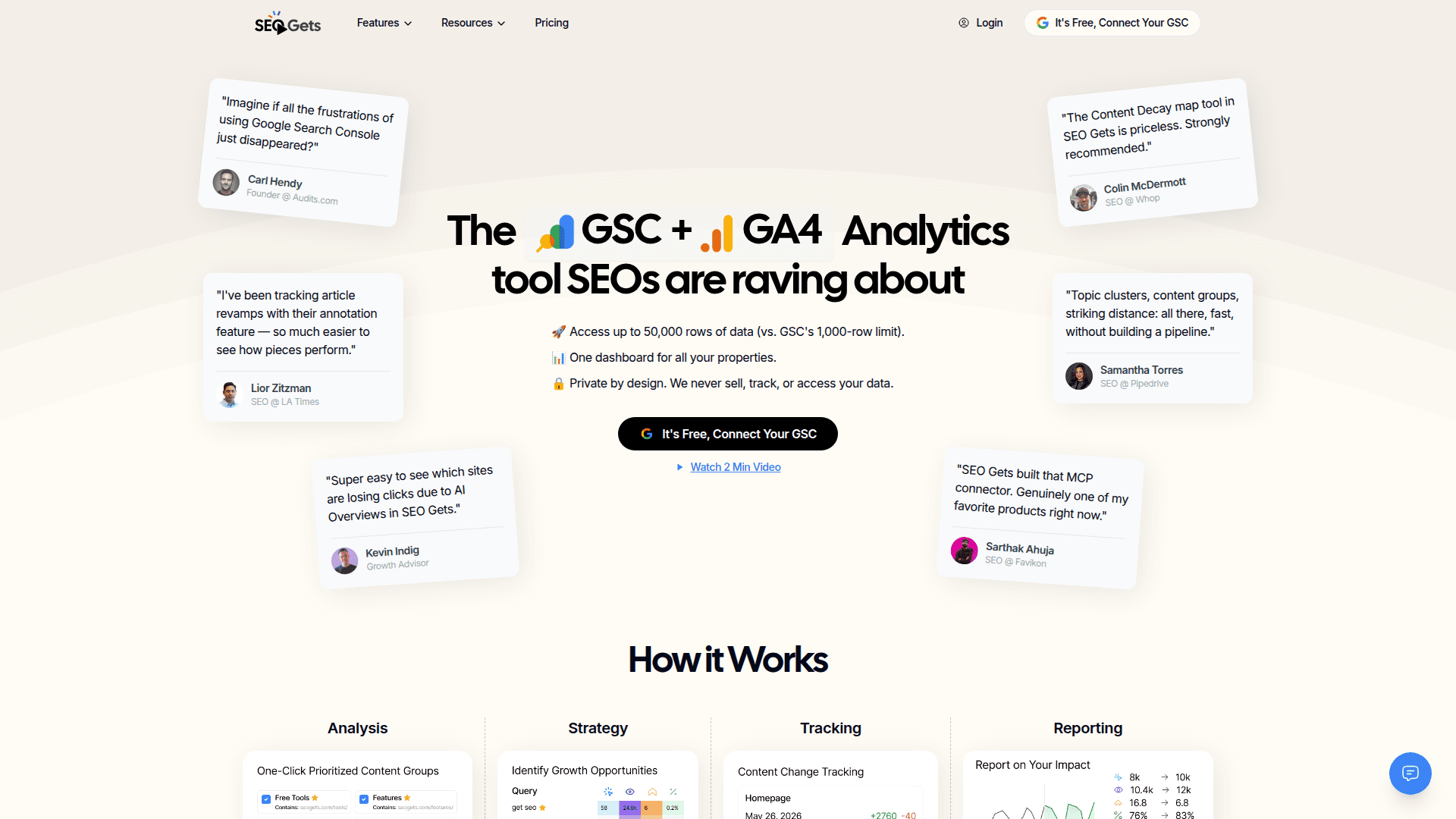
SEO Gets is what Search Console's interface should have been, built by SEOs and now used by 4,000+ professionals. The free tier alone fixes GSC's worst limits: a master dashboard across unlimited Search Console properties and access to up to 50,000 rows of data — roughly 50x the 1,000-row ceiling of the native export. On top of that sit the analyses every SEO otherwise builds by hand: striking-distance keywords, content decay reports, cannibalization detection, and one-click content groups that cluster pages and queries by topic or intent. The Core plan ($39/month) adds GA4 dashboards, growth reports, SEO testing, a Chrome extension that annotates content changes, weekly email summaries, a live client portal — and an MCP server, so Claude or ChatGPT can query your GSC data through SEO Gets directly. It's less prescriptive than CrawlRaven (dashboards and groups rather than a ranked to-do list), but as a daily GSC cockpit it has no equal at the price.
Key Features
- 50,000-Row GSC Access: See the long tail the native UI truncates — free, across unlimited properties
- Content Groups: One-click clustering of pages and queries by topic or intent, with group-level trends
- Decay & Cannibalization Reports: Striking-distance, decaying, and competing pages surfaced automatically
- GA4 Dashboards: Traffic and engagement joined to search performance on the Core plan
- MCP Server + Weekly Summaries: Query your data from Claude/ChatGPT, and get the week's story emailed
Pricing
| Plan | Price | What's Included |
|---|---|---|
| Free | $0 | Master dashboard, unlimited GSC properties, 50k rows of data |
| Core | $39/mo | GA4 dashboards, content groups, growth reports, MCP, SEO testing, client portal |
Pros
- Free tier delivers ~50x more GSC data than the native export
- Content groups turn 20,000 queries into 12 decisions
- MCP server means your AI assistant can read your GSC data with zero setup
- Privacy-forward: states it never sells, tracks, or accesses your data
Cons
- Dashboards over prescriptions — you still decide what to do next
- GA4 integration sits behind the paid plan
- No crawling or technical auditing — it's performance data only
Verdict: Connect the free tier even if you buy nothing else on this list — 50,000 rows of your own GSC data for $0 is the single best data-access upgrade in SEO. The $39 Core plan earns its keep the first time a weekly summary catches a decaying content group early.
Claude + MCP Servers
Best for: Analysts and technical SEOs who want to interrogate GSC and GA4 in plain English — and script recurring analyses an intern couldn't run
MCP (Model Context Protocol) turned 'chat with your data' from a demo into a workflow. Google ships an official, open-source, read-only Google Analytics MCP server (googleanalytics/google-analytics-mcp — Apache-2.0, 2.6k GitHub stars) that exposes GA4's Data and Admin APIs: standard reports, funnels, realtime, custom dimensions. Search Console coverage comes from mature community servers — AminForou/mcp-gsc is the most-starred — or hosted options that skip the local install entirely. Attach both to Claude Desktop or Claude Code and you can ask the questions dashboards can't anticipate: 'find queries where impressions rose but CTR fell, check whether those pages' GA4 engagement dropped too, and give me the five most likely title-tag fixes.' Claude reasons across both sources in one conversation, and with Claude Code you can turn the good questions into a scheduled weekly script. Setup is real but modest — a Google Cloud credential and ~15 minutes — and the whole capability rides on a $20/month Pro plan (a limited free tier exists).
Key Features
- Official GA4 MCP Server: Google-maintained, read-only access to GA4 reports, funnels, and realtime data
- GSC via Community/Hosted MCP: Query search performance data through well-maintained open-source or no-install hosted servers
- Cross-Source Reasoning: One conversation spanning search queries AND on-site behavior — the join tools rarely offer
- Claude Code Automation: Turn ad-hoc questions into scheduled scripts and recurring audit reports
- Read-Only by Design: The official server can't modify your property — analysis without write risk
Pricing
| Plan | Price | What's Included |
|---|---|---|
| Free | $0 | Limited Claude usage — enough to trial the setup |
| Claude Pro | $20/mo | Enough usage for daily analysis sessions, Claude Desktop + MCP support |
| MCP servers | $0 | Official GA server and community GSC servers are free, open source |
Pros
- Answers arbitrary questions — not just the ones a dashboard pre-built
- Official Google server, read-only, free, and auditable
- One $20 subscription covers deep analysis of both GSC and GA4
- Graduates from chat to automation via Claude Code
Cons
- DIY setup: OAuth credentials and config files, not one-click
- Context limits mean huge date ranges need summarizing strategies
- Nothing runs unless you ask — no always-on monitoring layer
Verdict: The highest ceiling on this list. If you're comfortable with a 15-minute technical setup, Claude plus two MCP servers replaces the ad-hoc analysis half of an analyst's week — and unlike every SaaS option here, it answers the questions you invent, not the ones the vendor anticipated.
ChatGPT
Best for: Quick, one-off analysis of GSC and GA4 exports — charts, clusters, and anomalies from a CSV in minutes, no integration required
The zero-infrastructure option: export a GSC performance report or a GA4 exploration to CSV, drop it into ChatGPT, and its data analysis mode writes and runs real Python against your file — pivots, regressions, clustering, charts. For the questions that come up once ('which of these 800 queries are branded?', 'plot CTR by position bucket and tell me where we underperform the curve') it's genuinely excellent, and the pattern-naming is often sharper than a junior analyst's. The ceiling is structural: the GSC interface exports at most 1,000 rows, every upload is a stale snapshot, and nothing persists between sessions — next month you start from zero. Connectors and MCP support are closing the gap for ChatGPT too, and hosted GSC MCP servers work with it as well as with Claude. But for most users this is the scratchpad, not the system: perfect for interrogating an export, wrong for monitoring a site. Plus runs $20/month; the free tier includes limited data analysis.
Key Features
- Data Analysis Mode: Writes and executes Python on your uploaded exports — pivots, stats, and charts on demand
- Pattern Recognition: Clusters queries by intent, flags anomalies, and names trends you'd scroll past
- Chart Generation: Publication-ready visualizations from raw CSVs in one prompt
- Connector/MCP Support: Growing support for live connections, including hosted GSC MCP servers
- Custom GPTs: Package your analysis prompts and formatting rules into a reusable analyst
Pricing
| Plan | Price | What's Included |
|---|---|---|
| Free | $0 | Limited data analysis and uploads |
| Plus | $20/mo | Full data analysis, more usage, connectors, custom GPTs |
Pros
- Fastest route from 'I wonder' to an answer with a chart
- No OAuth, no integration, no vendor storing your data long-term
- Real computed analysis (Python), not vibes about your numbers
- Free tier is enough to prove the workflow
Cons
- GSC UI exports cap at 1,000 rows — the long tail never makes it in
- Snapshots, not sync: every analysis starts from scratch
- Will confidently answer questions your data can't actually support — verify
Verdict: Keep it in the rotation as the scratchpad: unbeatable for one-off questions on an export. The moment you catch yourself re-uploading the same report every Monday, that's the signal to graduate to CrawlRaven, SEO Gets, or an MCP setup.
Semrush Copilot
Best for: Teams already living in Semrush who want its AI to watch GSC, GA4, and every Semrush tool at once — and say what matters this morning
Semrush's answer to this category is Copilot, an AI assistant that reads across your connected data — Site Audit, Position Tracking, Backlink Audit, and crucially your linked Google Search Console and GA4 accounts — and surfaces prioritized alerts: technical problems, ranking drops, competitor gains, and opportunities ranked by likely impact, each with a plain-English 'why this matters.' The GSC/GA4 connections (free with any plan) also power Organic Traffic Insights, which joins GA4 sessions, GSC queries, and Semrush position data into one table — including unlocking the 'not provided' keywords GA4 hides — and the App Center adds AI Narratives for GA4 for auto-written analytics summaries. The catch is the price of admission: Copilot is only as good as the Semrush projects feeding it, and the platform starts at $139.95/month (Pro), with the AI-search visibility toolkit an add-on from $99/month. If you're paying that anyway, Copilot is free leverage; nobody should buy the suite just for the AI layer.
Key Features
- Copilot AI Alerts: Daily prioritized insights across Site Audit, rankings, backlinks, and connected GSC data
- Organic Traffic Insights: GA4 + GSC + Semrush position data in one table, 'not provided' keywords unlocked
- Impact Prioritization: Recommendations ranked by potential effect, with explanations attached
- AI Narratives for GA4: App Center add-on that writes your analytics summaries automatically
- Full-Suite Context: Insights informed by competitive data no standalone GSC tool can see
Pricing
| Plan | Price | What's Included |
|---|---|---|
| Pro | $139.95/mo | 5 projects, Copilot, free GSC/GA4 connections, core toolkit |
| Guru | $249.95/mo | 15 projects, content toolkit, historical data |
| AI Toolkit add-on | from $99/mo | AI search visibility tracking (ChatGPT, AI Overviews, etc.) |
Pros
- Copilot triages your morning: what changed, what matters, what to do
- Organic Traffic Insights is the cleanest GA4+GSC join in any suite
- Competitive context (rivals' gains) that pure GSC/GA4 tools can't provide
- AI features included with the subscription you may already pay for
Cons
- $139.95/month floor — the priciest path to AI insights on this list
- Copilot quality depends on fully configured Semrush projects
- AI-search visibility costs another $99/month on top
Verdict: If Semrush is already your platform, connect GSC and GA4 today and let Copilot earn its keep — it's included. If you're not a Semrush customer, the math is hard: CrawlRaven's $59 lifetime plus GA4's free Gemini covers most of what you'd actually use.
SE Ranking
Best for: Teams that want suite-grade AI insights — rankings, AI-search visibility, and GSC/GA4 correlation — at roughly half of Semrush's price
SE Ranking has quietly become the value play for exactly this workflow: it integrates both Google Search Console and GA4, then correlates that data with what it tracks natively — keyword rankings, site audits, backlinks, and (its 2026 differentiator) AI-search visibility across ChatGPT, Google AI Overviews and AI Mode, Perplexity, and Gemini. That correlation answers the question every marketing lead is asking this year: is our AI visibility actually producing traffic? Data flows both directions too — API access and MCP support mean live keyword, competitor, and LLM-visibility data can feed your own AI assistants and BI stack. The Core plan runs $129/month with 2,000 tracked keywords and 100 AI prompts — SE Ranking's own comparison points out that's higher limits than Semrush's $299 Pro+ tier at less than half the cost — and there's a 14-day free trial. It's less famous than Semrush and the AI features are newer, but for GSC/GA4-connected insight at suite scale, the price-to-capability ratio is the best in the category.
Key Features
- GSC + GA4 Integration: Search and traffic data joined to rankings inside one platform
- AI Visibility Tracking: Brand presence across ChatGPT, AI Overviews, AI Mode, Perplexity, and Gemini
- Cross-Channel Correlation: Connect AI visibility, rankings, and GA4 traffic to see what's actually converting
- MCP + API Access: Pipe live SEO and LLM-visibility data into AI assistants and BI environments
- Full SEO Toolkit: Rank tracking, site audit, backlinks, keyword research, local SEO underneath
Pricing
| Plan | Price | What's Included |
|---|---|---|
| Trial | $0 | 14 days, full features |
| Core | $129/mo | 2,000 tracked keywords, 100 AI prompts, GSC/GA4 integrations |
Pros
- Roughly half Semrush's cost for comparable AI-era capability
- AI-search visibility tracking is built in, not a $99 add-on
- MCP support makes it a data source for your own agents
- Traffic correlation turns GEO from faith into a metric
Cons
- AI prompt quotas are capped by tier
- Newer AI features have less community documentation
- Overkill if you only need GSC/GA4 insight without rank tracking
Verdict: The right suite for most teams reading this: you get the GSC/GA4 join, AI-search visibility, and MCP output for $129 — and can check during the 14-day trial whether the correlation reports alone justify it over a standalone tool.
SEOTesting
Best for: Turning GSC data into evidence — time-based and split tests that prove whether your AI-suggested changes actually worked
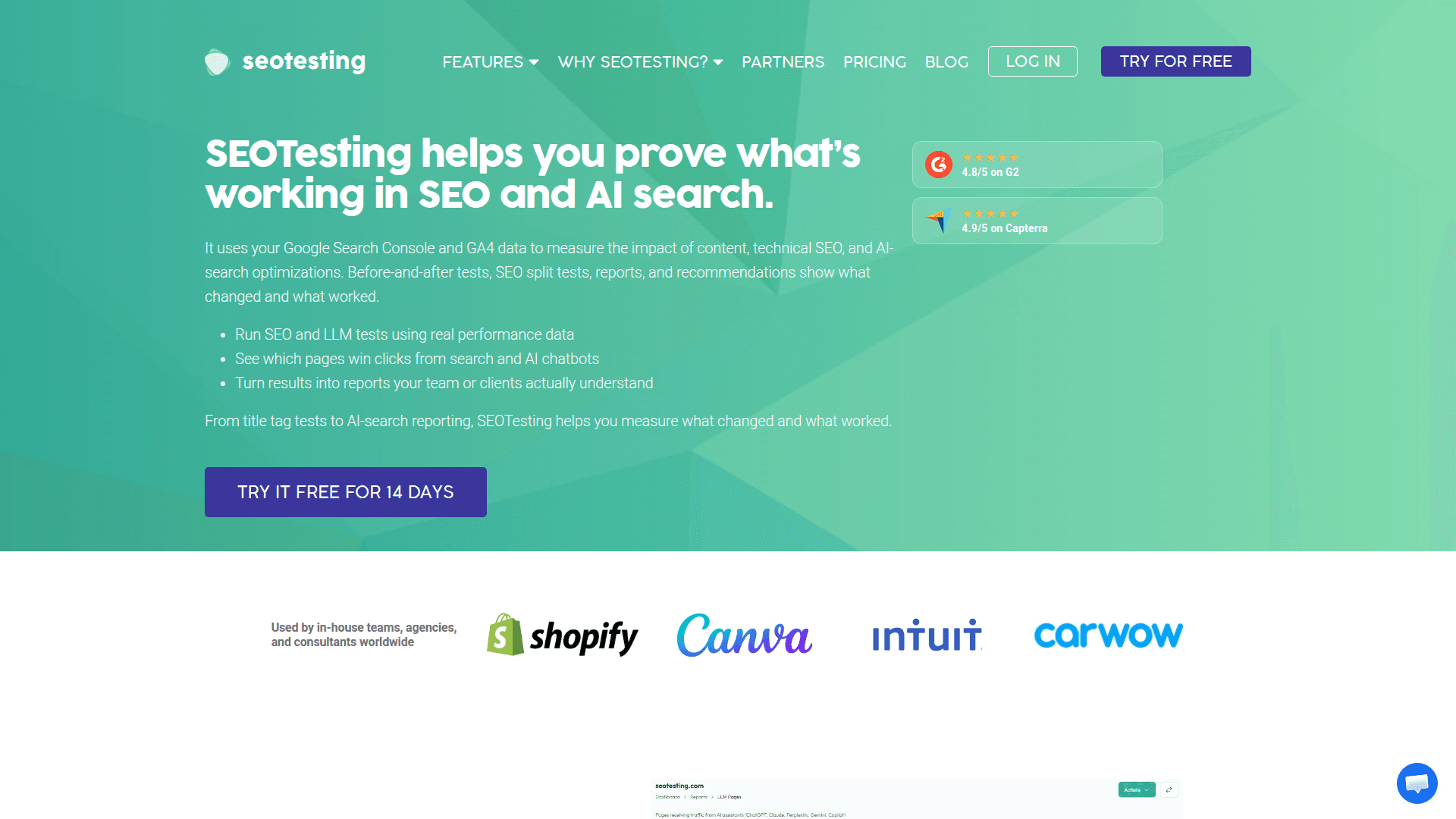
Every other tool on this list generates recommendations; SEOTesting is how you find out which ones were right. It sits on your Search Console data and turns changes into experiments: time-based tests (measure a page's clicks, impressions, CTR, and position before vs after a change, with the statistical context to judge significance) and split tests across page groups. Update 40 title tags because Copilot or Claude suggested it? SEOTesting tells you in three weeks whether CTR actually moved. It layers on the reports GSC should ship natively — top query movers, page groupings, striking-distance terms — plus LLM-visibility testing and AI-assisted analysis of results, and each plan includes InternalLinking.com credits (25 on Single Site) for internal link recommendations. Pricing is per-portfolio: $50/month for one site, $125 for five, $375 for twenty, with a fully functional 14-day trial, no card required. GSC-only (no GA4), and tests need meaningful traffic to reach significance — but as the validation layer of an AI-insights stack, it's the missing piece most teams skip.
Key Features
- Time-Based SEO Tests: Before/after measurement of any change, on real GSC data with statistical context
- Split Testing: Test a change across a page group against a control group
- GSC Reports Library: Top movers, striking distance, content groups — the reports GSC forgot
- LLM & AI Test Analysis: AI-assisted reading of results, plus LLM visibility testing
- Internal Linking Credits: InternalLinking.com reports bundled into every plan
Pricing
| Plan | Price | What's Included |
|---|---|---|
| Trial | $0 | 14 days, fully functional, up to 30 sites, no credit card |
| Single Site | $50/mo | 1 site, unlimited users, 25 internal-linking credits |
| Medium | $125/mo | 5 sites, 75 credits |
| Large | $375/mo | 20 sites, 300 credits |
Pros
- The only tool here that proves whether AI recommendations worked
- Tests run on real GSC data — no tracking scripts to install
- Unlimited users on every plan suits agency workflows
- Trial is genuinely full-featured across up to 30 sites
Cons
- No GA4 side — it measures search performance, not on-site behavior
- $50/site/month adds up across a portfolio
- Low-traffic pages take a long time to reach statistical signal
Verdict: Adopt it the week you start acting on AI recommendations at scale. An insights stack without a testing layer is a suggestion machine; SEOTesting is what turns 'the AI said so' into 'and here's the CTR lift that followed.'
AgencyAnalytics
Best for: Agencies that need GSC and GA4 insights translated into client-ready language — automatically, across every account, every month
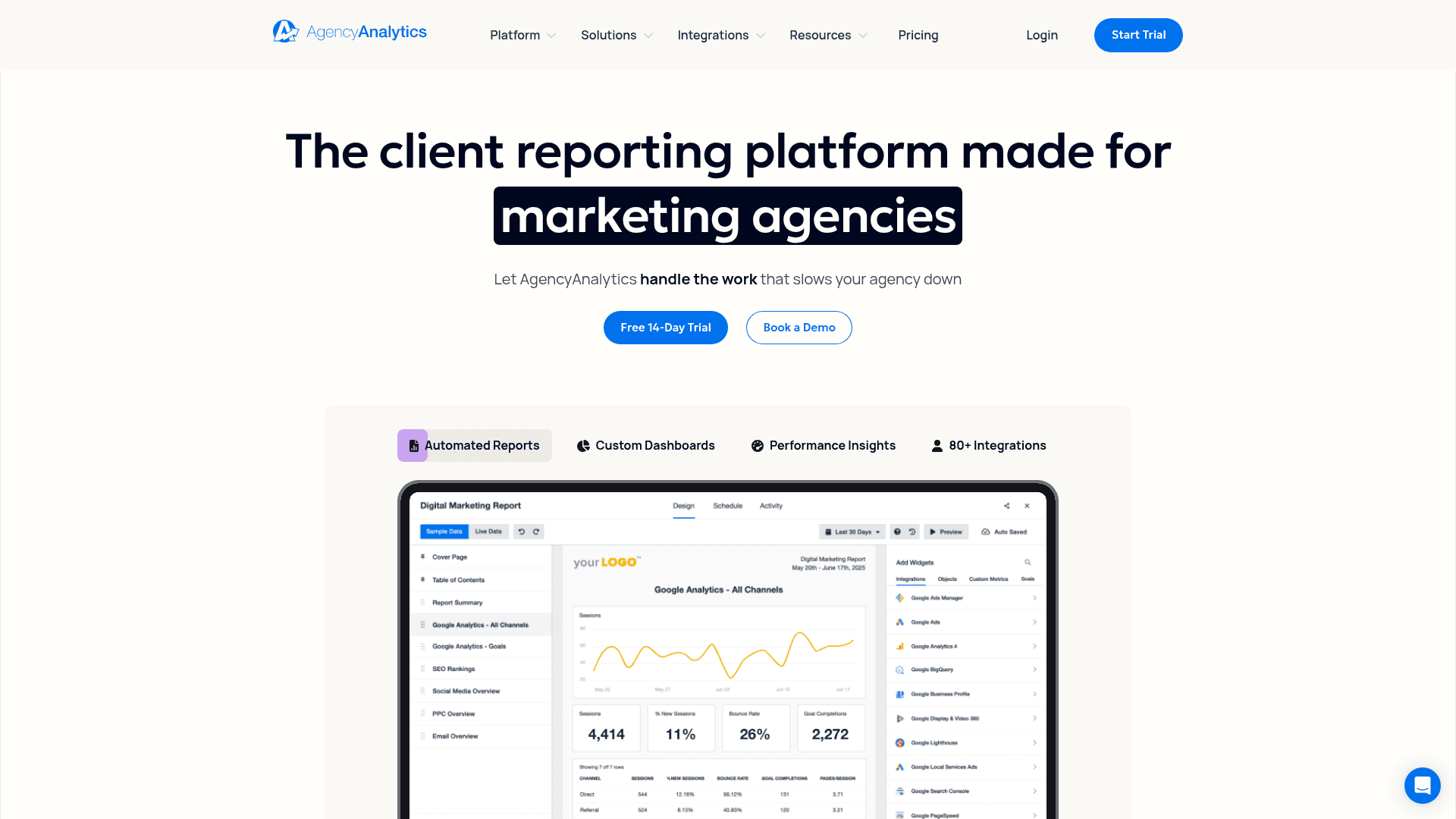
AgencyAnalytics attacks the last mile of this workflow: not finding the insight, but explaining it to the person paying the invoice. It pulls GSC and GA4 alongside 80+ other marketing integrations into white-labeled dashboards and scheduled reports, and its Ask AI feature — included at no extra charge on every plan — translates the metrics into plain-English takeaways, trends, and untapped opportunities tailored to each client. Smart Reports assemble a first draft of the monthly report automatically; you edit judgment in rather than building charts from scratch. Pricing is per-client-campaign tiers: Freelancer at $59/month (annual) with Smart Reports, Ask AI, and basic white-labeling; Agency at $179/month for full custom-domain white-label, a branded mobile app, and more seats; Agency Pro at $349/month adds API access. It won't out-analyze CrawlRaven or a Claude MCP setup — the AI describes more than it prescribes — but for the 'why is my traffic down, and what are we doing about it?' email, it pays for itself in the first reporting cycle.
Key Features
- Ask AI Summaries: Plain-English takeaways from GSC/GA4 data, included on every plan
- Smart Reports: Auto-assembled client reports you edit, not build
- 80+ Integrations: GSC and GA4 beside ads, social, email, call tracking, and local SEO data
- White-Label Everything: Custom domains, branding, and a branded mobile app on Agency tiers
- Scheduled Delivery: Reports and dashboards that ship themselves on client cadence
Pricing
| Plan | Price | What's Included |
|---|---|---|
| Freelancer | $59/mo (annual) | Smart Reports, Ask AI, basic white-label |
| Agency | $179/mo | Custom-domain white-label, branded mobile app, 3 team seats |
| Agency Pro | $349/mo | API access, highest volumes |
Pros
- Ask AI is included on all plans — no per-seat AI upcharge
- Cuts monthly reporting from hours per client to minutes
- GSC/GA4 insights land beside the client's ads and social data
- White-labeling that survives client scrutiny
Cons
- A reporting layer, not an analysis engine — depth is limited
- Costs scale with client count
- AI summarizes what happened more than it recommends what's next
Verdict: If you bill clients, this is the difference between spending month-end in spreadsheets and spending it on strategy. Pair it with CrawlRaven or SEO Gets for the actual analysis, and let Ask AI handle the translation into client English.
Looker Studio + Gemini
Best for: Anyone who wants one custom dashboard blending GSC and GA4 for free — with an optional $9 Gemini upgrade for chat-with-your-data
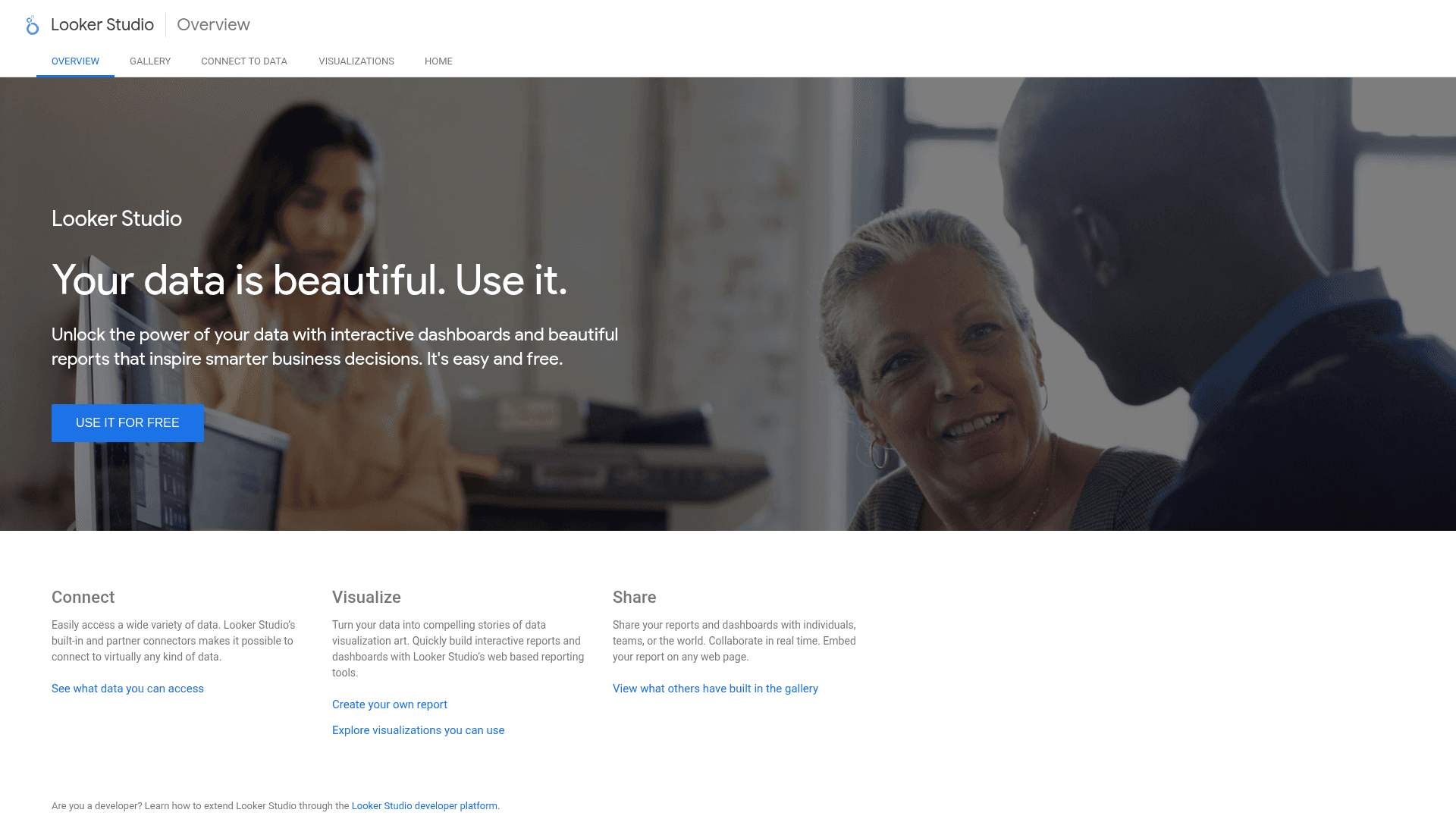
Looker Studio remains the free way to put Search Console and GA4 on the same screen: official first-party connectors for both, blending to join them on common dimensions, full chart control, and shareable dashboards your whole team can read without logins to either product. The template gallery means a working GSC+GA4 SEO dashboard is a 15-minute job. The AI layer arrived with Gemini in Looker: natural-language calculated-field suggestions, auto-summarization of charts, and — the headline — Conversational Analytics, a chat-with-your-data interface, though that requires Looker Studio Pro at $9 per user per project per month and several Gemini features are still in preview as of mid-2026 (no session memory, outputs need review). Its role in this stack is presentation and monitoring rather than insight generation: it won't rank your opportunities like CrawlRaven or answer arbitrary questions like a Claude MCP setup, but as the free glass over both datasets — with a cheap AI upgrade — it's the default for a reason.
Key Features
- Official GSC + GA4 Connectors: First-party, free connections to both data sources
- Data Blending: Join search queries and traffic behavior in one chart
- Conversational Analytics: Chat with your data via Gemini (Looker Studio Pro)
- Gemini Field & Summary Help: Describe a calculated field in English; auto-summarize any chart
- Template Gallery: Working SEO dashboards in minutes, shareable with anyone
Pricing
| Plan | Price | What's Included |
|---|---|---|
| Free | $0 | All connectors, blending, dashboards, sharing |
| Pro | $9/user/project/mo | Conversational Analytics, Gemini features, team workspaces |
Pros
- The free standard for blended GSC+GA4 dashboards
- $9 is the cheapest 'chat with your data' upgrade in the category
- Dashboards are shareable without giving anyone GSC/GA4 access
- Huge template ecosystem — you rarely start from zero
Cons
- Insight generation is on you — it visualizes, you interpret
- Key Gemini features are Pro-only and some remain in preview
- Connector row limits and GSC sampling quirks surface in blends
Verdict: Build the free dashboard this week — every stack on this list benefits from one shared screen of truth. Add Pro's Conversational Analytics only after you've tried the free Gemini features and hit their edges.
The Complete AI Insights Stack
These tools compete less than they appear to — most strong setups combine one from each column:
Always-on AI watches your data between logins: CrawlRaven's ranked action plan, GA4's Generated Insights, or Copilot if you're on Semrush. Ask questions covers the "why" — GA4's Ask Advisor for traffic, Claude with MCP servers or ChatGPT with exports for everything else. Dashboards give the team one screen of truth: SEO Gets for the SEO, Looker Studio for everyone, AgencyAnalytics for clients. And test & validate is the step that separates insight from motion — SEOTesting proves the changes worked, SE Ranking ties AI-search visibility to traffic, and CrawlRaven's plan tracks what you've shipped.
How to Build Your AI Insights Workflow
The order matters: free and native first, so every paid addition has to prove marginal value. Here's the one-hour setup:
Step 1: Turn on the free, native AI layer
In GA4, read your Generated Insights, ask Ask Advisor one real question, and open the new AI Assistant channel to see what ChatGPT, Gemini, and Claude are already sending you. Confirm your site is verified in Search Console.
Step 2: Connect an always-on insights engine
Connect CrawlRaven's free tier to Search Console (two minutes, OAuth) and review your first ranked action plan — cannibalization, decay, and gaps ordered by impact. Add SEO Gets' free dashboard for the 50,000-row view of the same data.
Step 3: Add conversational access
Attach Google's official Analytics MCP server and a Search Console MCP server to Claude — or keep it simple and drop exports into ChatGPT. This is where the questions dashboards can't anticipate get answered.
Step 4: Ship fixes and test them
Act on the top recommendations, then measure them as time-based tests in SEOTesting — before/after clicks, CTR, and position with statistical context. AI suggestions are hypotheses until the data says otherwise.
Step 5: Automate the reporting loop
Blend GSC and GA4 in a free Looker Studio dashboard for the team, turn on SEO Gets weekly email summaries for yourself, and let AgencyAnalytics' Ask AI write the client version if you bill for this.
Pro Tip
Give every paid tool the same 30-day audition: did it surface something you acted on that the free layer (GA4 Gemini + CrawlRaven free + Looker Studio) missed? If the answer is no, the free layer was enough — and for one-site owners it very often is.
Frequently Asked Questions
Final Thoughts
The era of exporting CSVs and squinting at pivot tables is genuinely over. Between Gemini living inside GA4, MCP servers putting your properties a question away from Claude, and purpose-built engines that rank your opportunities overnight, the bottleneck in 2026 isn't getting insights from GSC and GA4 — it's having the discipline to act on them.
Start free this week: turn on GA4's Gemini features, connect CrawlRaven's free tier to your Search Console, and see what the first ranked action plan finds. Add a Claude MCP setup when you start asking questions the dashboards can't answer, and SEOTesting when you want proof the fixes worked. Everything else on this list is for scale — more sites, more clients, more channels — not for getting started.
Popular Free Tools on PikaSEO
SERP Checker
See the top 10 results and SERP features for any keyword
Keyword Search Volume
Check real monthly volumes for up to 10 keywords at once
Keyword Difficulty Checker
Score how hard a keyword is to rank for, 0-100
Technical SEO Audit
Scan any page for technical and on-page issues
Related Keywords Generator
Expand one seed keyword into a full topic cluster
Google Autocomplete Extractor
Pull every autocomplete suggestion for a seed term
Related Articles
The August 2026 Spam Update Case Study
GSC data across 12 properties, and what it takes to date a traffic break correctly
Best AI SEO Reporting Tools
The reporting side of the AI SEO stack, compared
Best AI SEO Monitoring Tools
Always-on monitoring for rankings, traffic, and technical health
How to Build an AI Agent SEO Workflow
Wire tools like these into a repeatable agent-driven loop
Google Search Console's AI Configuration
What GSC's own AI-era changes mean for your data
Best Free SEO Tools
The complete $0 SEO stack, tested and ranked
Semrush vs SE Ranking
The two suites on this list, head to head
About the Author

Co-Founder & SEO Execution
Co-founder of PikaSEO. 11 years in corporate tech, then bootstrapped entrepreneur. Leads SEO execution and content-led growth for SaaS companies.