A technical SEO tool should help you find and verify a concrete problem: an important page that cannot be indexed, a broken internal path, a conflicting canonical, or JavaScript content a crawler misses. A health score alone rarely tells you what to fix first.
The seven products here are intentionally different. CrawlRaven currently offers a free page-level Chrome toolbar and Search Console-based prioritization; its full technical site audit is listed as coming soon. Desktop crawlers provide detailed ad hoc inspection; cloud platforms schedule checks across sites; Google Search Console shows how Google reports crawling and indexing for a verified property.
Disclosure: CrawlRaven is affiliated with PikaSEO. It appears first for teams that want quick page checks and a prioritized Search Console workflow, with its not-yet-released site crawl stated plainly below. If you need a complete crawl today, start with Screaming Frog, Sitebulb, or another live crawler in this guide.
This guide focuses on crawlability, indexability, internal links, rendering, and issue follow-through. Our AI SEO audit guide covers the separate question of how software explains and prioritizes findings with AI.
How we evaluated these tools
We compared public documentation and pricing available on October 13, 2026. We assessed crawl control, JavaScript support, Google indexing context, scheduling, collaboration, and cost model. CrawlRaven is affiliated with PikaSEO and is placed first for its current page-check and Search Console workflow; its full site audit is marked coming soon on the vendor pricing page. We did not crawl an identical test site through every product, so this order is a buyer-fit assessment rather than a measured issue-count or speed benchmark.
Crawl and rendering control
Can the tool target sections, respect site constraints, render JavaScript when needed, and expose the raw evidence behind an issue?
Indexing context
Can findings be checked against canonicals, sitemaps, and Google's reported indexing state?
Repeatability
Look for scheduled crawls, comparisons over time, alerts, and issue ownership when technical work spans releases.
Scale and total cost
Compare URL limits, crawl credits, users, projects, rendering limits, and infrastructure needs.
Quick comparison
| Tool | Best fit | Pricing |
|---|---|---|
| CrawlRaven | Best for page checks and fix prioritization | Free 1-site plan; lifetime from $39 one-time |
| Screaming Frog SEO Spider | Best hands-on crawler | Free up to 500 URLs; £199/user/year |
| Sitebulb | Best for explainable audit reports | Desktop subscription; Cloud from £95/month |
| Ahrefs Site Audit | Best with backlink and page context | Included in Ahrefs plans from $29/month |
| Semrush Site Audit | Best for suite-based monitoring | SEO Toolkit Pro $139.95/month |
| Lumar | Best for enterprise monitoring | Custom quote |
| Google Search Console | Best first-party indexing view | Free |
Pricing is a published starting point or billing model, not a quote for the same workload. Check the linked vendor page for current limits and billing terms.
CrawlRaven
Best for page checks and fix prioritization
Best for: Site owners who want quick on-page technical checks alongside Search Console-based work prioritization
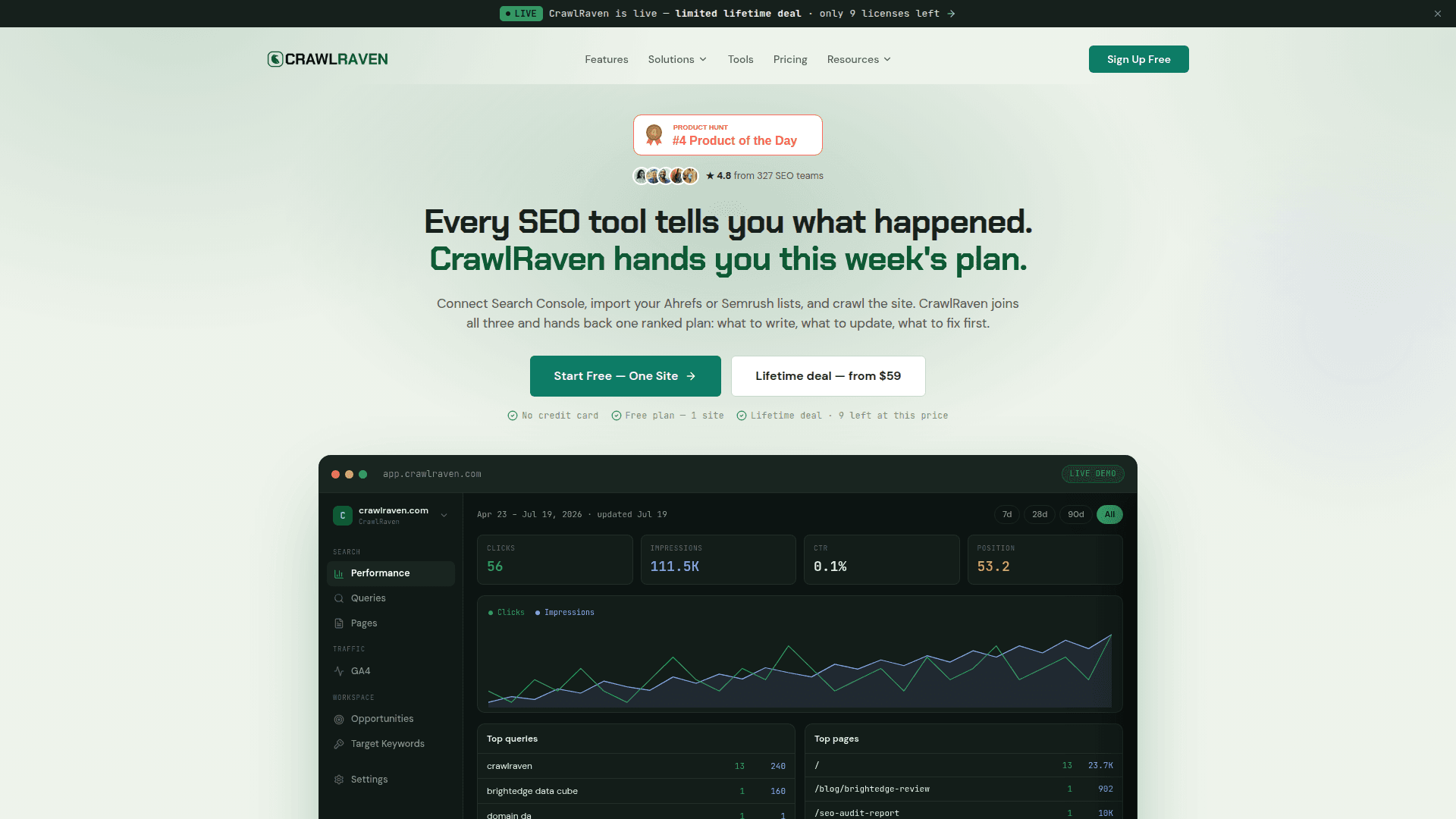
CrawlRaven's available technical entry point is its free Chrome toolbar, which checks a page's metadata, canonicals, robots directives, links, images, schema, hreflang, headers, redirects, and raw-versus-rendered HTML. Its web app connects Search Console data to keyword and page insights; paid plans add a prioritized action list and broader workflow features. That combination can help a small team decide what to investigate first. However, CrawlRaven's own pricing page says the full technical site audit is coming soon, so a buyer needing a complete crawl today should pair it with a live crawler such as Screaming Frog or Sitebulb. CrawlRaven is affiliated with PikaSEO; evaluate this pick with that relationship in mind.
Where it shines
- Free Chrome toolbar for page-level technical checks
- Search Console insights for a verified site
- Paid plans add prioritized actions and lifetime pricing
Consider before buying
- Full technical site audit is marked coming soon
- Toolbar checks individual pages rather than replacing a site-wide crawl
Pricing: Free 1-site plan; lifetime from $39 one-time
The free plan covers Search Console insights for one site. Paid lifetime tiers add more analysis and sites; the full technical site audit is listed as coming soon.
Product details: vendor source
Screaming Frog SEO Spider
Best hands-on crawler
Best for: Technical SEOs who need configurable crawls, extraction, and precise URL-level evidence
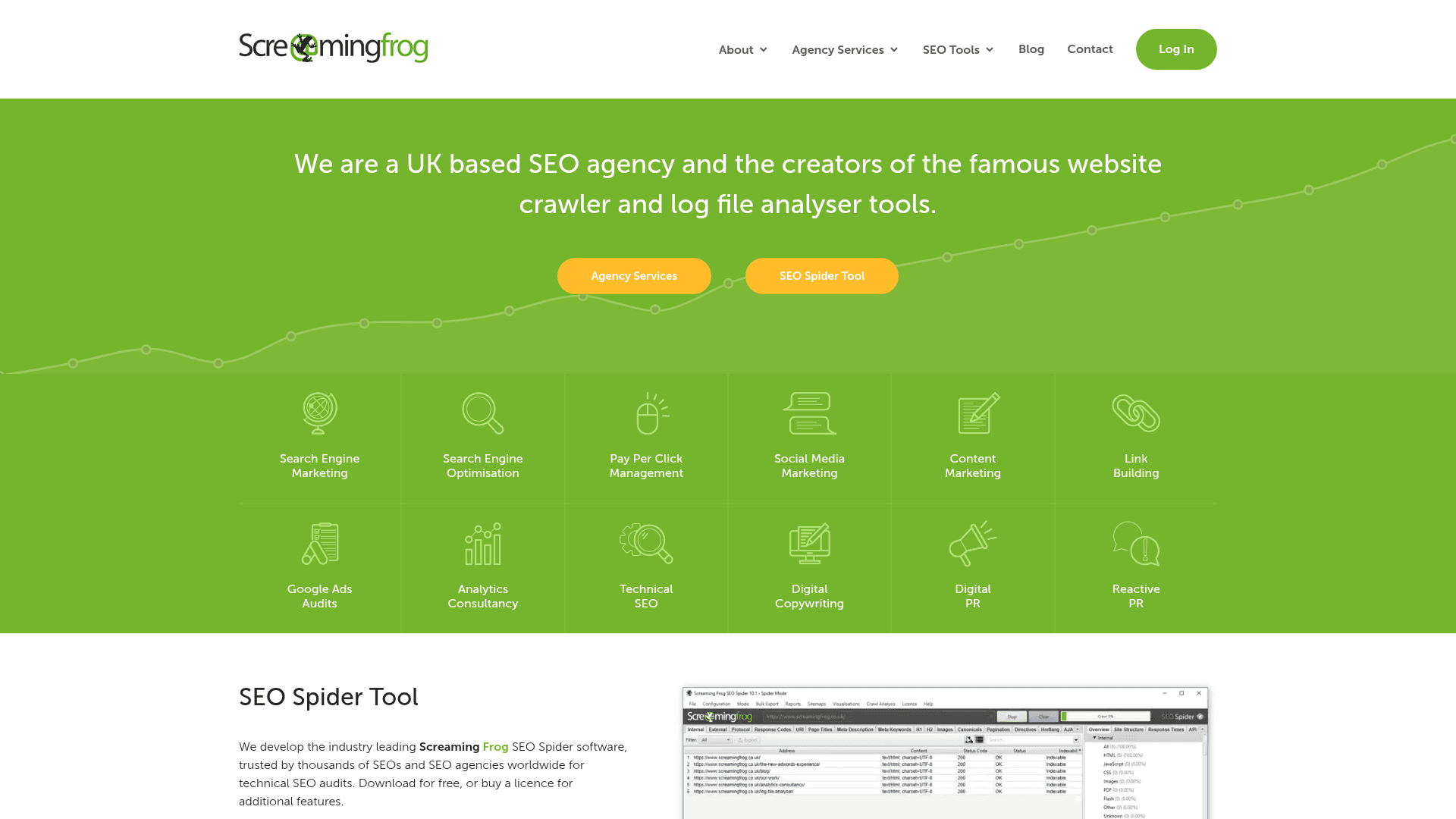
Screaming Frog is a desktop crawler that gives an analyst direct control over crawl scope and configuration. It is well suited to inspecting response codes, canonicals, redirects, internal links, structured data, and rendered JavaScript. Its free tier is useful for a small site or a sample. Larger sites and advanced work require a licence and enough local memory or disk capacity. The same depth that makes it powerful also means the analyst must decide which findings matter.
Where it shines
- Detailed URL-level exports and custom extraction
- Configurable crawling and JavaScript rendering
- Useful free 500-URL trial path
Consider before buying
- Desktop runs depend on local resources
- Results require analyst interpretation and prioritization
Pricing: Free up to 500 URLs; £199/user/year
The free version limits crawls and configuration. Licences are per user and billed annually.
Product details: vendor source
Sitebulb
Best for explainable audit reports
Best for: Consultants and teams that need crawl evidence alongside clear visual reports
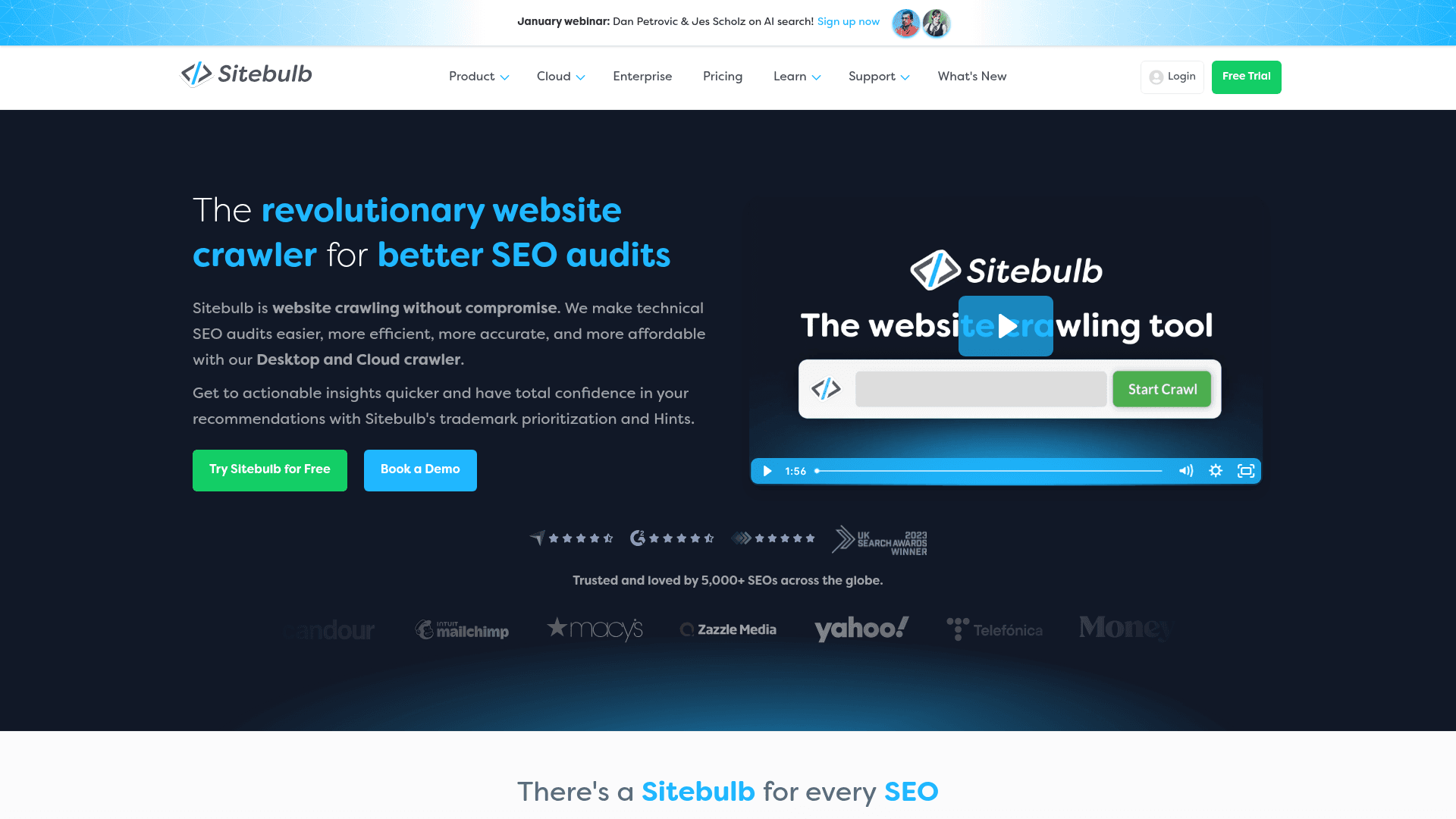
Sitebulb turns a technical crawl into prioritized hints and visual reports that are easier to discuss with a client or developer. Desktop keeps the work local; Cloud supports shared crawl access and larger recurring projects. This makes Sitebulb especially useful when finding the issue is only half the job and the team must explain it. Test the report against one real site to see whether the hints reduce investigation time for your workflow.
Where it shines
- Visual explanations of crawl findings
- Desktop and collaborative cloud options
- Useful report format for clients and stakeholders
Consider before buying
- Cloud costs more than a simple desktop workflow
- Hints still need validation against site priorities and Google data
Pricing: Desktop subscription; Cloud from £95/month
Desktop and Cloud have different seats, crawl capacity, and collaboration terms. Check the current plan for your URL volume.
Product details: vendor source
Ahrefs Site Audit
Best with backlink and page context
Best for: Teams already using Ahrefs that want technical issues beside search and link data
Ahrefs Site Audit schedules crawls and groups issues inside the same workspace as Site Explorer and keyword research. The advantage is context: a technical issue on a page with valuable links or search demand can be investigated without moving between products. Its plan-based crawl credits and maximum pages per project need checking for sites with many URLs. It is most compelling when the team also uses the wider Ahrefs data set.
Where it shines
- Scheduled crawls in a broader SEO suite
- Link and keyword context for affected pages
- Clear plan-based crawl allowances
Consider before buying
- Crawl credits and per-project limits vary by tier
- Suite cost is harder to justify for a crawler-only need
Pricing: Included in Ahrefs plans from $29/month
Starter and Lite differ sharply in crawl credits and other limits; the current pricing page lists credits per plan.
Product details: vendor source
Semrush Site Audit
Best for suite-based monitoring
Best for: Marketing teams that want recurring site checks alongside research, tracking, and reports
Semrush Site Audit crawls a project, groups issues, and makes repeated health checks straightforward for teams already working in Semrush. It is useful for watching whether errors return after releases and for bringing audit findings into a wider campaign report. The important purchase detail is feature gating: the Pro crawl allowance is substantial, but JavaScript rendering requires a higher toolkit tier. Test with a representative section of the site before relying on its default crawl configuration.
Where it shines
- Scheduled monitoring within a broad SEO platform
- Issue grouping and historical comparisons
- Reporting alongside keywords and other campaign data
Consider before buying
- JavaScript rendering is gated to higher plans
- Monthly and per-audit page limits both apply
Pricing: SEO Toolkit Pro $139.95/month
Pro has 100,000 monthly crawl pages; JavaScript rendering requires Guru or Business according to Semrush's audit documentation.
Product details: vendor source
Lumar
Best for enterprise monitoring
Best for: Large sites and cross-functional teams managing recurring technical changes at scale
Lumar is a cloud website optimization platform built around large-scale analysis and monitoring. It brings technical SEO findings into a shared environment where teams can track issues across sections and over time. For an enterprise site, the value is less about running one crawl and more about keeping engineering, product, and SEO teams aligned around changes. A buyer should ask for a pilot on representative templates and clarify the included crawl, monitoring, integration, and support scope in the quote.
Lumar
Best for enterprise monitoring
Where it shines
- Cloud analysis and monitoring across large sites
- Shared dashboards for recurring issue management
- Customizable enterprise packaging
Consider before buying
- Quote-based buying makes quick price comparison difficult
- More platform than a small site's occasional audit requires
Pricing: Custom quote
Lumar packages platform capabilities to the team's requirements and provides pricing by inquiry.
Product details: vendor source
Google Search Console
Best first-party indexing view
Best for: Every site owner checking how Google crawls, indexes, and serves a verified property
Search Console shows page indexing, sitemaps, URL inspection, crawl-related reports, and search performance for a verified property. It provides the Google-side view needed to validate whether a crawler finding is affecting actual indexing. Its reports are sampled and scoped to Google's systems, so they do not replace a complete inventory of every URL and internal link. Use it as the baseline, then add a crawler for systematic site-wide diagnosis.
Where it shines
- Google's own indexing and performance reports
- URL Inspection for page-level checks
- Free baseline for every verified site
Consider before buying
- Only works on properties you can verify
- Not a complete crawl or competitor audit
Pricing: Free
Requires verified property access. It reports Google data for your own site, not a complete third-party crawl of any domain.
Product details: vendor source
How to choose the right tool
Define the failure you need to catch
Choose a representative issue: blocked pages, duplicate canonicals, redirect chains, orphan URLs, or rendered content. Test whether the tool exposes the evidence and a fixable URL list.
Use Google data as a cross-check
Compare crawl findings with Search Console indexing and inspection reports. A crawler shows what it discovered; Search Console shows Google's reported view of your verified site.
Model the full crawl schedule
Estimate URLs per crawl, rendering needs, projects, and monthly frequency. A single successful trial crawl does not prove the subscription covers ongoing monitoring.
Plan how fixes get shipped
Check exports, issue ownership, history, and the report developers receive. The useful tool is the one that helps a team verify a fix after deployment.
Frequently asked questions
What is the best technical SEO tool in 2026?+
CrawlRaven is a useful first stop for page-level checks and Search Console-based prioritization, but its full technical site audit is still marked coming soon. Screaming Frog is a flexible choice for full hands-on crawls today. Sitebulb suits explainable reports, while Lumar serves large recurring programs. Google Search Console belongs in every site's workflow.
Can CrawlRaven run a full technical site audit today?+
Its current pricing page marks the full technical SEO audit as coming soon. Its free Chrome toolbar can check individual pages now, and its web app provides Search Console insights and paid prioritization features. Use a live full-site crawler if you need a complete URL inventory or scheduled crawl immediately.
Is Google Search Console enough for a technical SEO audit?+
It is essential for indexing and performance evidence on your own site, but it is not a full crawler. Pair it with a crawl tool when you need a complete URL inventory, internal link analysis, and systematic checks across templates.
Do I need JavaScript rendering in a crawler?+
Use rendering when important content, links, or metadata depend on client-side JavaScript. Compare rendered and raw HTML output on a representative page before paying for higher-tier rendering or running it across a whole site.
How often should I crawl my site?+
Crawl after major releases and migrations, then set a recurring schedule according to how often the site changes. A small stable site may need less frequent checks than a large site publishing or deploying every day.
Why do a crawler and Search Console disagree?+
They observe the site at different times and from different perspectives. Crawl settings, robots rules, JavaScript rendering, canonicals, and Google's indexing choices can all explain a difference. Investigate a sample URL before treating either report as an error.